
Utilities
Screen Mirroring App: Smart TV
Screen Mirroring App: Smart TV mirrors an iPhone screen and casts supported web videos, photos and local clips to compatible TVs.
Consider after testing your exact TV and network
Several casting modes can share a single connection workflow.
Keep in mind: Devices need the same reachable Wi-Fi network; guest isolation, DRM and TV-model differences can block playback. Low latency and universal compatibility are not guaranteed.
Inside the app
Official product images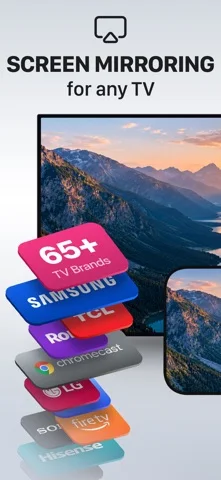
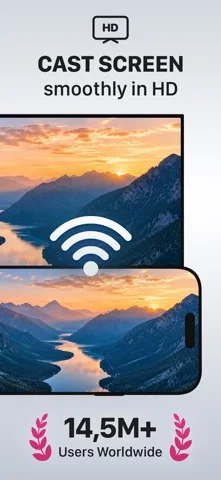
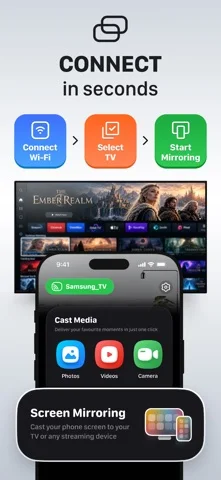
What you can do
- Mirror an iPhone screen
- Cast supported browser videos
- Share local photos or videos
Good for
- Users presenting to a compatible smart TV
Consider alternatives for
- Users expecting every protected streaming service to cast
Limitations & considerations
- Captured minimum: iOS 16.0.
- Devices need the same reachable Wi-Fi network; guest isolation, DRM and TV-model differences can block playback. Low latency and universal compatibility are not guaranteed.
Privacy & permissions
Screen mirroring can expose notifications and private apps; stop sharing when finished, especially on hotel TVs.
Sources & review notes Updated Nov 10, 2026
Reviewed by iApp4Me Editorial Team. Recommendations use the linked documentation and attributed accounts; device observations are identified separately.
- US App Store developer description
Complete description, download price and compatibility metadata captured 2026-11-02.
No comments yet. Be the first to share your experience.