Utilities
Screen Mirroring + Cast To TV
Screen Mirroring Cast to TV shares supported phone media or screen content with compatible displays.
Consider only after testing the actual TV and intended media
Gallery casting can show family photos on a larger screen.
Keep in mind: Any-app, zero-lag and no-extra-hardware claims are unverified; network, DRM and device support can block mirroring. Third-party, not an official TV-brand app.
Inside the app
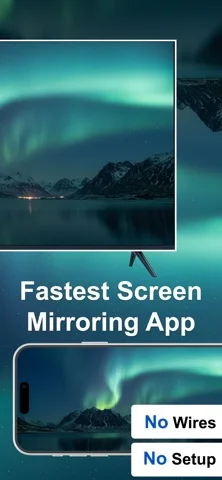
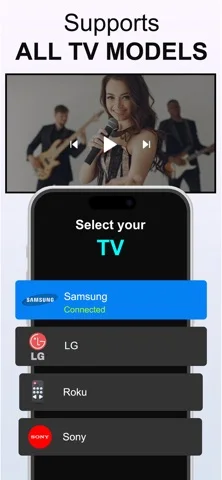
Official product images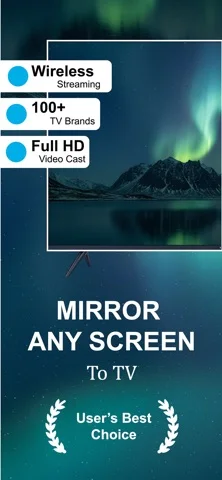
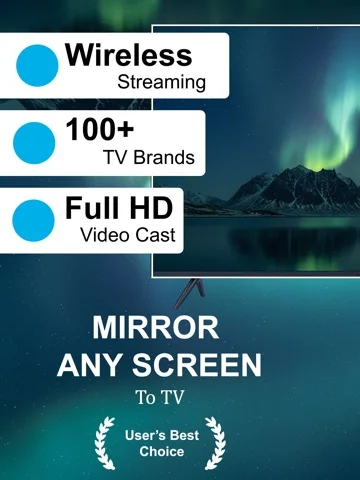
What you can do
- Cast eligible gallery media
- Try supported local-network mirroring
- Play authorized web/IPTV sources
Good for
- Users with compatible displays and nonprotected media
Consider alternatives for
- Users expecting guaranteed gaming latency or DRM bypass
Limitations & considerations
- Captured minimum: iOS 16.6.
- Any-app, zero-lag and no-extra-hardware claims are unverified; network, DRM and device support can block mirroring. Third-party, not an official TV-brand app.
Privacy & permissions
Screen capture may expose messages and passwords to viewers; close private content before sharing.
Sources & review notes Updated Nov 11, 2026
Reviewed by iApp4Me Editorial Team. Recommendations use the linked documentation and attributed accounts; device observations are identified separately.
- US App Store developer description
Complete description, download price and compatibility metadata captured 2026-11-02.
No comments yet. Be the first to share your experience.