Photo & Video
Screen Mirroring for Fire TV
Screen Mirroring for Fire TV sends supported iPhone or iPad screen content to compatible Fire TV devices.
Consider for presentations or unprotected media on a shared Wi-Fi network
A mirrored screen can show documents without moving each file.
Keep in mind: Latency depends on Wi-Fi and is not zero; DRM apps can show a black screen, and network isolation can prevent discovery.
Inside the app
Official product images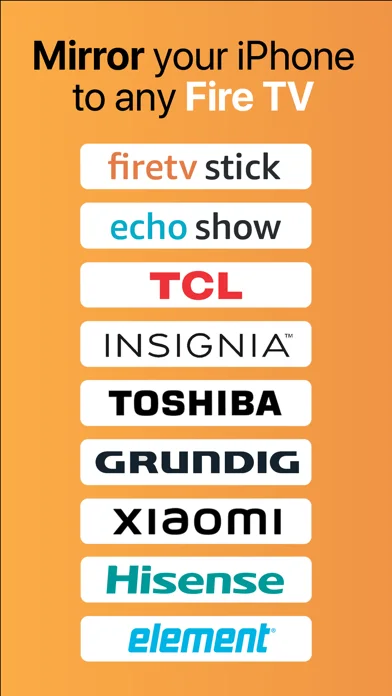
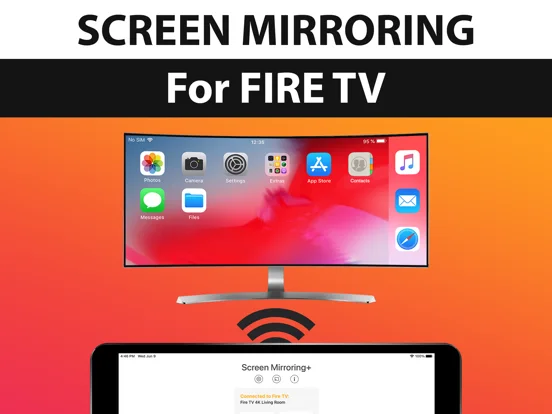
What you can do
- Mirror supported screen content
- Show local photos or presentations
- Connect to an eligible Fire TV on the same network
Good for
- Users sharing non-protected content to a compatible display
Consider alternatives for
- Users expecting protected streaming services or lag-free gaming
Limitations & considerations
- Captured minimum: iOS 12.0.
- Latency depends on Wi-Fi and is not zero; DRM apps can show a black screen, and network isolation can prevent discovery.
Privacy & permissions
Mirroring exposes everything visible on screen; hide private notifications and select trusted displays.
Sources & review notes Updated Nov 10, 2026
Reviewed by iApp4Me Editorial Team. Recommendations use the linked documentation and attributed accounts; device observations are identified separately.
- US App Store developer description
Complete description, download price and compatibility metadata captured 2026-11-02.
No comments yet. Be the first to share your experience.