
Photo & Video
Screen Recorder
Screen Recorder captures supported iOS screens, reactions and audio with editing and export tools.
Consider after checking capture permissions and the Premium scope
Face-camera overlays and trimming can prepare short tutorials.
Keep in mind: Protected apps may restrict capture; 4K and dual-camera capability depend on hardware, while unlimited recording and advanced tools are Premium.
Inside the app
Official product images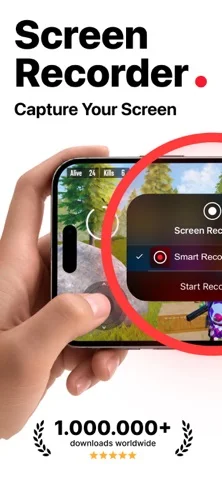
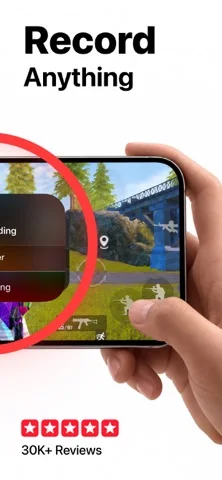
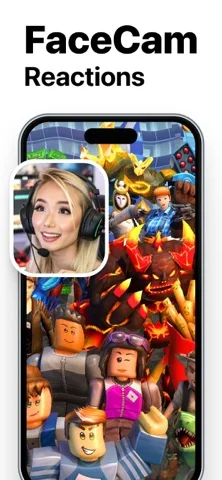
What you can do
- Record supported screen activity
- Add eligible face-camera reactions
- Trim clips and export video or GIF
Good for
- Creators recording authorized tutorials or gameplay
Consider alternatives for
- Users expecting unrestricted capture from every app
Limitations & considerations
- Captured minimum: iOS 17.6.
- Protected apps may restrict capture; 4K and dual-camera capability depend on hardware, while unlimited recording and advanced tools are Premium.
Privacy & permissions
Screens, cameras and microphones can expose private people or credentials; select only intended content.
Sources & review notes Updated Nov 10, 2026
Reviewed by iApp4Me Editorial Team. Recommendations use the linked documentation and attributed accounts; device observations are identified separately.
- US App Store developer description
Complete description, download price and compatibility metadata captured 2026-11-02.
No comments yet. Be the first to share your experience.