Screencast – Screen Recorder
A Mac screen recorder with webcam overlay, selected-area capture and configurable output quality.
Consider for narrated tutorials and demonstrations.
Hotkeys, pause and camera input cover a compact recording workflow without a full broadcasting setup.
Keep in mind: System audio capture needs macOS 13 or newer and permissions. DRM-protected content cannot be captured; editing and live broadcasting are not documented.
Inside the app
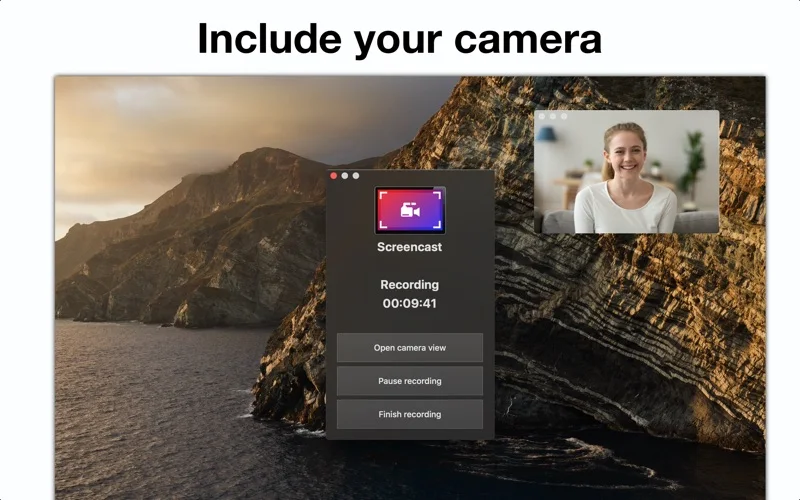
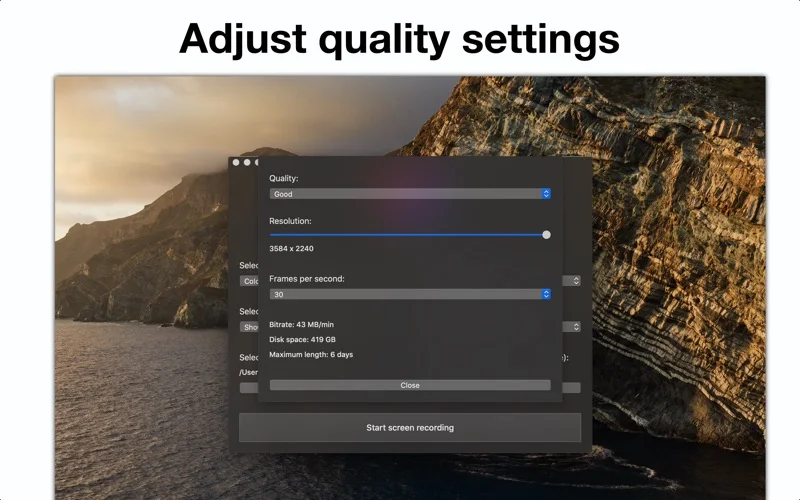
Official product images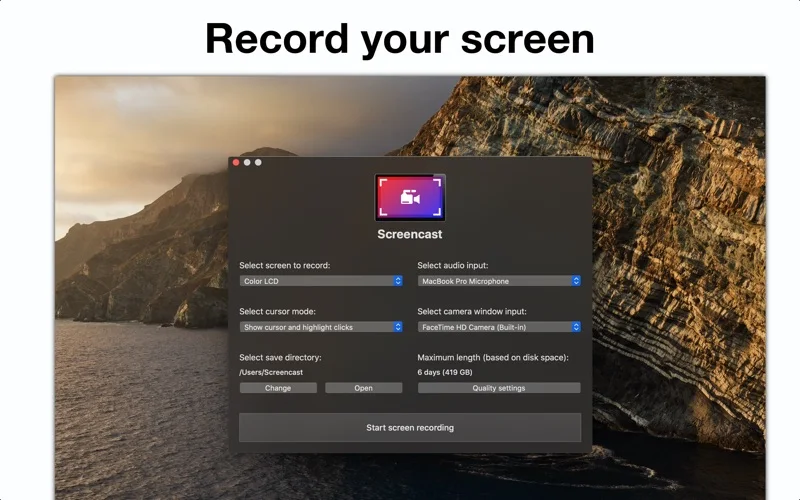
What you can do
- Screen or selected-region recording
- Webcam and external microphone input
- Resolution, frame-rate and compression settings
Good for
- Tutorial creators wanting a straightforward recorder.
Consider alternatives for
- People needing protected video capture or a documented live-production switcher.
Limitations & considerations
- Captured minimum: macOS 10.13.
- System audio capture needs macOS 13 or newer and permissions. DRM-protected content cannot be captured; editing and live broadcasting are not documented.
Privacy & permissions
Screen, system-audio, camera and microphone permissions can expose messages and conversations. Close private windows and check the selected inputs before recording.
Sources & review notes Updated Nov 15, 2026
Reviewed by iApp4Me Editorial Team. Recommendations use the linked documentation and attributed accounts; device observations are identified separately.
- US App Store developer description
Complete description, release notes, download price and compatibility metadata captured 2026-11-02.
- Official developer disclosure
Full official cached text read; captured 2026-11-12. App-specific claims distinguished from publisher-wide material.
No comments yet. Be the first to share your experience.