Developer Tools
Server for Home Assistant
Create and run a Home Assistant OS virtual machine on Mac with configurable resources.
A Mac owner testing a local smart-home hub with compatible devices.
Create and run a Home Assistant OS virtual machine on Mac with configurable resources.
Keep in mind: The publisher requires macOS 27+ for USB passthrough. Networking, Intel/Apple-silicon compatibility and home-device behavior were not tested; verify your exact setup.
Inside the app
Official product images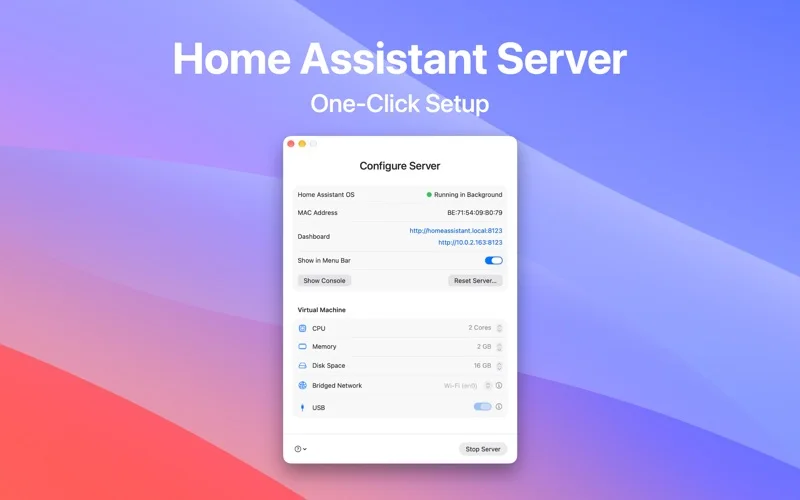
What you can do
- Set VM CPU, RAM and disk settings.
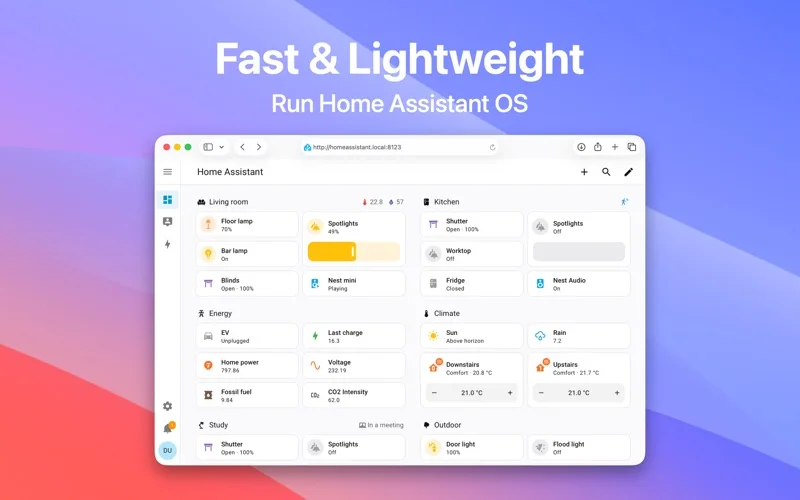
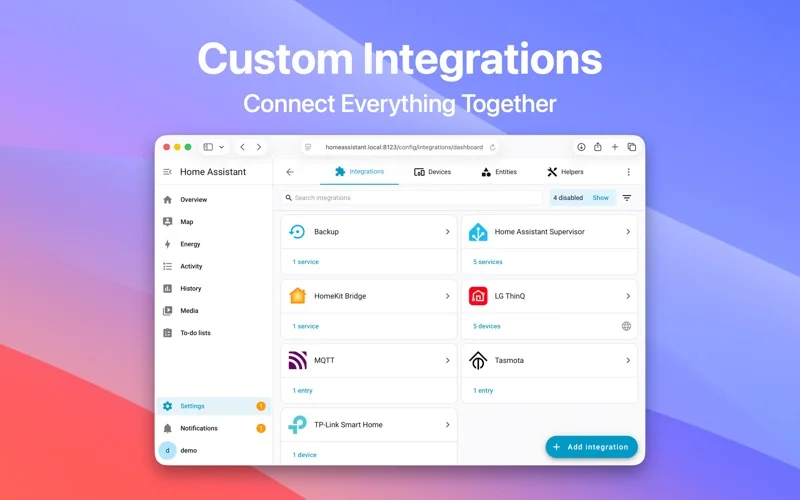
- Access the dashboard/menu bar and described networking/add-ons.
- Use login startup and supported hardware integration.
Good for
- A Mac owner testing a local smart-home hub with compatible devices.
Consider alternatives for
- All smart-home hardware included or universal USB support.
Limitations & considerations
- The publisher requires macOS 27+ for USB passthrough. Networking, Intel/Apple-silicon compatibility and home-device behavior were not tested; verify your exact setup.
Privacy & permissions
Home automation exposes device/routine information. Restrict dashboard/SMB access and review third-party integrations.
Sources & review notes Updated Nov 19, 2026
Reviewed by iApp4Me Editorial Team. Recommendations use the linked documentation and attributed accounts; device observations are identified separately.
- US App Store listing
Full publisher description, version and US download price captured 2026-11-02; source-based coverage, not a device test.
No comments yet. Be the first to share your experience.