
Shadow PC
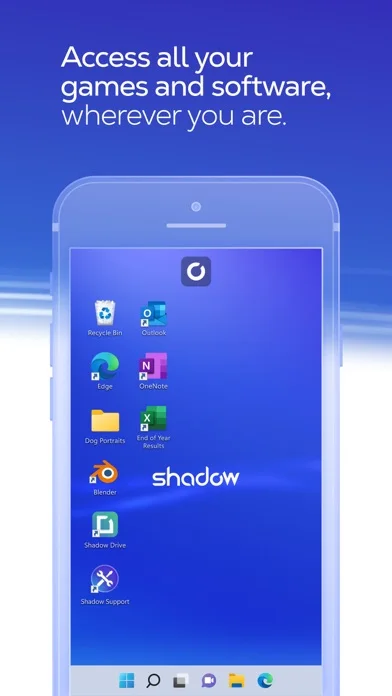
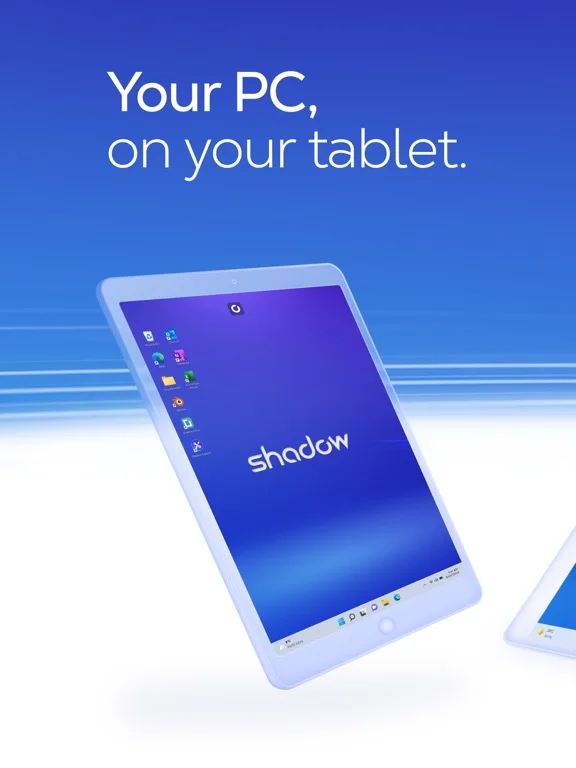
Shadow PC streams access to an existing hosted Windows PC from supported Apple-device clients.
Consider only after testing the actual network and service plan
Remote peripherals and resolution scaling support cloud-desktop workflows.
Keep in mind: The captured Windows10/high-end/anywhere wording is dated marketing, not a verified current OS or latency guarantee; streaming does not turn the iPad into a local Windows installation.
Inside the app
Official product images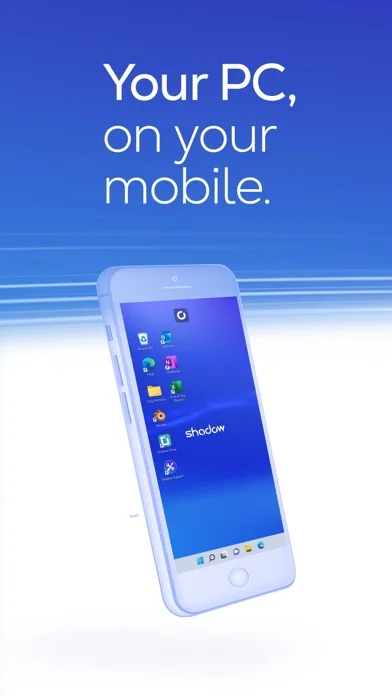
What you can do
- Sign into an eligible Shadow PC service
- Stream the remote desktop
- Use compatible mouse, keyboard or controller peripherals
Good for
- Existing service users with tested connectivity
Consider alternatives for
- Users expecting a free local PC or reliable offline access
Limitations & considerations
- Captured minimum: iOS 15.0.
- The captured Windows10/high-end/anywhere wording is dated marketing, not a verified current OS or latency guarantee; streaming does not turn the iPad into a local Windows installation.
Privacy & permissions
Remote screens, files and credentials enter a hosted-computer environment; verify service-account controls and avoid exposing secrets on shared clients.
Sources & review notes Updated Nov 11, 2026
Reviewed by iApp4Me Editorial Team. Recommendations use the linked documentation and attributed accounts; device observations are identified separately.
- US App Store developer description
Complete description, download price and compatibility metadata captured 2026-11-02.
No comments yet. Be the first to share your experience.