
Shazam: Find Music & Concerts
Identify recorded music, keep a discovery history and follow results into supported music services, lyrics and concert information.
Save the song you hear before you forget it
Shazam suits listeners who hear unfamiliar music around them or in another app and want a saved result they can revisit or open in a music service.
Keep in mind: Recognition depends on the available catalogue. An offline request is matched after connectivity returns, and listening services have separate access rules.
Inside the app
Official product images
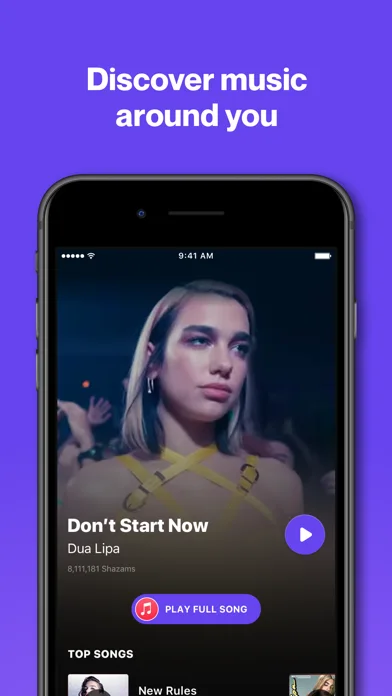
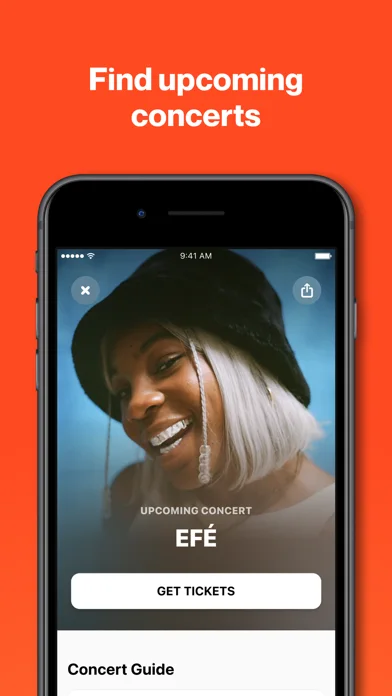
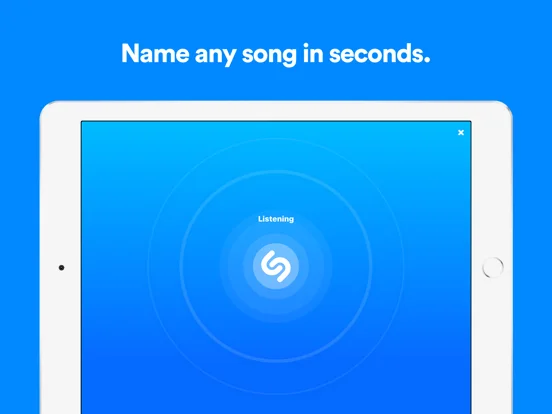
What you can do
- Identify music playing nearby or in supported app audio workflows.
- Revisit identified songs in the library and discover related music.
- Open results in supported music services and view available lyrics or videos.
- Explore artist and nearby concert information.
- Start recognition through supported widgets, Siri or Shortcuts.
Good for
- Finding a recorded track heard in a cafe, video or another app.
- Keeping a discovery list linked to supported music apps.
Consider alternatives for
- Expecting every recording to have a catalogue match.
- Assuming an offline request immediately returns a song identity.
Limitations & considerations
- Apple’s guide says offline requests are remembered and matched when the app is online again, if the song is in the catalogue.
- Features and concert availability vary by country; full playback depends on the chosen service.
Privacy & permissions
Shazam records identified tracks and app activity. Its privacy summary distinguishes an installation ID without an account from history associated with an account or iCloud. Location access is optional and can support nearby events; check sync and permission settings.
Privacy policySources & review notes Updated Nov 5, 2026
Reviewed by iApp4Me Editorial Team. Recommendations use the linked documentation and attributed accounts; device observations are identified separately.
- US App Store listing
Full developer description and version metadata captured 2026-11-02; official images cached locally.
- Shazam user guide
Official source consulted 2026-11-05.
- Offline identification
Official source consulted 2026-11-05.
- Shazam privacy summary
Official source consulted 2026-11-05.
No comments yet. Be the first to share your experience.