Shutter Counter
Shutter Counter reads supported Canon EOS DSLR shutter counts over USB, with repeated checks for multiple cameras.
Pick only after matching your exact camera to the support list.
A direct reading can supplement the information collected when inspecting a used camera.
Keep in mind: A shutter count alone does not certify condition or value. EOS M, DIGIC II and dual-DIGIC III models are excluded, and broad processor claims do not prove support for every newer camera.
Inside the app
Official product images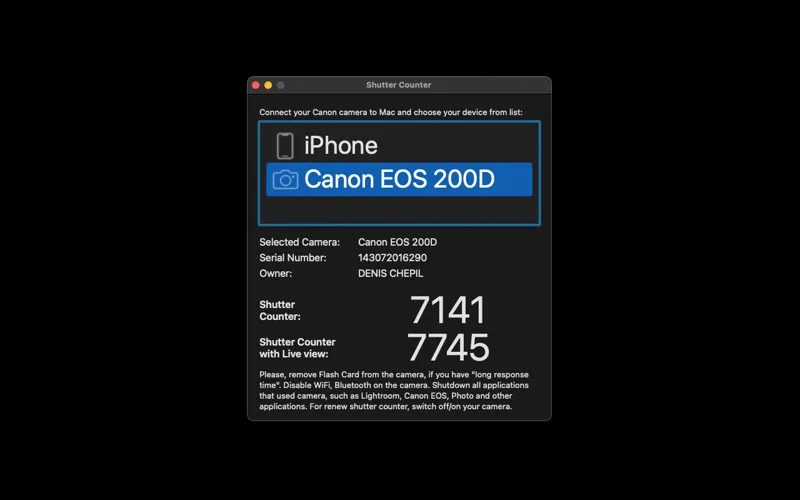
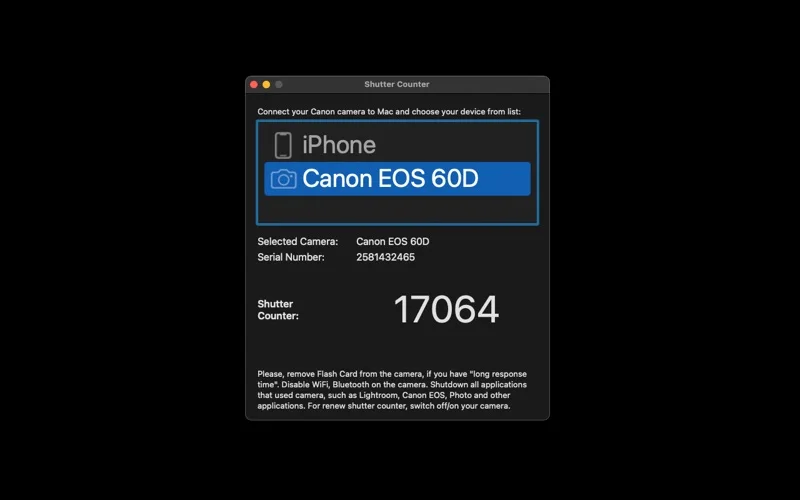
What you can do
- Connect a supported Canon DSLR by USB
- Read its available shutter counter
- Repeat checks for multiple supported cameras
Good for
- Owners of explicitly supported Canon EOS DSLR models.
Consider alternatives for
- People with unsupported mirrorless models or who need a complete camera-condition diagnosis.
Limitations & considerations
- Captured minimum: macOS 10.15.
- A shutter count alone does not certify condition or value. EOS M, DIGIC II and dual-DIGIC III models are excluded, and broad processor claims do not prove support for every newer camera.
Privacy & permissions
The utility accesses the connected camera. Close competing camera apps before connecting; optional website comments or support emails disclose the information submitted separately.
Sources & review notes Updated Nov 15, 2026
Reviewed by iApp4Me Editorial Team. Recommendations use the linked documentation and attributed accounts; device observations are identified separately.
- US App Store developer description
Complete description, release notes, download price and compatibility metadata captured 2026-11-02.
- Official developer disclosure
Full cached official text reviewed; captured 2026-11-12. Distinct editions, hardware and licence limits retained above.
No comments yet. Be the first to share your experience.