
Business
Sign by JotNot - fill and sign PDF form or sign PDF document
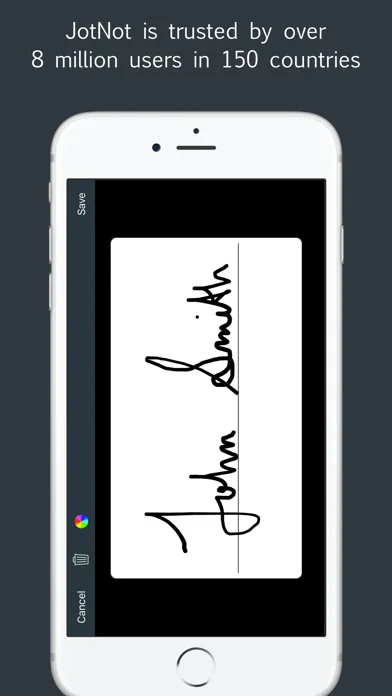
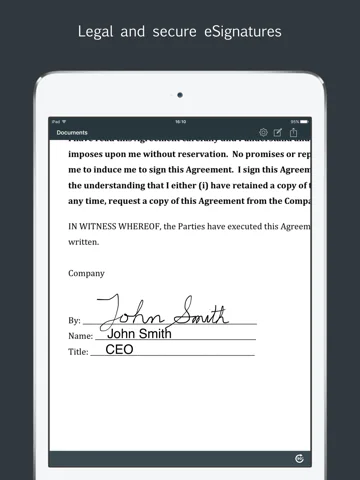
Sign by JotNot adds a saved signature and text-style annotations to PDF documents, then exports a signed copy.
Complete a straightforward PDF form locally before sharing
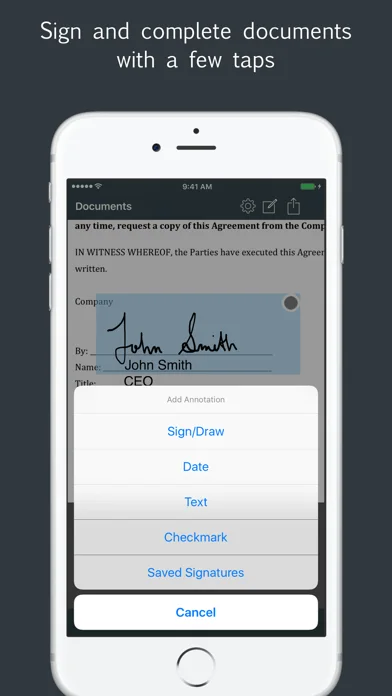
Text, dates and checkmarks cover common flat-form fields without printing.
Keep in mind: A drawn signature is not independently verified identity or a certificate-based signing workflow; review every exported page and destination.
Inside the app
Official product images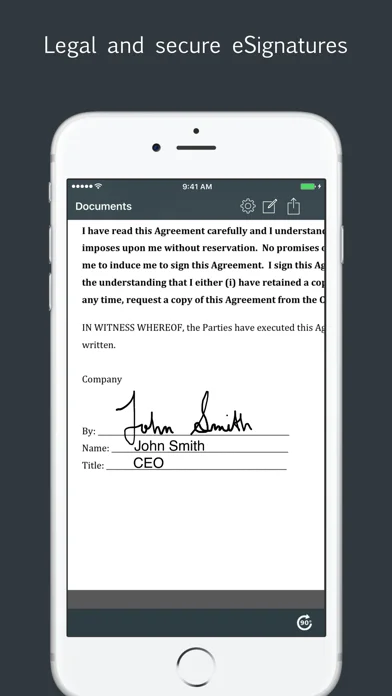
What you can do
- Place saved signatures on PDFs
- Add text dates and checkmarks
- Import export and password-protect supported PDF files
Good for
- Users filling simple forms and sending a reviewed document.
Consider alternatives for
- Teams needing audited multi-party certificate signing or guaranteed legal acceptance.
Limitations & considerations
- Captured minimum: iOS 8.0.
- A drawn signature is not independently verified identity or a certificate-based signing workflow; review every exported page and destination.
Privacy & permissions
Stored signatures and completed forms are sensitive; use app locking and consider cloud or email recipients carefully.
Sources & review notes Updated Nov 11, 2026
Reviewed by iApp4Me Editorial Team. Recommendations use the linked documentation and attributed accounts; device observations are identified separately.
- US App Store developer description
Complete description, download price and compatibility metadata captured 2026-11-02.
No comments yet. Be the first to share your experience.