Graphics & Design
Signature Maker
Draw a signature and export a transparent PNG for use in another document app.
Someone making a reusable visual signature image.
Draw a signature and export a transparent PNG for use in another document app.
Keep in mind: PDF insertion requires another editor, and an image alone does not verify identity or prevent copying. Output/input behavior was not tested.
Inside the app
Official product images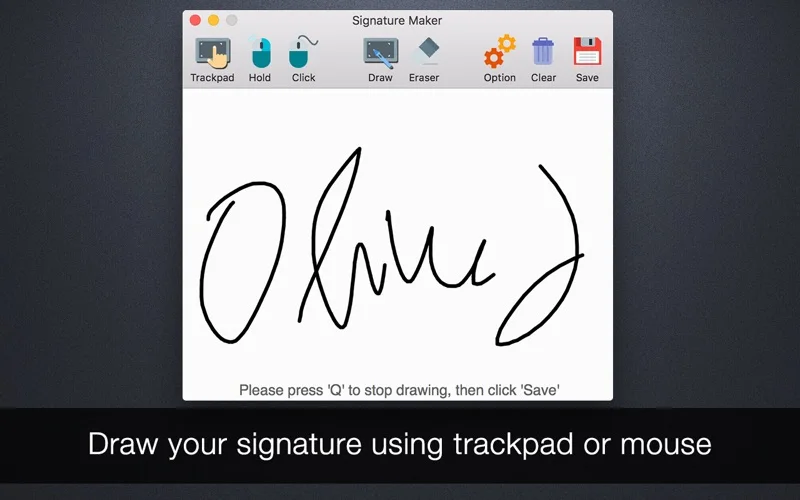
What you can do
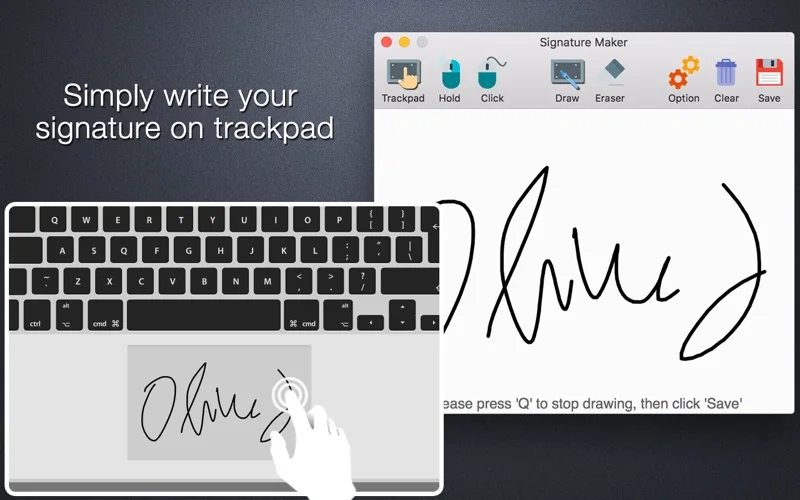
- Draw with the described trackpad/mouse inputs.
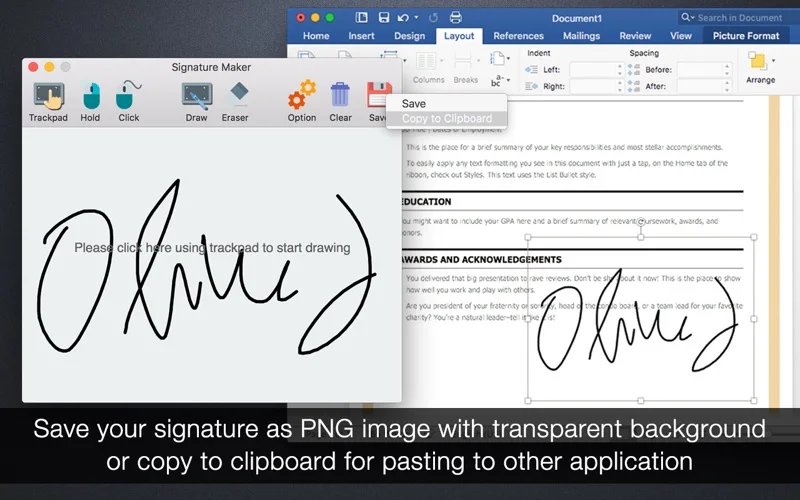
- Save a PNG with transparent background.
- Copy the image to the clipboard.
Good for
- Someone making a reusable visual signature image.
Consider alternatives for
- A PDF editor or verified certificate-backed electronic signature.
Limitations & considerations
- PDF insertion requires another editor, and an image alone does not verify identity or prevent copying. Output/input behavior was not tested.
Privacy & permissions
A reusable signature is sensitive. Protect PNGs/clipboard contents and only share with intended recipients.
Sources & review notes Updated Nov 19, 2026
Reviewed by iApp4Me Editorial Team. Recommendations use the linked documentation and attributed accounts; device observations are identified separately.
- US App Store listing
Full publisher description, version and US download price captured 2026-11-02; source-based coverage, not a device test.
No comments yet. Be the first to share your experience.