Business
Smart PDF Scanner
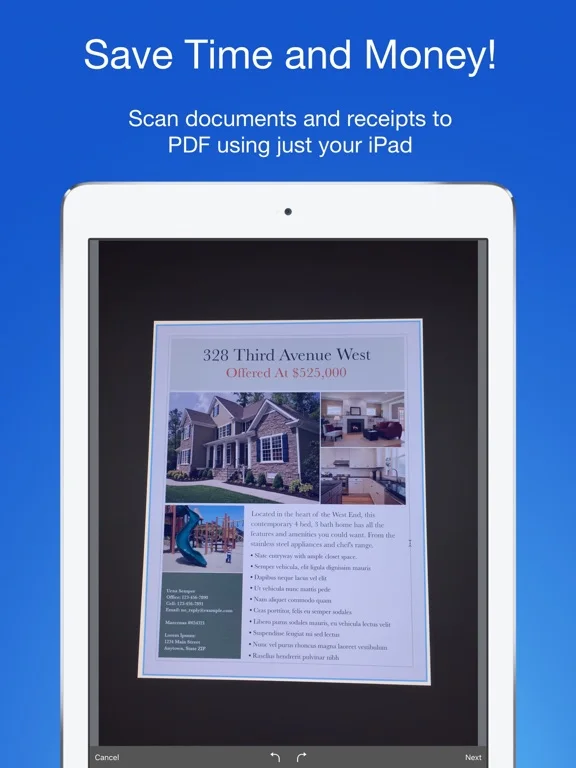
Smart PDF Scanner turns photos of paper into PDFs or images and organizes them with colored tags.
Consider it if you want to capture receipts, forms or contracts and group the scans before sharing.
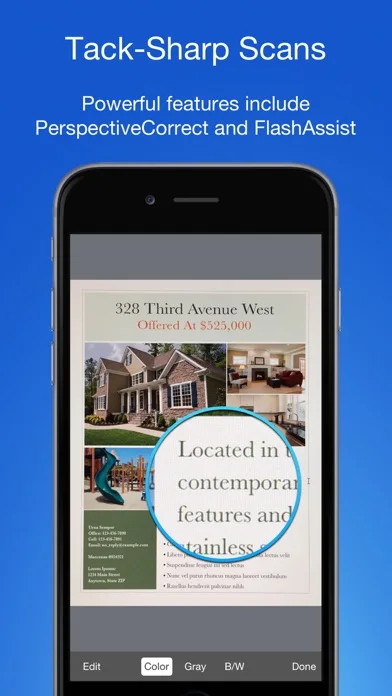
Automatic edges and perspective can be adjusted after capture, alongside color and contrast settings.
Keep in mind: The listing describes OCR through other apps. It does not establish native text recognition, fillable fields or signing.
Inside the app
Official product images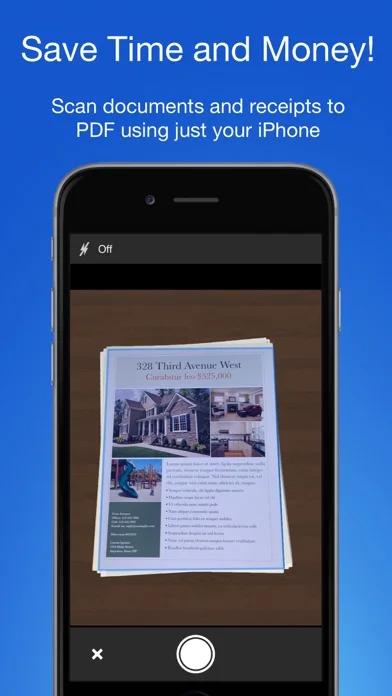
What you can do
- Capture and straighten document pages
- Edit scan settings and organize by tags
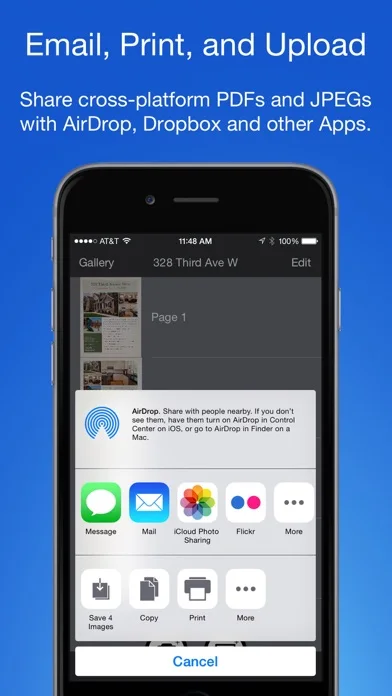
- Export as PDF or an image or print the scan
Good for
- People digitizing paper documents and sending copies
Consider alternatives for
- Anyone who needs to edit PDF text or complete an interactive form
Limitations & considerations
- Captured minimum: iOS 16.6.
- The listing describes OCR through other apps. It does not establish native text recognition, fillable fields or signing.
Privacy & permissions
Scans may contain sensitive documents. Third-party OCR and cloud exports send a copy to the destination you choose.
Sources & review notes Updated Nov 11, 2026
Reviewed by iApp4Me Editorial Team. Recommendations use the linked documentation and attributed accounts; device observations are identified separately.
- US App Store developer description
Complete description, download price and compatibility metadata captured 2026-11-02.
No comments yet. Be the first to share your experience.