Smart Remote for Samsung TV
Control specifically listed older Samsung smart TVs from a Mac on the same network.
An owner of a compatible Samsung model from the listed 2010–2018 series.
Control specifically listed older Samsung smart TVs from a Mac on the same network.
Keep in mind: The supported-series list ends at 2018, and YouTube and Netflix apps are explicitly unsupported. Photo beaming is listed as upcoming, not an existing capability.
Inside the app
Official product images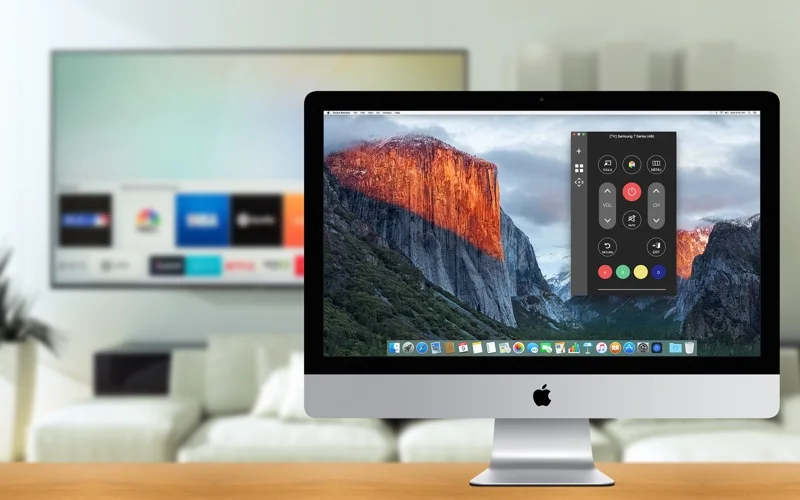
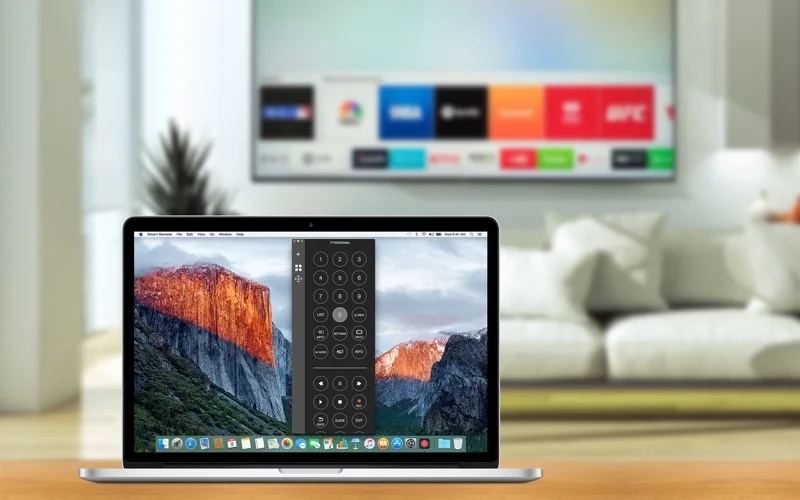
What you can do
- Use remote-control commands and TV mouse or keyboard input.
- Reconnect to previously paired televisions.
- Connect through the same wired or Wi-Fi network.
Good for
- An owner of a compatible Samsung model from the listed 2010–2018 series.
Consider alternatives for
- Unlisted newer televisions, YouTube/Netflix control or photo casting already delivered as a feature.
Limitations & considerations
- The supported-series list ends at 2018, and YouTube and Netflix apps are explicitly unsupported. Photo beaming is listed as upcoming, not an existing capability.
Privacy & permissions
Pairing uses devices on the local network. Review TV prompts and requested network permissions; this is a third-party app and not an official Samsung product.
Sources & review notes Updated Nov 17, 2026
Reviewed by iApp4Me Editorial Team. Recommendations use the linked documentation and attributed accounts; device observations are identified separately.
- US App Store listing
Publisher description and US download price captured 2026-11-02; source-based coverage, not a device test.
No comments yet. Be the first to share your experience.