Smart Sync
Synchronize or copy selected folder sets using manual/background modes and exclusion filters.
Someone synchronizing working folders who retains a separate versioned backup.
Synchronize or copy selected folder sets using manual/background modes and exclusion filters.
Keep in mind: Sync can propagate unwanted edits/deletions. Mode behavior, conflict handling and recovery were not validated; test on copies before enabling automatic runs.
Inside the app
Official product images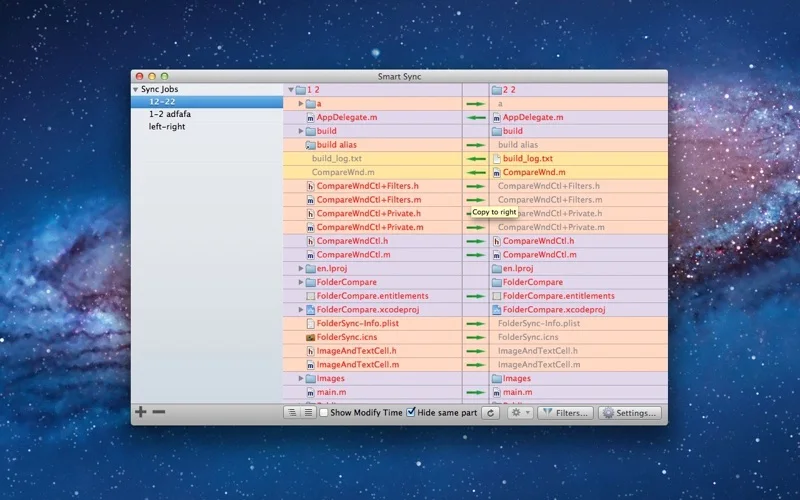
What you can do
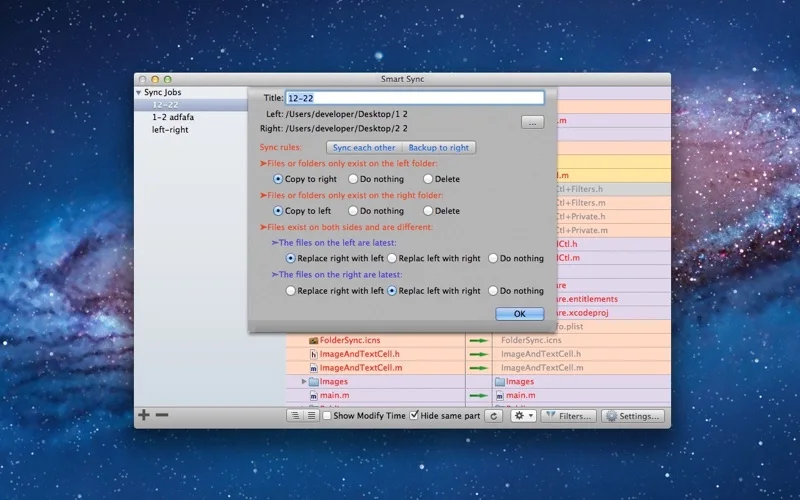
- Configure multiple folder pairs and listed sync modes.
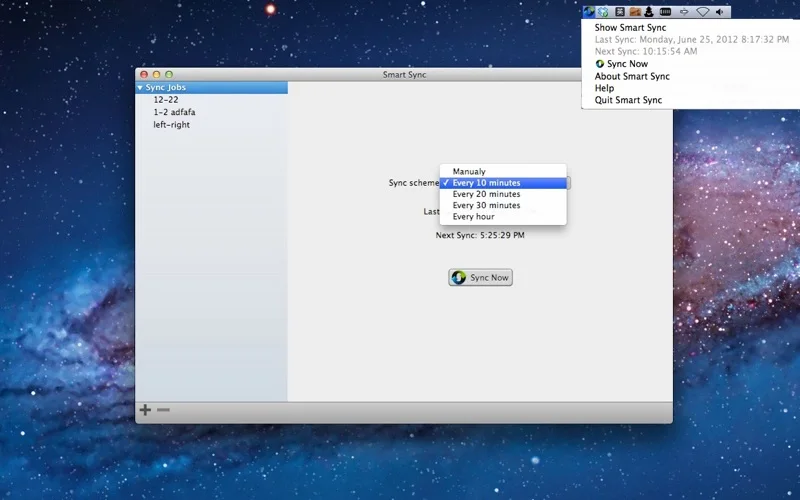
- Use automatic or manual runs with status-bar access.
- Exclude files and include supported local Dropbox-folder workflows.
Good for
- Someone synchronizing working folders who retains a separate versioned backup.
Consider alternatives for
- Guaranteed recovery from deletion, ransomware or every sync conflict.
Limitations & considerations
- Sync can propagate unwanted edits/deletions. Mode behavior, conflict handling and recovery were not validated; test on copies before enabling automatic runs.
Privacy & permissions
Selected files may contain private data, and a Dropbox folder can upload changes externally. Review filters, destinations and cloud-account permissions.
Sources & review notes Updated Nov 19, 2026
Reviewed by iApp4Me Editorial Team. Recommendations use the linked documentation and attributed accounts; device observations are identified separately.
- US App Store listing
Full publisher description, version and US download price captured 2026-11-02; source-based coverage, not a device test.
No comments yet. Be the first to share your experience.