
Snip My - Screenshot tool
Snip My captures a Mac screen region or window and adds annotations, OCR and export tools.
Choose it for quickly turning a screen capture into an explanation.
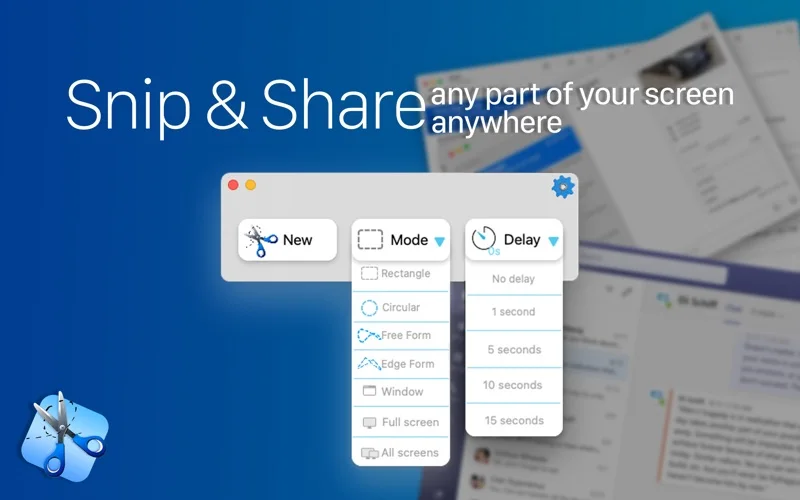
Multiple capture shapes, delayed capture and drawing tools reduce the need to open a separate editor.
Keep in mind: A screenshot is a copy of visible content, not an editable source document. OCR can misread text, and blur or redaction must be checked in the exported image before sharing.
Inside the app
Official product images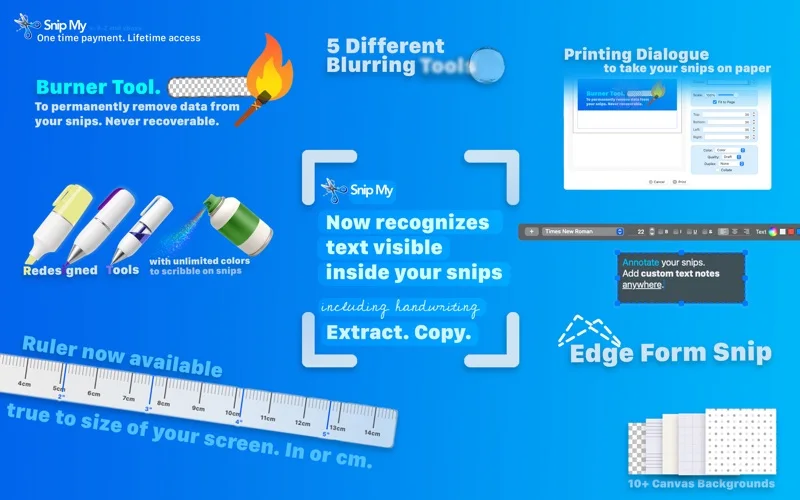
What you can do
- Capture regions, windows or multiple displays with shortcuts
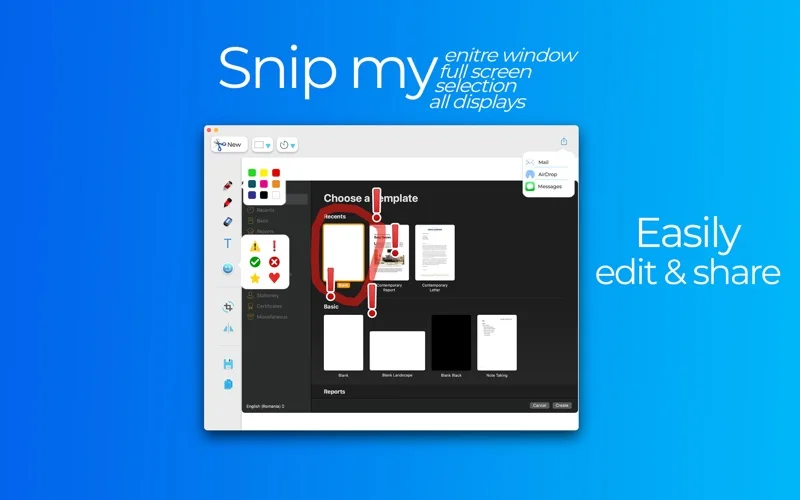
- Annotate, crop and export PNG, JPG or PDF
- Use supported text recognition and privacy-editing tools
Good for
- People documenting steps, feedback or visual bugs on a Mac.
Consider alternatives for
- Users seeking a full video editor or guaranteed irreversible protection from a blur effect alone.
Limitations & considerations
- Captured minimum: macOS 11.3.
- A screenshot is a copy of visible content, not an editable source document. OCR can misread text, and blur or redaction must be checked in the exported image before sharing.
Privacy & permissions
The developer says data stays on your Mac and no user data is collected; screen-recording permission is needed for captures, and clipboard or shared exports can expose sensitive content.
Privacy policySources & review notes Updated Nov 15, 2026
Reviewed by iApp4Me Editorial Team. Recommendations use the linked documentation and attributed accounts; device observations are identified separately.
- US App Store developer description
Complete description, release notes, download price and compatibility metadata captured 2026-11-02.
- Official developer disclosure
Official cached source captured 2026-11-13 read or reused from identical source text. Described product scope, optional services, regional pricing and version differences retained without a hands-on claim.
- Official developer disclosure
Official cached source captured 2026-11-13 read or reused from identical source text. Described product scope, optional services, regional pricing and version differences retained without a hands-on claim.
No comments yet. Be the first to share your experience.