
SP Camera
SP Camera records photos/video with manual controls, timed/motion modes and a passcode-protected gallery.
Consider only for authorized recording with consent and tested storage
Timers, time-lapse and supported dual-camera modes offer different capture workflows.
Keep in mind: Disguised screens do not make recording private from others or override consent rules; no-one-can-stop and low-light/quality claims are unverified. Dual-camera,48MP and4K120fps need the specifically stated hardware.
Inside the app
Official product images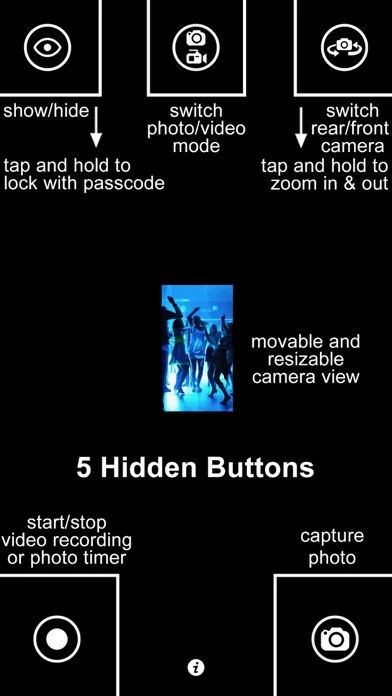
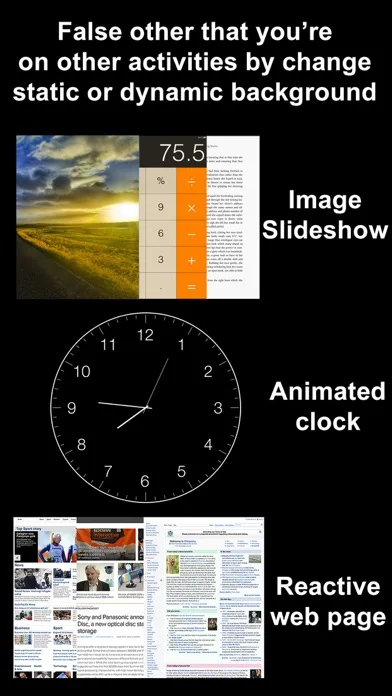
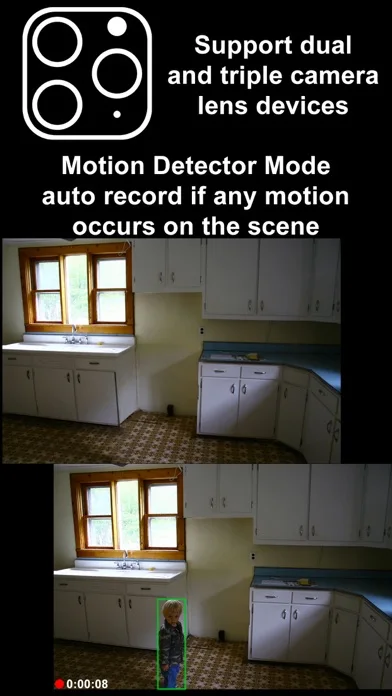
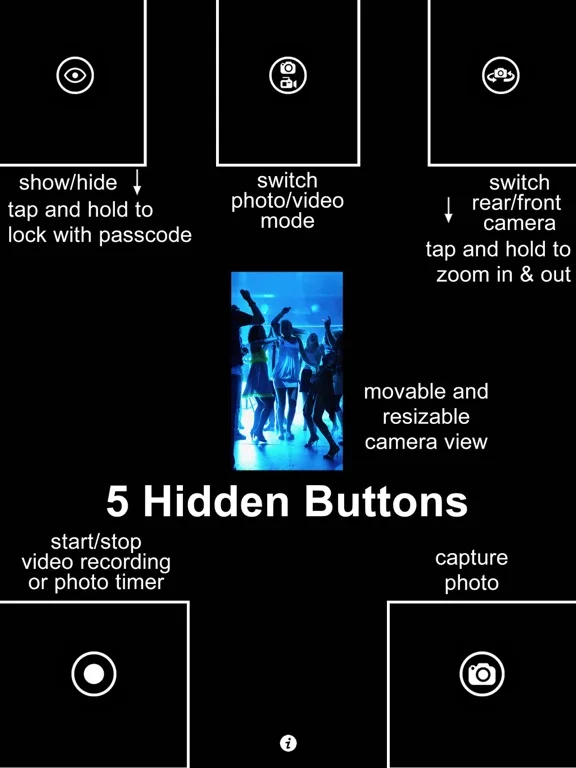
What you can do
- Capture consented photos/video in supported modes
- Set timers or motion-triggered recording
- Manage protected local gallery and selected exports
Good for
- Users recording their own permitted scenes with clear consent
Consider alternatives for
- Users seeking covert recording of others or a security guarantee
Limitations & considerations
- Captured minimum: iOS 13.0.
- Disguised screens do not make recording private from others or override consent rules; no-one-can-stop and low-light/quality claims are unverified. Dual-camera,48MP and4K120fps need the specifically stated hardware.
Privacy & permissions
Faces, voices and private footage are sensitive; a gallery passcode does not establish encryption or safe cloud backup, and accidental recording can occur with launch automation.
Sources & review notes Updated Nov 11, 2026
Reviewed by iApp4Me Editorial Team. Recommendations use the linked documentation and attributed accounts; device observations are identified separately.
- US App Store developer description
Complete description, download price and compatibility metadata captured 2026-11-02.
No comments yet. Be the first to share your experience.