Productivity
spacedesk - USB Display for PC
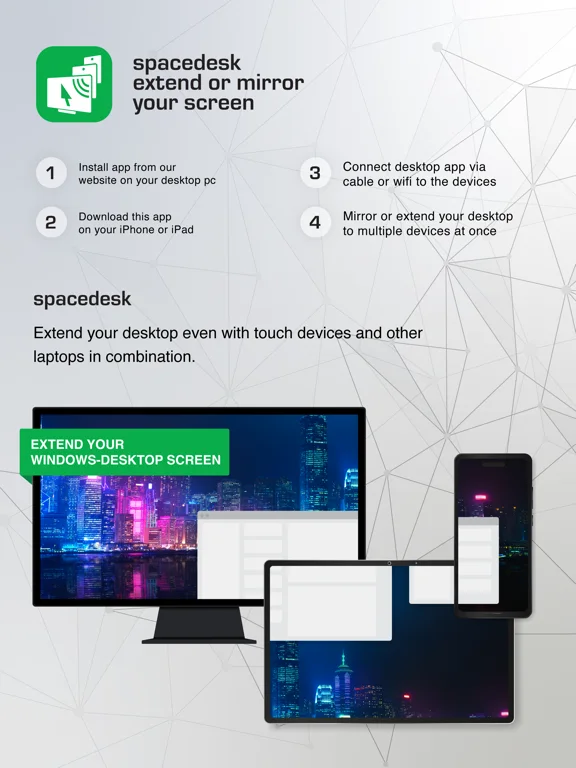
spacedesk uses an iPhone or iPad as a display/input viewer for a Windows computer with the spacedesk driver.
Consider after testing the intended PC, cable or local network
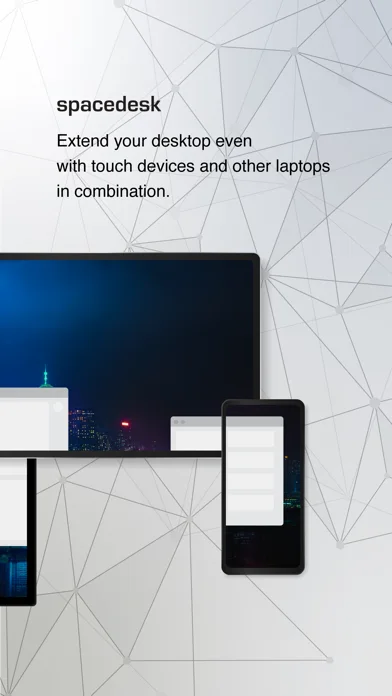
Extension, mirroring and touch/stylus input support different workspace needs.
Keep in mind: A Windows primary driver is required; the Mac/Apple Silicon viewer wording does not establish a Mac as a supported primary host. Zero-lag claims are not a measured guarantee.
Inside the app
Official product images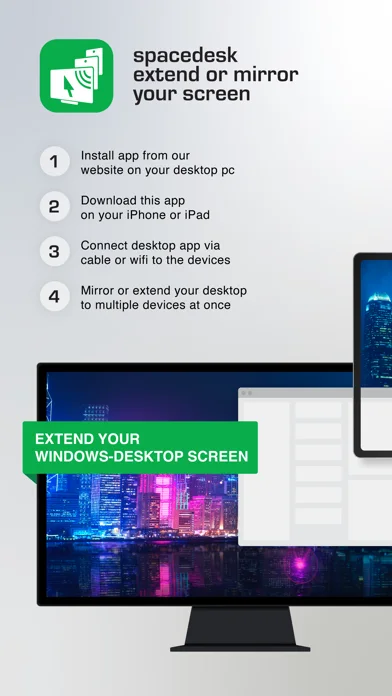
What you can do
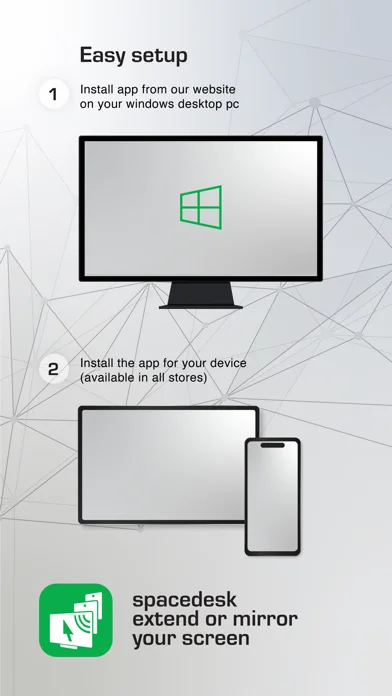
- Install the official driver on a supported Windows PC
- Connect the viewer by supported USB or LAN
- Use eligible mirroring, extension and input options
Good for
- Users with a supported Windows host and spare viewer device
Consider alternatives for
- Users expecting a Mac primary host or driver-free universal display connection
Limitations & considerations
- Captured minimum: iOS 9.3.
- A Windows primary driver is required; the Mac/Apple Silicon viewer wording does not establish a Mac as a supported primary host. Zero-lag claims are not a measured guarantee.
Privacy & permissions
Screen content and remote inputs can expose private work; restrict connections to trusted devices and networks.
Sources & review notes Updated Nov 11, 2026
Reviewed by iApp4Me Editorial Team. Recommendations use the linked documentation and attributed accounts; device observations are identified separately.
- US App Store developer description
Complete description, download price and compatibility metadata captured 2026-11-02.
No comments yet. Be the first to share your experience.