
SPIN Safe Browser Enterprise
An enterprise-focused filtered web browser with default content categories and optional policy deployment through compatible MDM systems.
Consider for administrators evaluating a managed-browser policy
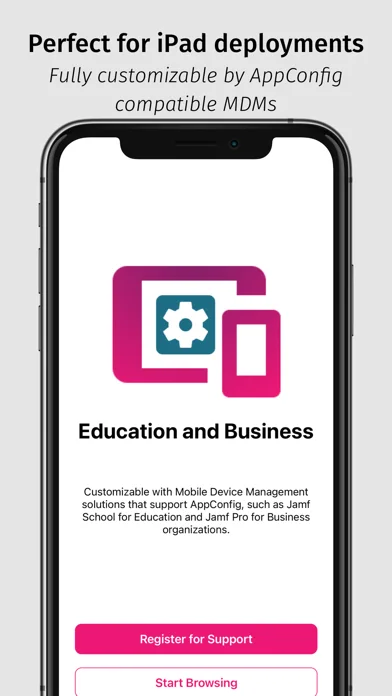
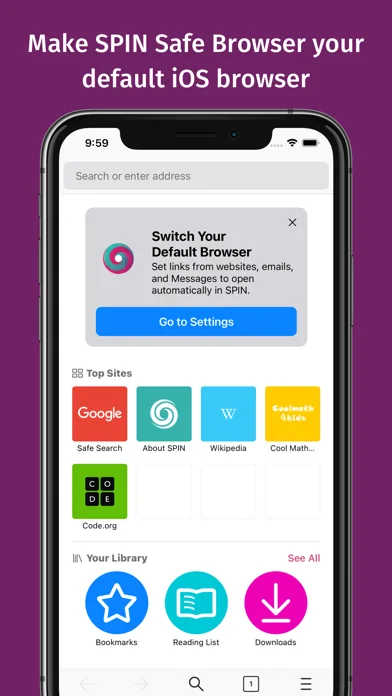
AppConfig settings, bookmarks and allowed or blocked lists can support a consistent browsing interface on enrolled devices.
Keep in mind: Browser filtering cannot guarantee total device protection or legal compliance. Other apps, site changes and deployment settings require separate assessment.
Inside the app
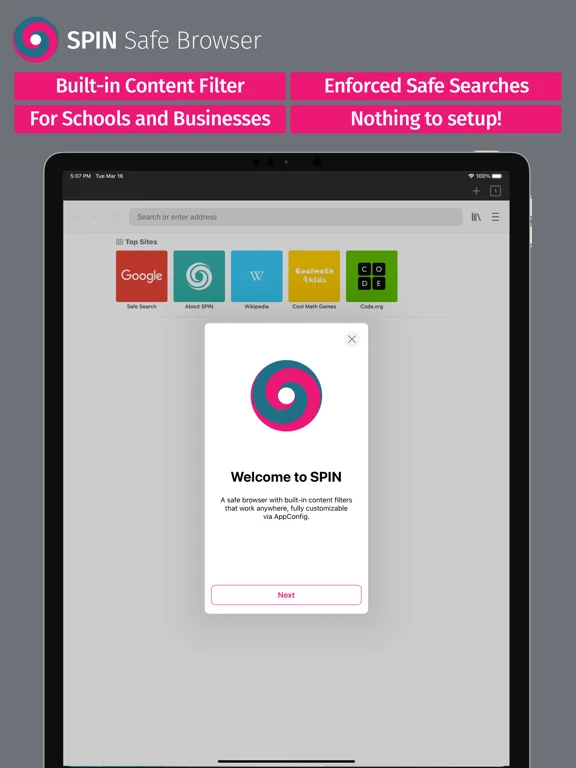
Official product images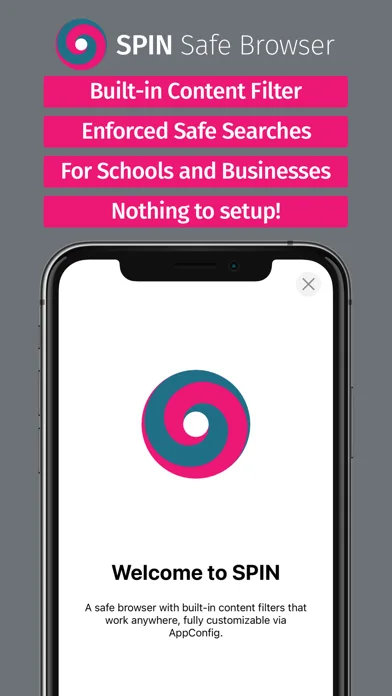
What you can do
- Apply described browser content filters
- Configure supported allowlists or blocklists
- Deploy bookmarks and browser settings through compatible MDM
- Use restricted browsing modes where configured
Good for
- Schools or businesses with authorized device management and a tested acceptable-use policy.
Consider alternatives for
- People expecting all-device filtering, flawless threat prevention or an MDM service included with the browser.
Limitations & considerations
- Captured minimum: iOS 15.0.
- Browser filtering cannot guarantee total device protection or legal compliance. Other apps, site changes and deployment settings require separate assessment.
Privacy & permissions
Managed browsing can expose activity to organizational controls. Provide appropriate notice and review what the MDM or browser operator collects.
Sources & review notes Updated Nov 11, 2026
Reviewed by iApp4Me Editorial Team. Recommendations use the linked documentation and attributed accounts; device observations are identified separately.
- US App Store developer description
Complete description, download price and compatibility metadata captured 2026-11-02.
No comments yet. Be the first to share your experience.