SPL Meter
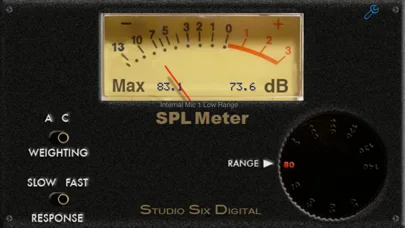
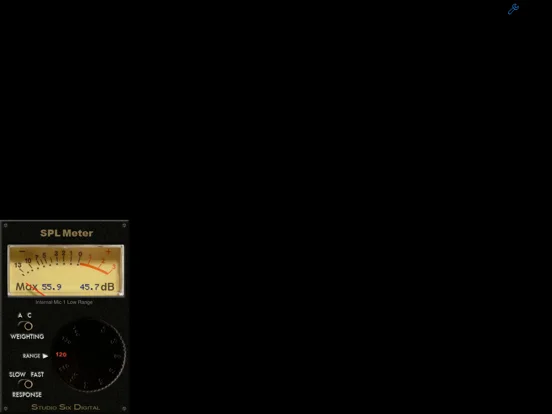
An analog-style sound-level display with A or C weighting, Fast or Slow response and adjustable calibration.
Consider for approximate audio checks with an understood microphone setup
Selectable ranges and calibration controls offer more context than a single unexplained loudness number.
Keep in mind: The developer's standards claims concern its processing and specified hardware configurations, not proof that any phone is a certified meter; do not use unverified readings for compliance or hearing-safety decisions.
Inside the app
Official product images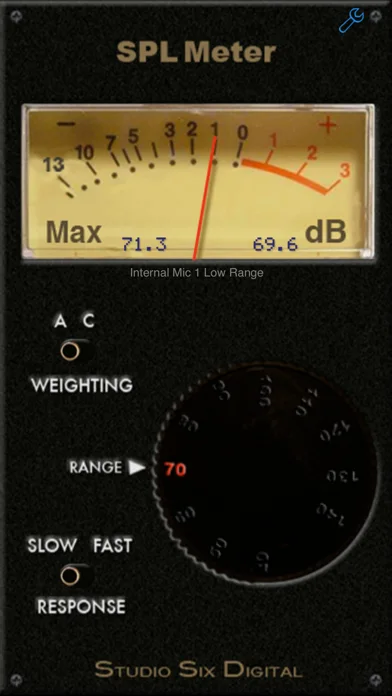
What you can do
- Choose A or C weighting and Fast or Slow response
- Select among nine described ranges
- View analog and digital indicators
- Adjust calibration against an appropriate reference and select microphone compensation
Good for
- Audio enthusiasts comparing ordinary sound levels who can validate the microphone and setup.
Consider alternatives for
- Users needing accredited occupational measurements or a guarantee of accuracy from an uncalibrated built-in microphone.
Limitations & considerations
- Captured minimum: iOS 15.0.
- The developer's standards claims concern its processing and specified hardware configurations, not proof that any phone is a certified meter; do not use unverified readings for compliance or hearing-safety decisions.
Privacy & permissions
The app uses microphone input and a described device-calibration database. Review access and any online data disclosure.
Sources & review notes Updated Nov 11, 2026
Reviewed by iApp4Me Editorial Team. Recommendations use the linked documentation and attributed accounts; device observations are identified separately.
- US App Store developer description
Complete description, download price and compatibility metadata captured 2026-11-02.
No comments yet. Be the first to share your experience.