
Productivity
SponsorBlock for Safari
Skip community-marked sponsor segments and other selected sections while watching YouTube in Safari.
Choose for a browser-based viewing workflow.
The public timing database lets contributions be reused across viewers.
Keep in mind: It does not block ordinary YouTube ads and does not work inside the YouTube app; community markings can be incomplete.
Inside the app
Official product images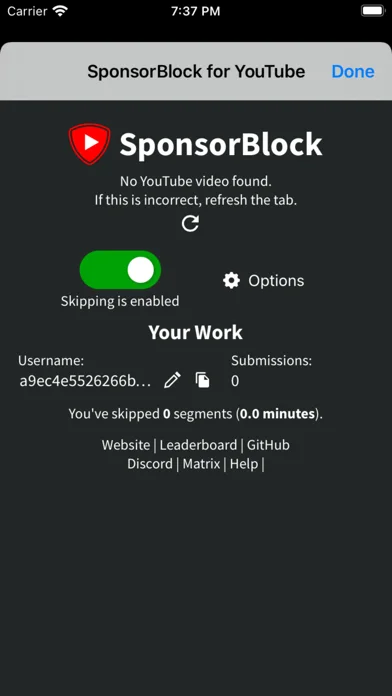
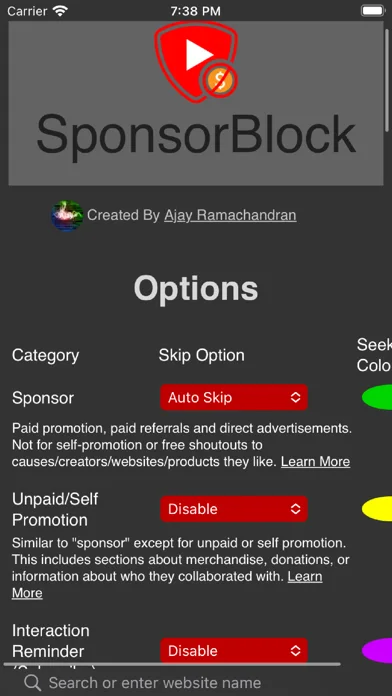
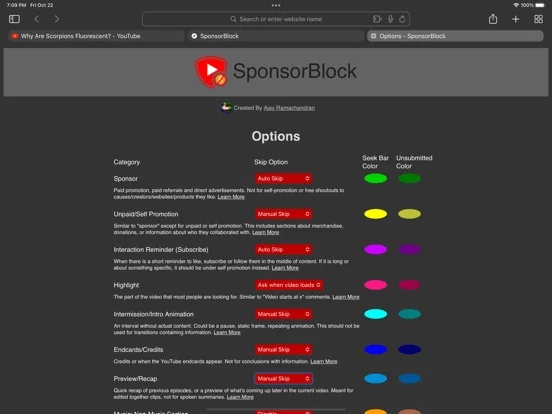
What you can do
- Safari video-segment skipping
- Community submissions and votes
- Selectable nonmusic or repeated-content segments
Good for
- People evaluating sponsor-segment controls on the YouTube website.
Consider alternatives for
- People expecting full ad blocking or native YouTube-app support.
Limitations & considerations
- Captured minimum: iOS 15.0.
- It does not block ordinary YouTube ads and does not work inside the YouTube app; community markings can be incomplete.
Privacy & permissions
The extension accesses permitted YouTube pages and generates an identifier for submissions and reputation; inspect permission scope.
Sources & review notes Updated Nov 11, 2026
Reviewed by iApp4Me Editorial Team. Recommendations use the linked documentation and attributed accounts; device observations are identified separately.
- US App Store developer description
Complete description, download price and compatibility metadata captured 2026-11-02.
No comments yet. Be the first to share your experience.