SprintTimer - Photo Finish
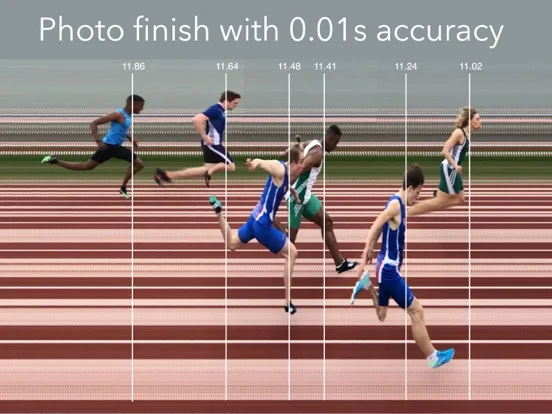
SprintTimer turns finish-line camera footage into a scrollable race-timing image.
Choose it for reviewing close finishes in coaching and local sporting practice.
One camera can capture several competitors, with manual, sound or remote starting options.
Keep in mind: Accuracy depends on setup and capture; the developer warns that a saved image's time display can differ from the base video, so retain the video or imprinted time lines.
Inside the app
Official product images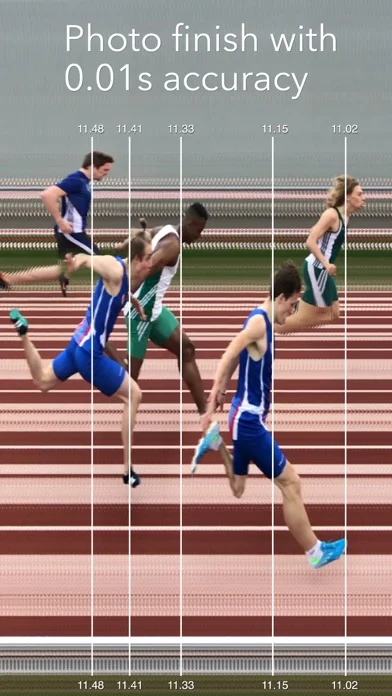
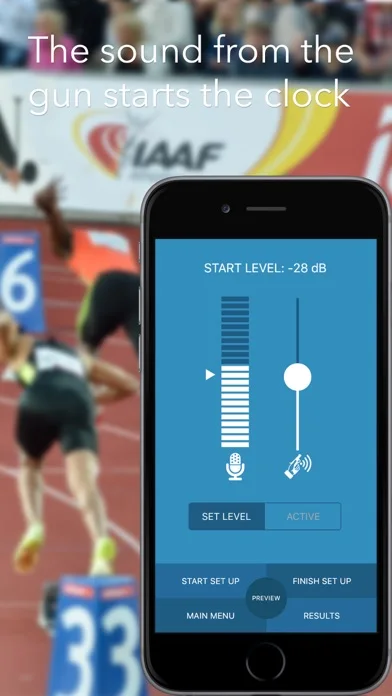
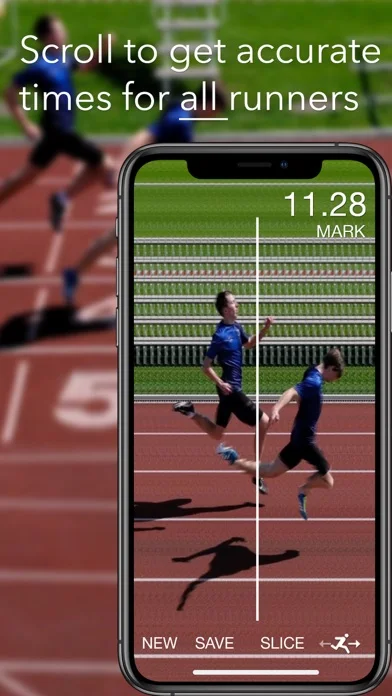
What you can do
- Photo and video finish modes
- Several start methods
- Save finish images and results
Good for
- Coaches prepared to position and evaluate a camera carefully
Consider alternatives for
- Anyone assuming a phone automatically certifies official records
Limitations & considerations
- Captured minimum: iOS 12.1.
- Accuracy depends on setup and capture; the developer warns that a saved image's time display can differ from the base video, so retain the video or imprinted time lines.
Privacy & permissions
Race footage identifies participants; control access to Photos, saved base videos and shared results.
Sources & review notes Updated Nov 11, 2026
Reviewed by iApp4Me Editorial Team. Recommendations use the linked documentation and attributed accounts; device observations are identified separately.
- US App Store developer description
Complete description, download price and compatibility metadata captured 2026-11-02.
- SprintTimer developer photo-finish guide
Developer distinguishes base-video timing from saved-image display and explains retention of imprinted time lines.
No comments yet. Be the first to share your experience.