
Squircle: Round Icon Corners
Squircle rounds an image's corners into an app-icon-like shape and exports a transparent PNG.
Choose it for preparing icon-style graphics for slides or design mockups.
Corner style, resize, border and shadow controls keep a small finishing task in one utility.
Keep in mind: It shapes existing artwork rather than generating a complete logo or App Store asset set; a rounded presentation image does not establish the submission format for every platform.
Inside the app
Official product images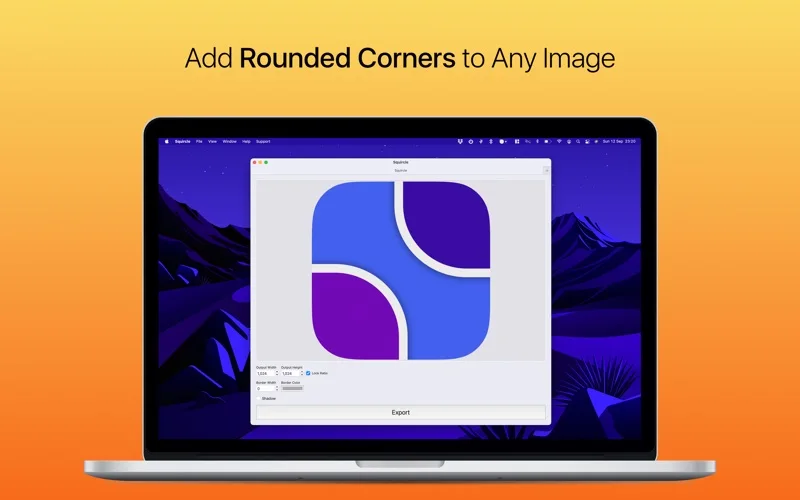
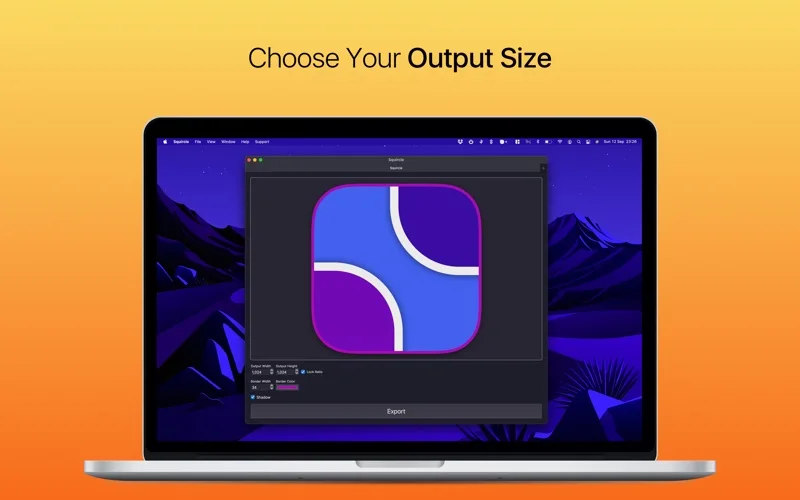
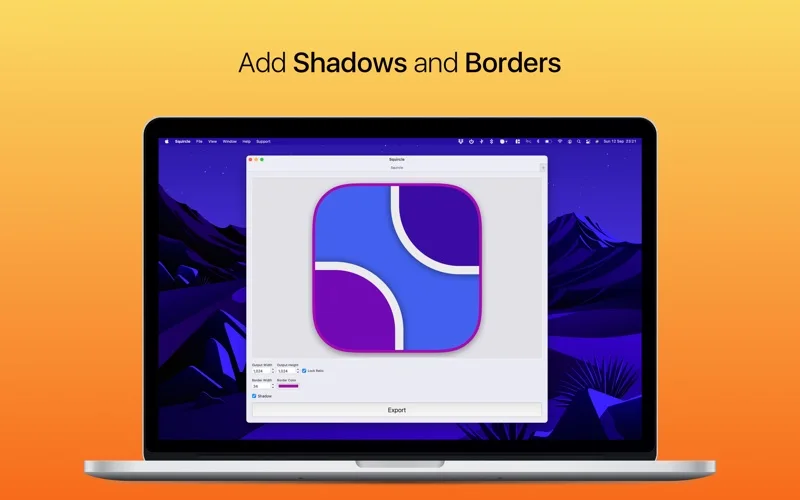
What you can do
- Choose iOS 26, classic squircle or rounded-rectangle corners
- Resize and add a matching border or shadow
- Export PNG with transparent corners
Good for
- Designers preparing icon-style images from existing artwork.
Consider alternatives for
- Users needing a full vector icon editor or automatic platform-submission validation.
Limitations & considerations
- Captured minimum: macOS 13.0.
- It shapes existing artwork rather than generating a complete logo or App Store asset set; a rounded presentation image does not establish the submission format for every platform.
Privacy & permissions
The app processes chosen artwork, which may be private or licensed; inspect exports and use only assets you have permission to share.
Sources & review notes Updated Nov 15, 2026
Reviewed by iApp4Me Editorial Team. Recommendations use the linked documentation and attributed accounts; device observations are identified separately.
- US App Store developer description
Complete description, release notes, download price and compatibility metadata captured 2026-11-02.
- Official developer disclosure
Official cached source captured 2026-11-13 read or reused from identical source text. Described product scope, optional services, regional pricing and version differences retained without a hands-on claim.
No comments yet. Be the first to share your experience.