Education
StaffWars Live
Practise reading staff notes by playing them on an instrument or through MIDI.
Choose it for fast note-recognition drills.
Instrument, key and range settings tailor the challenge to a learner's part.
Keep in mind: Pitch detection depends on tuning and background sound; game audio itself can trigger it, according to the listing.
Inside the app
Official product images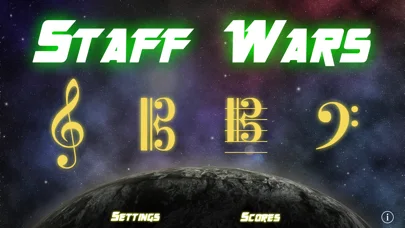
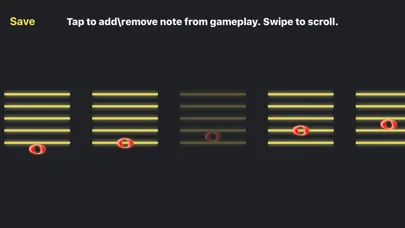
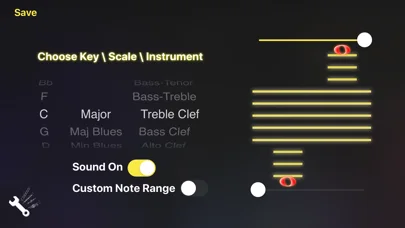
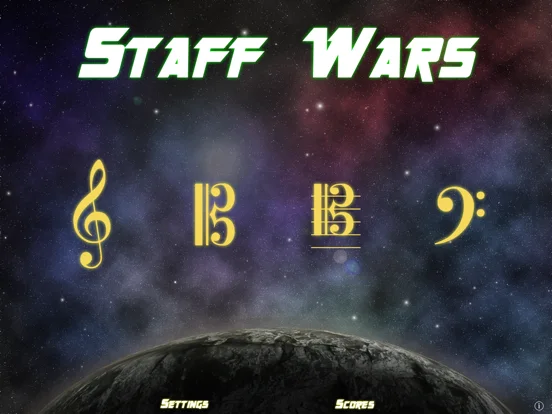
What you can do
- Set instrument and written pitch range
- Play notes before they reach the clef
- Track scores or use supported MIDI input
Good for
- Instrumental students working on note recognition.
Consider alternatives for
- Users seeking complete music instruction or a calibrated tuner.
Limitations & considerations
- Captured minimum: iOS 15.6.
- Pitch detection depends on tuning and background sound; game audio itself can trigger it, according to the listing.
Privacy & permissions
Acoustic recognition uses audio input; the description does not establish recording retention, while MIDI is a separate input mode.
Sources & review notes Updated Nov 11, 2026
Reviewed by iApp4Me Editorial Team. Recommendations use the linked documentation and attributed accounts; device observations are identified separately.
- US App Store developer description
Complete description, download price and compatibility metadata captured 2026-11-02.
No comments yet. Be the first to share your experience.