Stop Motion Studio Pro 2
Stop Motion Studio Pro for Mac builds frame-by-frame animations with onion-skin guides, timeline editing, sound and movie export.
Consider for tabletop stop-motion projects
Capture, editing and audio tools can keep a short film in one workflow.
Keep in mind: Check the supported-camera list before buying for a DSLR; the shared description mentions iPhone and iPad features that may vary on Mac, and export quality depends on source capture.
Inside the app
Official product images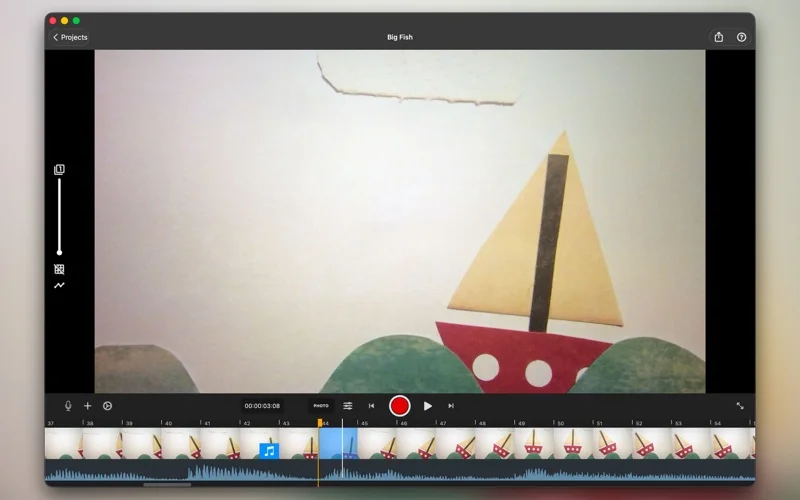
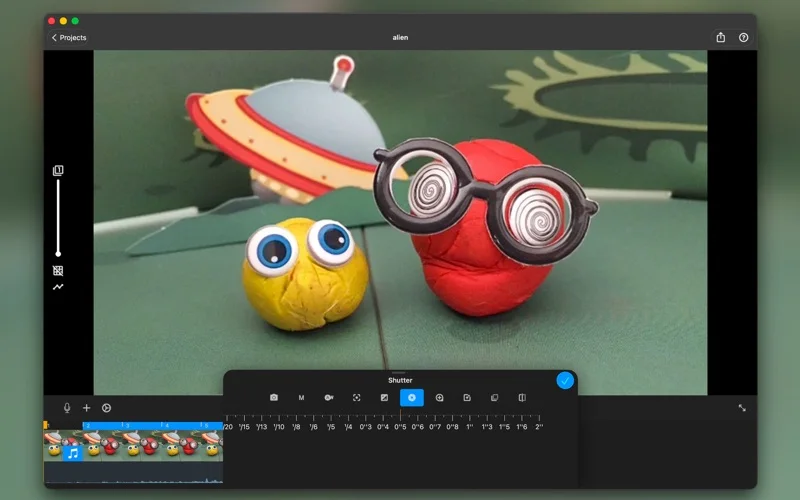
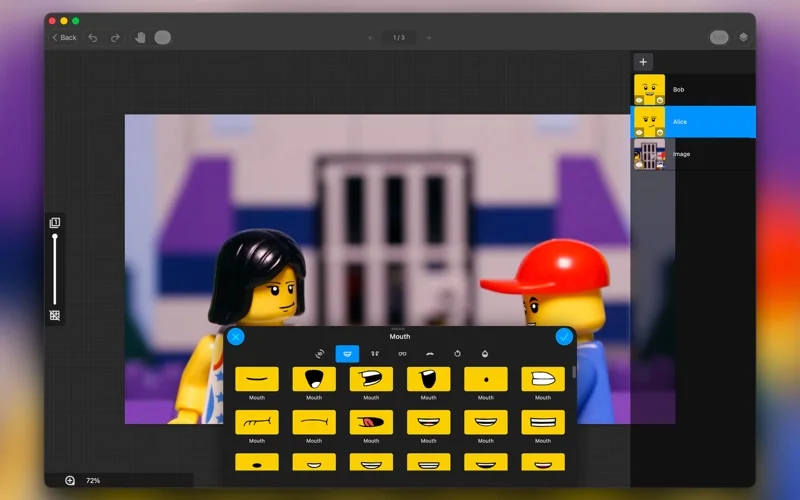
What you can do
- Align frames with onion skinning
- Edit frame timing and add audio
- Export movies and transfer projects
Good for
- Creators animating clay, toys or drawings
Consider alternatives for
- Users needing every camera supported or automatic cinematic results
Limitations & considerations
- Captured minimum: macOS 13.5.
- Check the supported-camera list before buying for a DSLR; the shared description mentions iPhone and iPad features that may vary on Mac, and export quality depends on source capture.
Privacy & permissions
The publisher states no tracking or ads; intentional cloud transfer and social export still share selected projects with those services.
Sources & review notes Updated Nov 10, 2026
Reviewed by iApp4Me Editorial Team. Recommendations use the linked documentation and attributed accounts; device observations are identified separately.
- US App Store developer description
Complete description, download price and compatibility metadata captured 2026-11-02.
No comments yet. Be the first to share your experience.