Developer Tools
Subtext
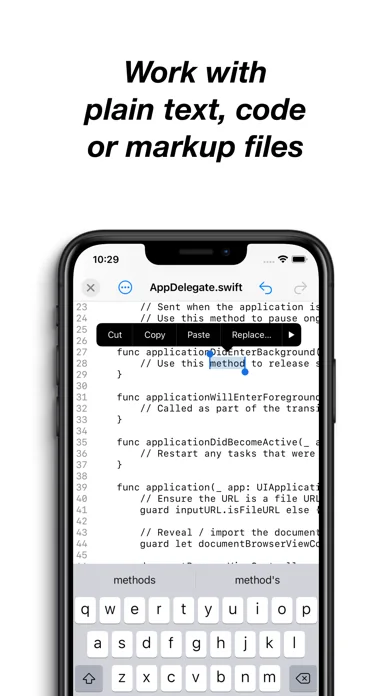
Edit plain-text files directly on an iPhone, iPad or iCloud location, with line-ending and character-encoding controls.
Choose for small code or data-file changes.
Direct file editing avoids a separate import/export cycle.
Keep in mind: It is a text editor, not a compiler or full spreadsheet, and encoding changes can affect file compatibility.
Inside the app
Official product images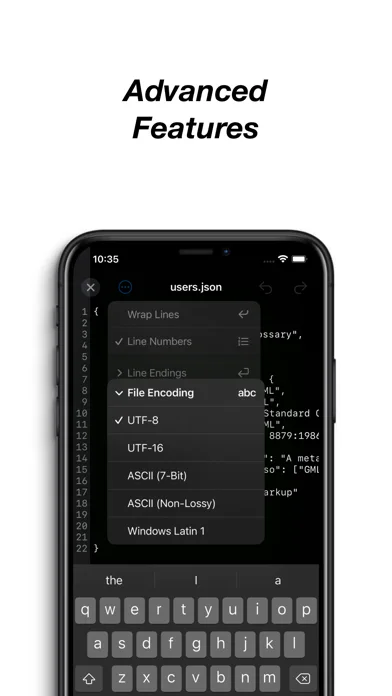
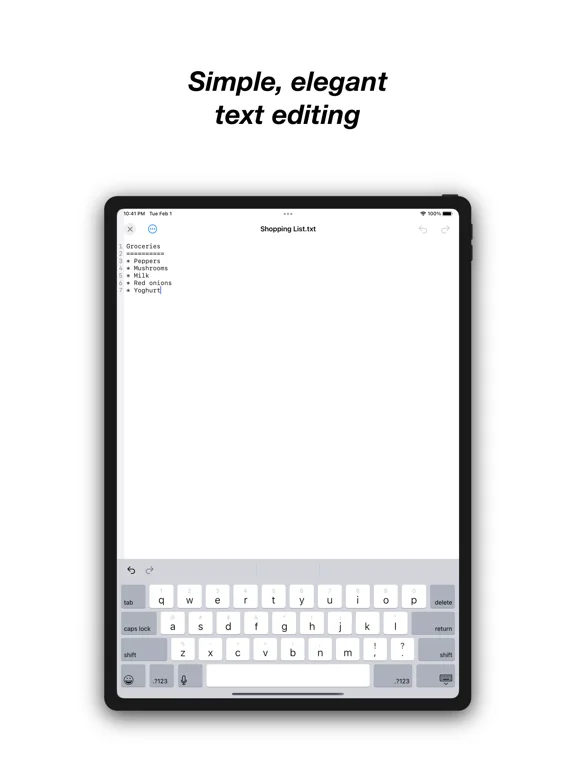
What you can do
- Direct local and iCloud editing
- Line-ending control
- Character-set encoding selection
Good for
- People making small edits to accessible text files.
Consider alternatives for
- People needing a complete development environment or rich document layout.
Limitations & considerations
- Captured minimum: iOS 14.4.
- It is a text editor, not a compiler or full spreadsheet, and encoding changes can affect file compatibility.
Privacy & permissions
Text files can contain secrets and iCloud creates remote copies; keep original backups and limit shared access.
Sources & review notes Updated Nov 11, 2026
Reviewed by iApp4Me Editorial Team. Recommendations use the linked documentation and attributed accounts; device observations are identified separately.
- US App Store developer description
Complete description, download price and compatibility metadata captured 2026-11-02.
No comments yet. Be the first to share your experience.