
Business
向日葵远程控制-Sunlogin remotecontrol
Sunlogin connects authorized devices for remote desktop, file transfer and selected management tools.
Consider after testing a permitted device pair
Remote screen access, file management and optional terminal tools serve support workflows.
Keep in mind: Only some mobile devices allow control; 2K/4K, frame-rate and global-line claims depend on tiers and networks. Remote power requires separate compatible hardware.
Inside the app
Official product images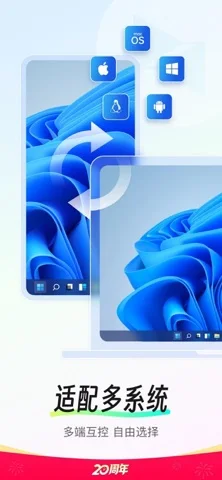
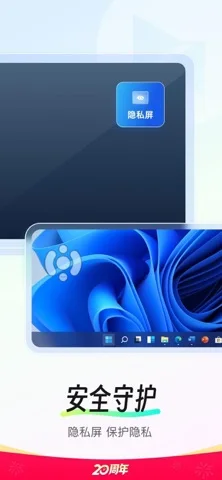
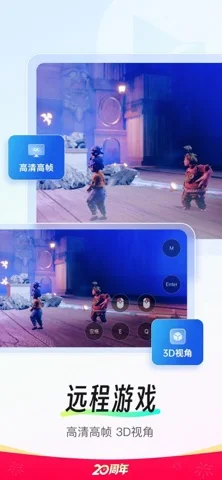
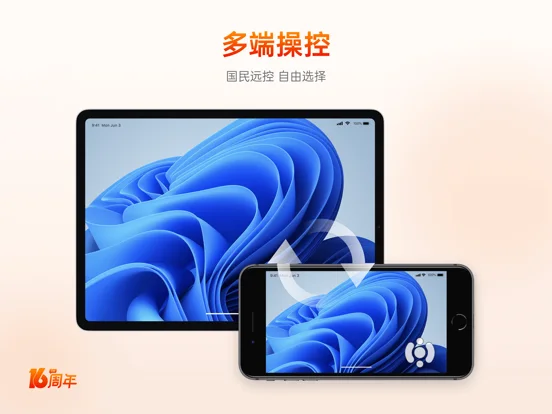
What you can do
- Connect to an authorized remote desktop
- Transfer selected files or project a screen
- Use entitled command, camera or peripheral features
Good for
- Users with clear device-owner permission and access controls
Consider alternatives for
- Users expecting every phone controllable or a shut-down PC reachable without hardware
Limitations & considerations
- Captured minimum: iOS 13.0.
- Only some mobile devices allow control; 2K/4K, frame-rate and global-line claims depend on tiers and networks. Remote power requires separate compatible hardware.
Privacy & permissions
Remote screens, files, cameras, credentials and recordings are highly sensitive; verify recipient/device identity and limit unattended access.
Sources & review notes Updated Nov 11, 2026
Reviewed by iApp4Me Editorial Team. Recommendations use the linked documentation and attributed accounts; device observations are identified separately.
- US App Store developer description
Complete description, download price and compatibility metadata captured 2026-11-02.
No comments yet. Be the first to share your experience.