Super Vectorizer Pro:AI Vector
Super Vectorizer Pro traces raster artwork into editable vector formats using color, grayscale, edge and line-oriented modes.
Pick for turning existing logos or sketches into a starting vector file.
Mode choices and a preview make automatic tracing adjustable before further editing.
Keep in mind: Auto-tracing can simplify or distort details and does not recover missing image information. Inspect paths, color separations and cutter behavior before production use.
Inside the app
Official product images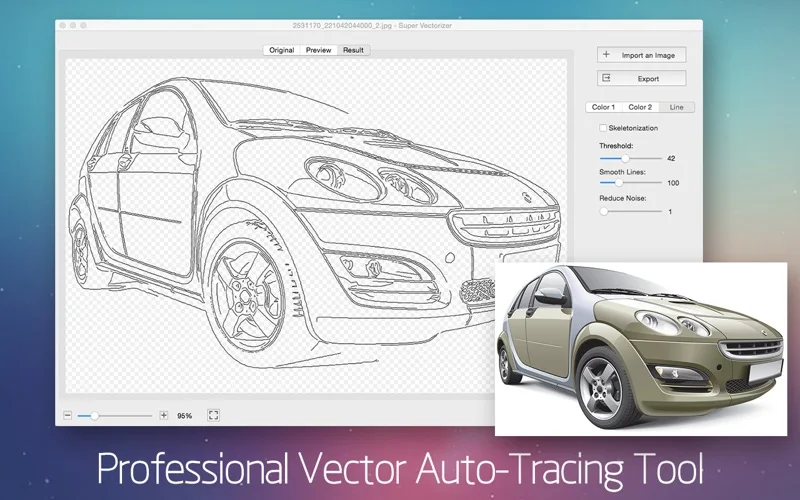
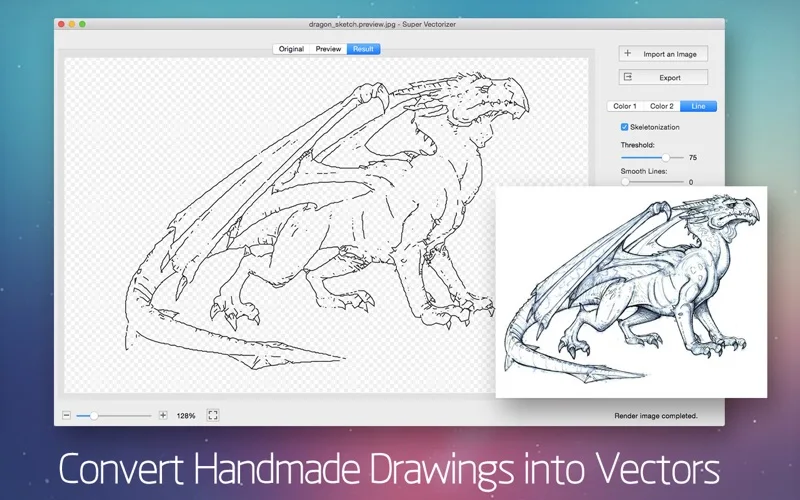
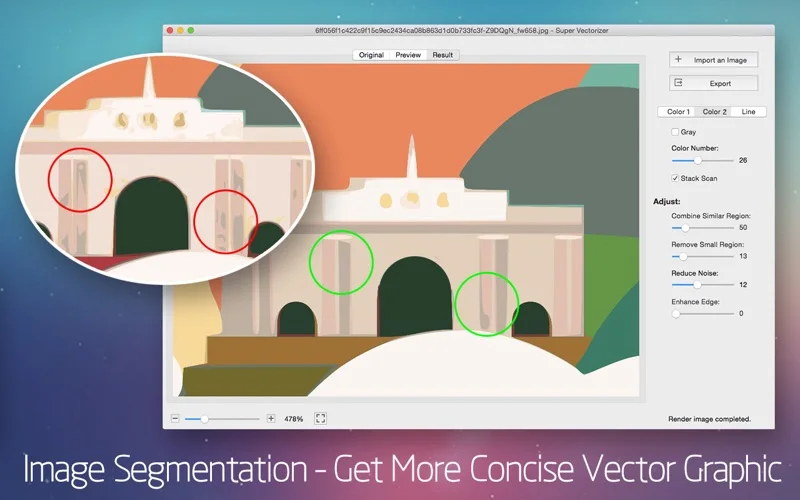
What you can do
- Trace bitmap images using color or line modes
- Preview smoothing and segmentation
- Export SVG, AI, DXF and PDF vector files
Good for
- Designers cleaning up existing raster marks or scanned line art.
Consider alternatives for
- Users expecting pixel-perfect automatic reconstruction or an included general illustration suite.
Limitations & considerations
- Captured minimum: macOS 10.11.
- Auto-tracing can simplify or distort details and does not recover missing image information. Inspect paths, color separations and cutter behavior before production use.
Privacy & permissions
The official product page describes offline processing on the user's machine. Source artwork and exported vectors still need appropriate rights before sharing or commercial use.
Sources & review notes Updated Nov 15, 2026
Reviewed by iApp4Me Editorial Team. Recommendations use the linked documentation and attributed accounts; device observations are identified separately.
- US App Store developer description
Complete description, release notes, download price and compatibility metadata captured 2026-11-02.
- Official developer disclosure
Full cached official text reviewed; captured 2026-11-12. Distinct editions, hardware and licence limits retained above.
- Official developer disclosure
Full cached official text reviewed; captured 2026-11-12. Distinct editions, hardware and licence limits retained above.
No comments yet. Be the first to share your experience.