Swift Playground
Swift Playground teaches Swift through interactive lessons and lets you build SwiftUI apps on a Mac.
Choose it for moving from coding puzzles to small working app projects.
Immediate previews, guided walkthroughs and Swift packages connect learning exercises with real app code.
Keep in mind: It does not replace every advanced Xcode workflow; App Store submission still depends on the relevant developer enrollment, review and distribution requirements.
Inside the app
Official product images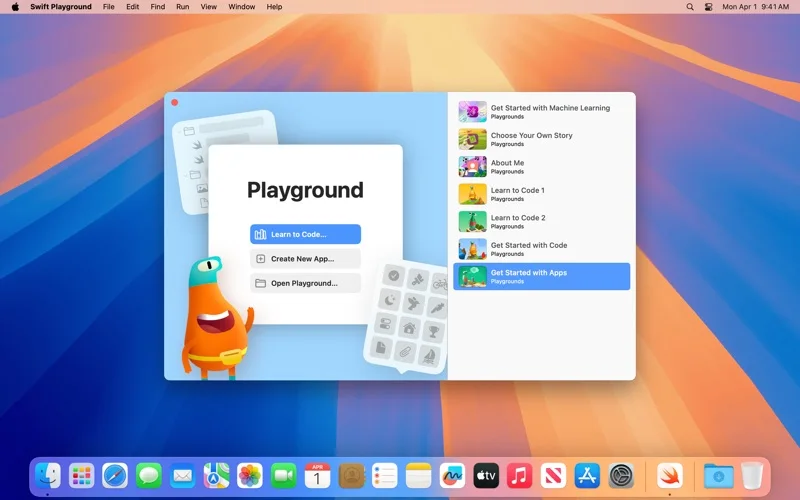
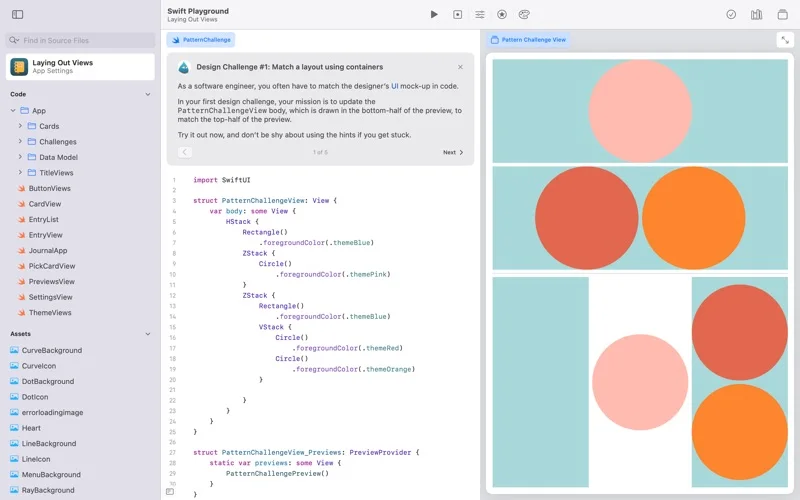
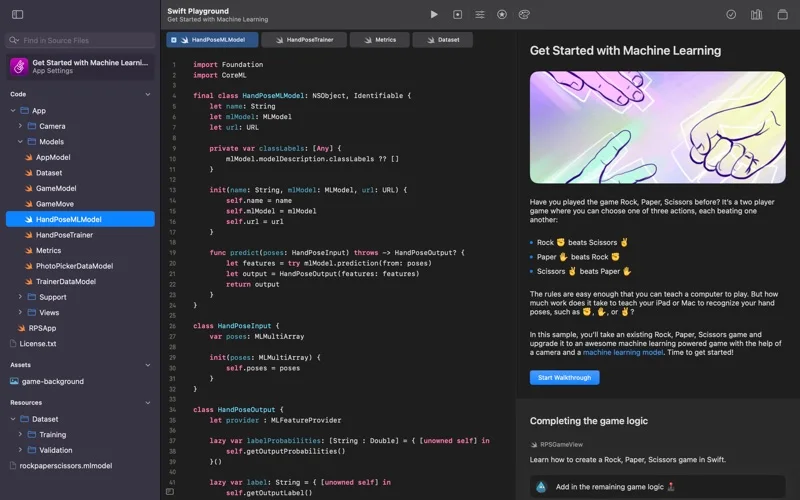
What you can do
- Learn commands, loops, conditions and functions interactively
- Build SwiftUI apps with live feedback and Swift packages
- Share projects through iCloud Drive and open app projects in Xcode
Good for
- Beginners learning Swift and people prototyping a small SwiftUI app.
Consider alternatives for
- Teams requiring all of Xcode's debugging, profiling and production build tools inside one learning app.
Limitations & considerations
- Captured minimum: macOS 15.0.
- It does not replace every advanced Xcode workflow; App Store submission still depends on the relevant developer enrollment, review and distribution requirements.
Privacy & permissions
Code and assets synced through iCloud involve your Apple account; inspect third-party packages and keep secrets out of shared projects.
Sources & review notes Updated Nov 15, 2026
Reviewed by iApp4Me Editorial Team. Recommendations use the linked documentation and attributed accounts; device observations are identified separately.
- US App Store developer description
Complete description, release notes, download price and compatibility metadata captured 2026-11-02.
- Official developer disclosure
Official product or purchase information read from the complete cached page captured 2026-11-13; dated evidence, not a live price check.
No comments yet. Be the first to share your experience.