
Photo & Video
Swiftly Camera
Capture photos/video with focus/exposure locks and selected supported frame rates.
Useful for users who test camera formats on their actual device
Photos-library output keeps results accessible to existing photo tools.
Keep in mind: 24–60fps, 8K/spatial and Live Photo availability depend on camera/hardware; no feature claim guarantees every device. Turning stabilization off is a troubleshooting option with quality tradeoffs.
Inside the app
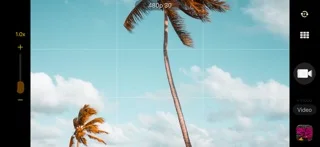
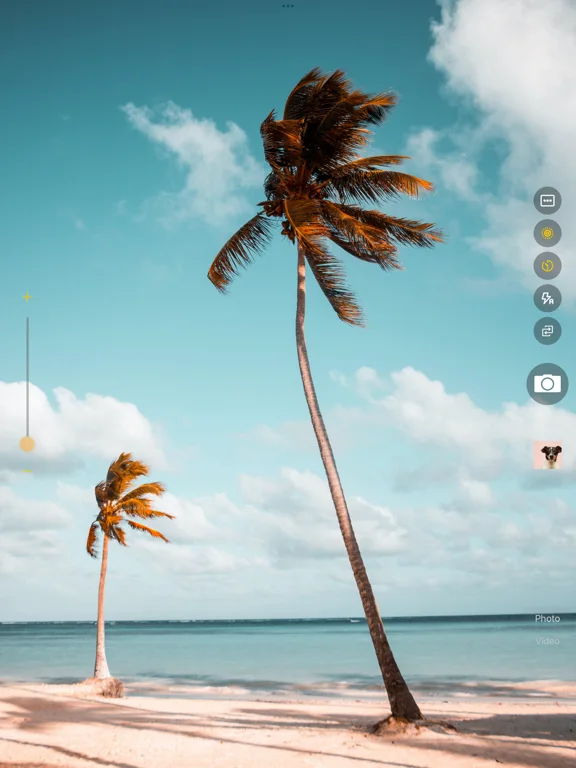
Official product images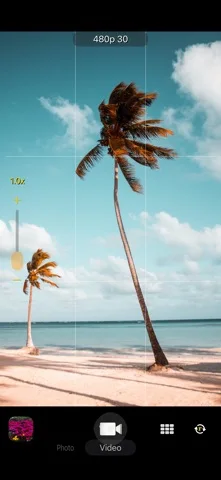
What you can do
- Photo/video/Live Photo capture
- Tap focus/exposure lock and unlock
- Format/frame-rate and stabilization choices
Good for
- People checking short clips for performance and quality
Consider alternatives for
- Guaranteed 8K/spatial output on all supported phones
Limitations & considerations
- Captured minimum: iOS 14.1.
- 24–60fps, 8K/spatial and Live Photo availability depend on camera/hardware; no feature claim guarantees every device. Turning stabilization off is a troubleshooting option with quality tradeoffs.
Privacy & permissions
Camera/mic and Photos/iCloud can contain sensitive people/places; obtain consent and control library/sync permissions.
Sources & review notes Updated Nov 12, 2026
Reviewed by iApp4Me Editorial Team. Recommendations use the linked documentation and attributed accounts; device observations are identified separately.
- US App Store developer description
Complete description, download price and compatibility metadata captured 2026-11-02.
No comments yet. Be the first to share your experience.