SwitchGlass
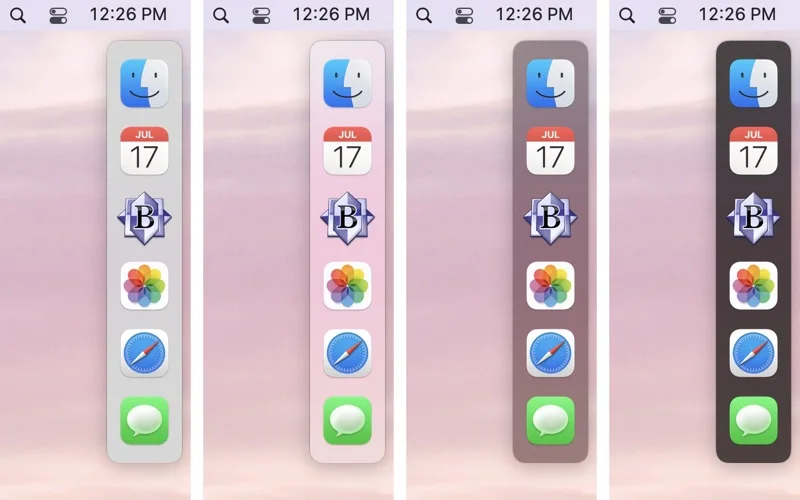
SwitchGlass adds a customizable floating switcher for running Mac applications on each display.
Choose it when you prefer a dedicated mouse-based app switcher.
Per-display placement, icon sizing and configurable click actions provide control beyond a single shared layout.
Keep in mind: It shows running applications, not a launcher full of unopened apps. macOS window-activation limits can affect some apps, and quitting requires the optional QuitchGlass helper.
Inside the app
Official product images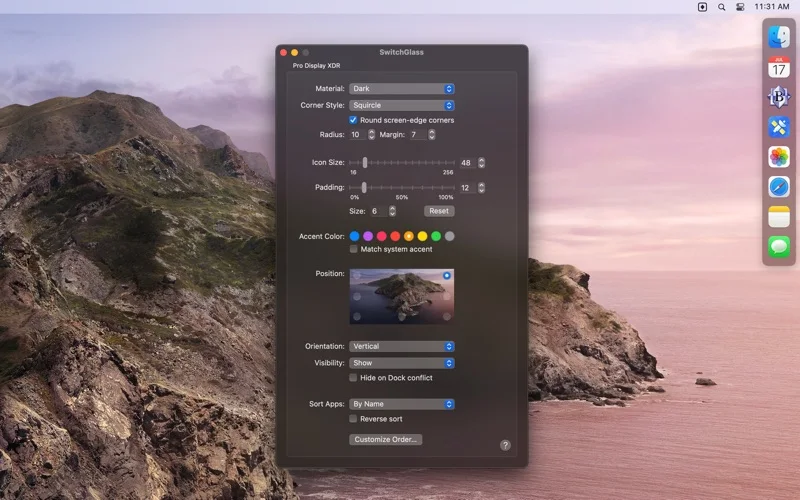
What you can do
- Customize visibility, size and position per display
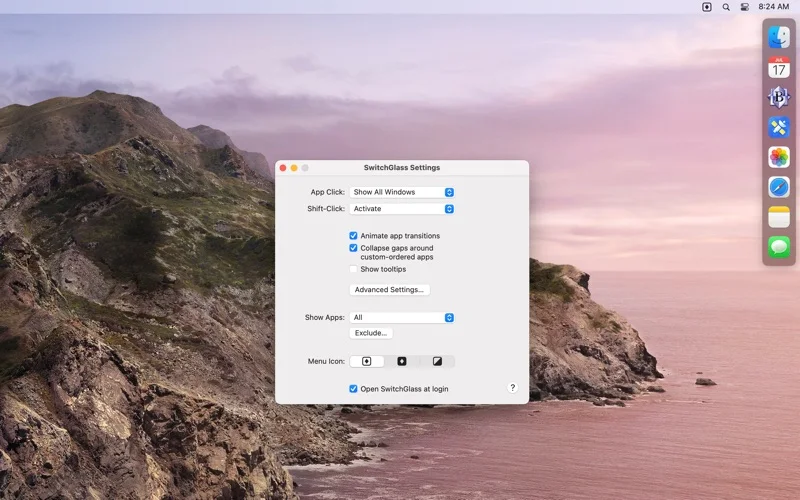
- Choose click and Shift-click window actions
- Drag supported files onto app icons and reserve icon positions
Good for
- Mac users with multiple displays or a strong preference for pointer-based switching.
Consider alternatives for
- Users expecting window snapping, every Dock notification badge or a full workspace manager.
Limitations & considerations
- Captured minimum: macOS 12.0.
- It shows running applications, not a launcher full of unopened apps. macOS window-activation limits can affect some apps, and quitting requires the optional QuitchGlass helper.
Privacy & permissions
The switcher observes running apps and window placement; on newer macOS the optional desktop-picture preview may require screen-recording permission, which should be granted deliberately.
Sources & review notes Updated Nov 15, 2026
Reviewed by iApp4Me Editorial Team. Recommendations use the linked documentation and attributed accounts; device observations are identified separately.
- US App Store developer description
Complete description, release notes, download price and compatibility metadata captured 2026-11-02.
- Official developer disclosure
Official product and purchase description read from cached text captured 2026-11-13; retain the original date and distinguish platform editions.
No comments yet. Be the first to share your experience.