TapRecord: Screen Recorder
Record Mac screens, audio and webcam material with trimming and configurable capture settings.
Someone creating tutorials or permitted meeting recordings on Mac.
Record Mac screens, audio and webcam material with trimming and configurable capture settings.
Keep in mind: No time limits are explicitly a Pro feature. Actual frame rate, audio capture, editing and protected-content support were not tested; recording remains subject to content/participant permissions.
Inside the app
Official product images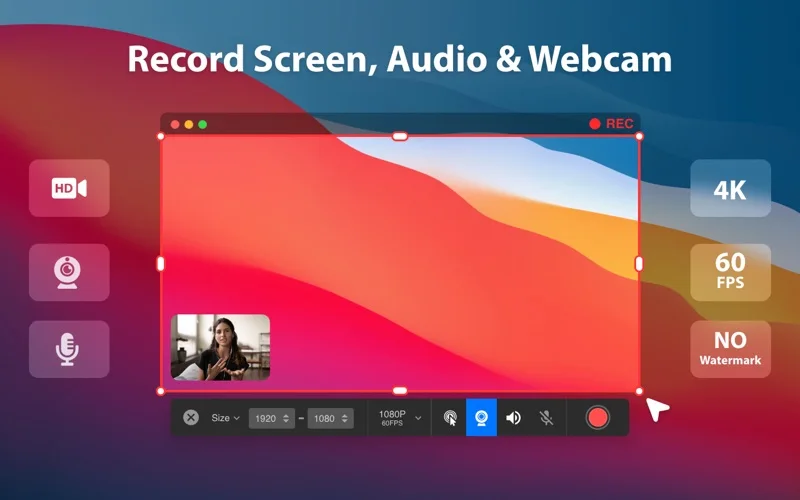
What you can do
- Capture the described screen/system audio/webcam inputs.
- Choose advertised resolution and frame-rate settings.
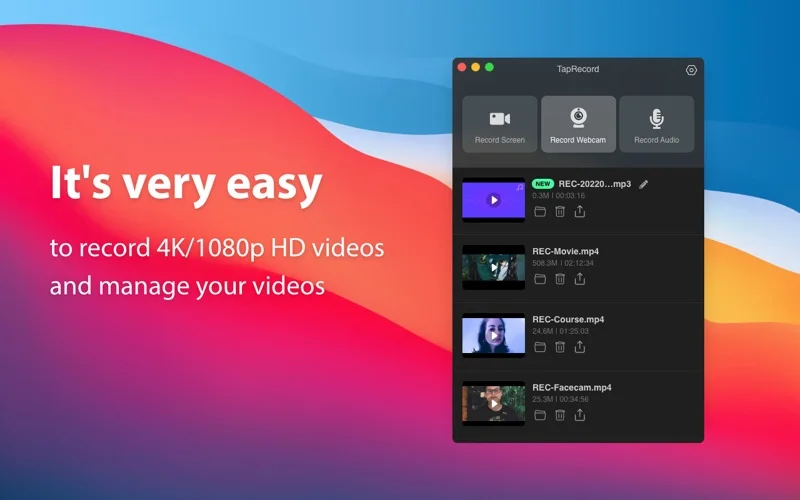
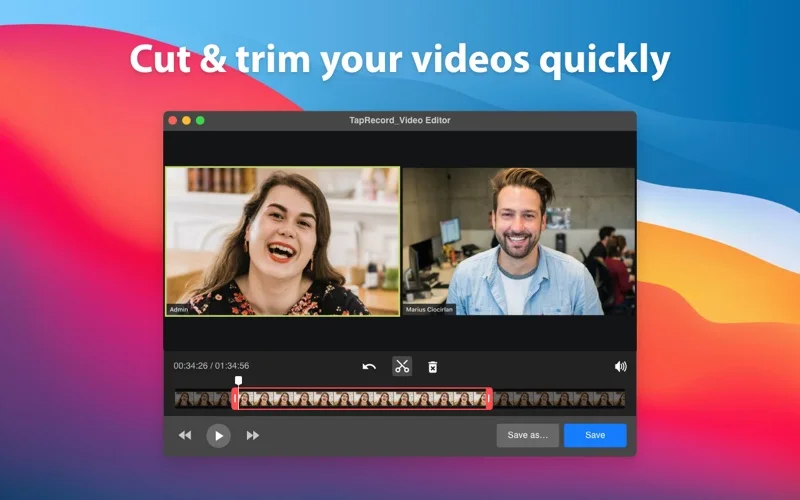
- Trim a recording and share the finished file.
Good for
- Someone creating tutorials or permitted meeting recordings on Mac.
Consider alternatives for
- Unlimited free recording or guaranteed 4K/60fps capture on every machine.
Limitations & considerations
- No time limits are explicitly a Pro feature. Actual frame rate, audio capture, editing and protected-content support were not tested; recording remains subject to content/participant permissions.
Privacy & permissions
Screen/audio/camera access can capture sensitive information. Check selected inputs and save/share destinations before recording; offline-support wording is not a complete privacy audit.
Sources & review notes Updated Nov 18, 2026
Reviewed by iApp4Me Editorial Team. Recommendations use the linked documentation and attributed accounts; device observations are identified separately.
- US App Store listing
Publisher description, version and US download price captured 2026-11-02; source-based coverage, not a device test.
No comments yet. Be the first to share your experience.