Developer Tools
TerminalWidget
Display script and Shortcut output as custom widgets across supported Apple devices.
Useful for users who already write the underlying automation
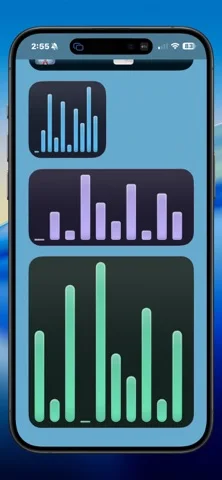
Charts, tables and progress views make a chosen script result glanceable.
Keep in mind: Widget refresh/sync can lag and output is only as reliable as the script; the app is not a shell environment on every device or a monitoring uptime guarantee.
Inside the app
Official product images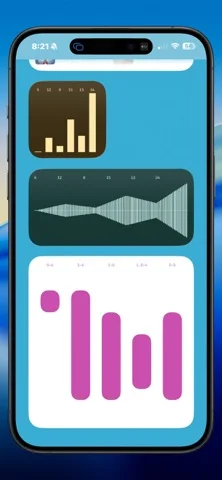

What you can do
- Script/Shortcut/URL-driven widget content
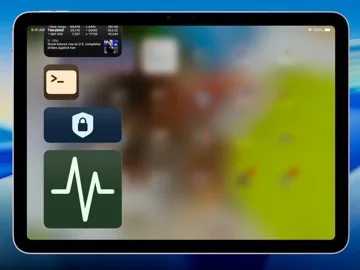
- Text, charts, icons, tables and progress
- Home/Lock Screen sizes and iCloud exchange
Good for
- Scripters checking their own non-sensitive outputs
Consider alternatives for
- Included automation logic or guaranteed live monitoring
Limitations & considerations
- Captured minimum: iOS 17.0.
- Widget refresh/sync can lag and output is only as reliable as the script; the app is not a shell environment on every device or a monitoring uptime guarantee.
Privacy & permissions
Widget text may appear on a locked screen and iCloud carries synced content; remove credentials/private data from script output before display.
Sources & review notes Updated Nov 12, 2026
Reviewed by iApp4Me Editorial Team. Recommendations use the linked documentation and attributed accounts; device observations are identified separately.
- US App Store developer description
Complete description, download price and compatibility metadata captured 2026-11-02.
No comments yet. Be the first to share your experience.