ToothFairy
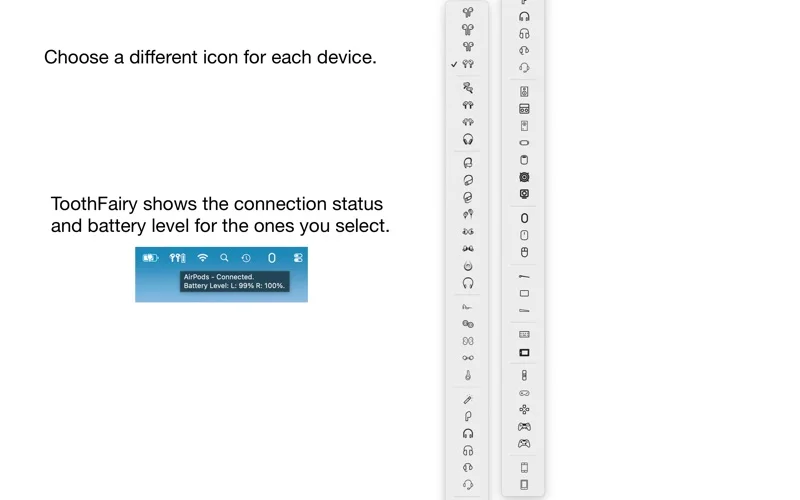
ToothFairy gives paired Bluetooth devices individual menu-bar icons and hotkeys for connecting, disconnecting and checking available battery information.
Pick for frequently switching a Mac's Bluetooth audio output.
Device-specific shortcuts reduce repeated navigation through system menus.
Keep in mind: Devices must already pair and work reliably with macOS. HomePod is unsupported, battery reporting varies, and output-quality options do not preserve simultaneous headset microphone use.
Inside the app
Official product images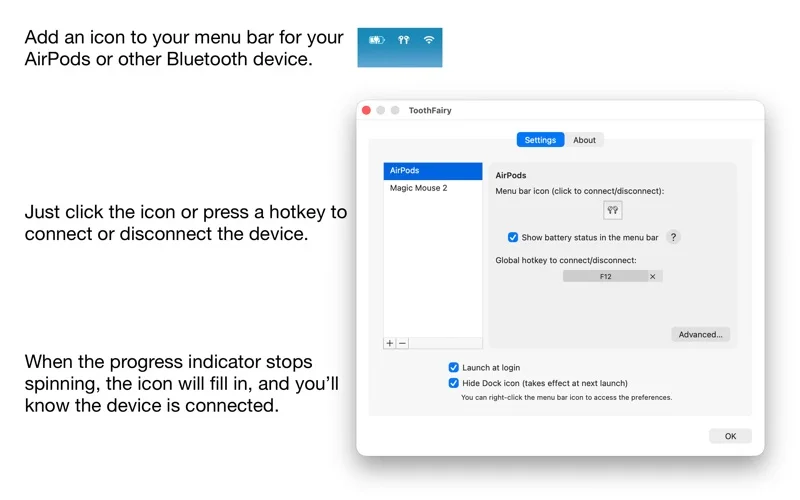
What you can do
- Connect devices with a click or hotkey
- Display connection and supported battery status
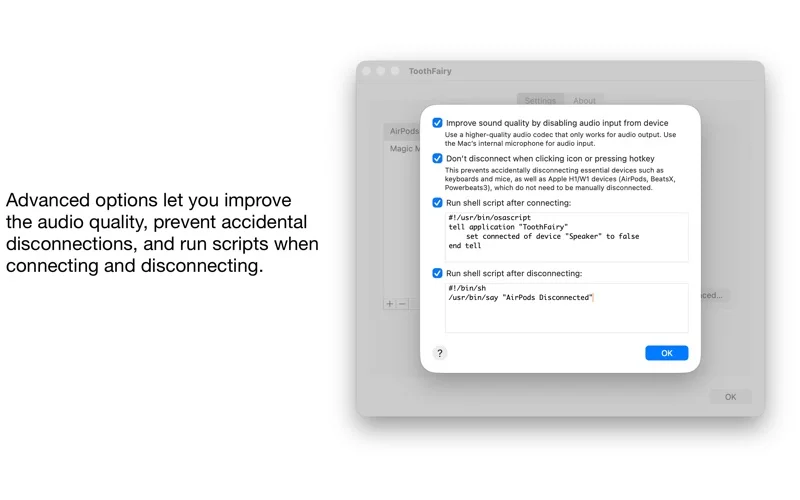
- Run optional scripts on connection events
Good for
- People repeatedly reconnecting headphones, speakers or Mac input devices.
Consider alternatives for
- Users expecting it to repair unsupported hardware or add HomePod Bluetooth audio.
Limitations & considerations
- Captured minimum: macOS 10.13.
- Devices must already pair and work reliably with macOS. HomePod is unsupported, battery reporting varies, and output-quality options do not preserve simultaneous headset microphone use.
Privacy & permissions
Bluetooth device control and optional shell scripts have different access implications. Inspect scripts before enabling automatic execution.
Sources & review notes Updated Nov 15, 2026
Reviewed by iApp4Me Editorial Team. Recommendations use the linked documentation and attributed accounts; device observations are identified separately.
- US App Store developer description
Complete description, release notes, download price and compatibility metadata captured 2026-11-02.
- Official developer disclosure
Full cached official text reviewed; captured 2026-11-12. Product-specific limits and source disagreements retained.
No comments yet. Be the first to share your experience.