
TouchDraw 2: Draw and Diagram
TouchDraw 2 creates structured two-dimensional vector graphics on Mac.
Consider for diagrams and measured vector layouts
Isometric grids and unit-aware input support technical drawing.
Keep in mind: This description is for Mac; it does not establish CAD-grade geometry, every legacy feature or an iPad entitlement.
Inside the app
Official product images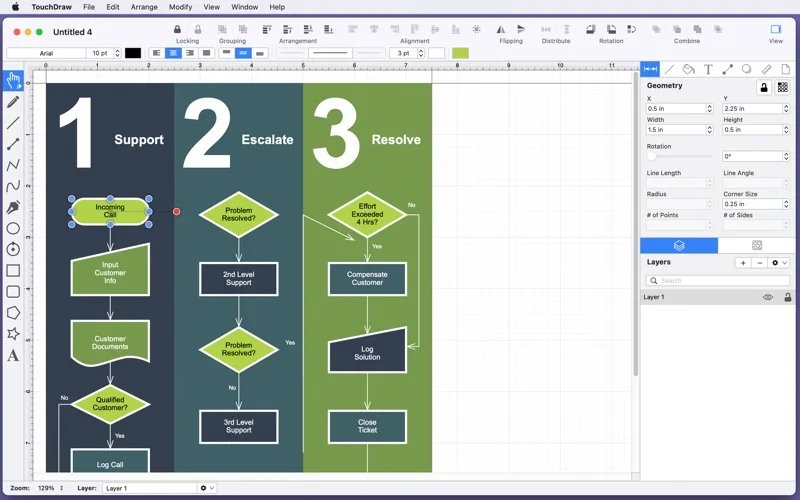
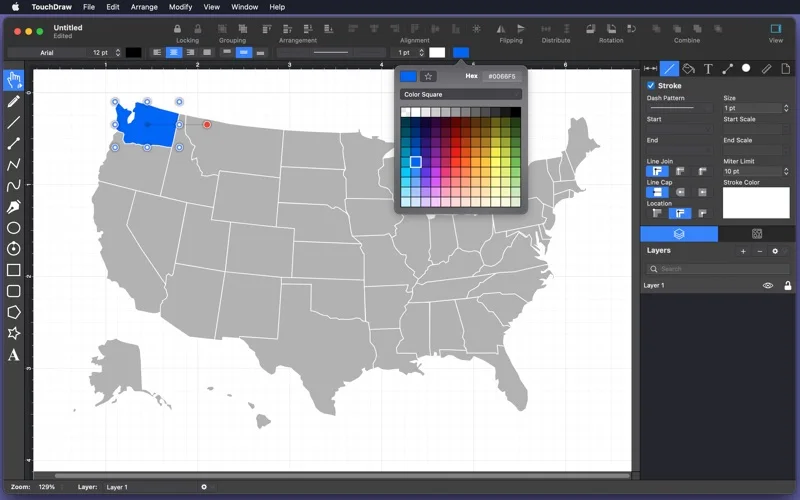
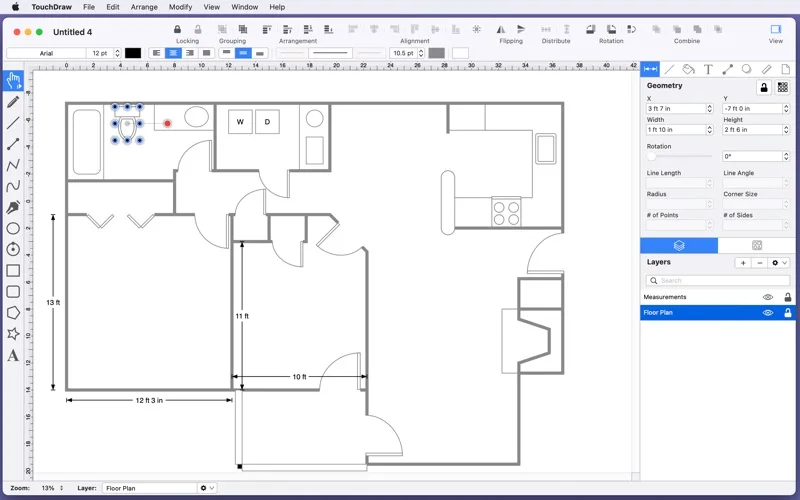
What you can do
- Build supported vector diagrams
- Use grids and unit-aware text entry
- Group selections or sketch recognized shapes
App Store review themes
Recurring praise and complaints, grouped by topic.
3 reviews · US App Store · Written feedback; review platforms are not identified
What reviewers like
No recurring positive theme has at least three supporting reviews.
What reviewers dislike
No recurring negative theme has at least three supporting reviews.
Good for
- Mac users testing flowchart and illustration workflows
Consider alternatives for
- Users requiring verified specialized CAD or legacy replacement features
Limitations & considerations
- Captured minimum: macOS 12.0.
- This description is for Mac; it does not establish CAD-grade geometry, every legacy feature or an iPad entitlement.
Privacy & permissions
Diagrams and exported floor plans can be confidential; review sharing.
Sources & review notes Updated Nov 10, 2026
Reviewed by iApp4Me Editorial Team. Recommendations use the linked documentation and attributed accounts; device observations are identified separately.
- US App Store developer description
Complete description, download price and compatibility metadata captured 2026-11-02.
No comments yet. Be the first to share your experience.