
Graphics & Design
Tracing Board | Lightbox
Tracing Board Lightbox displays an adjustable image on an iPad as a reference surface for tracing onto paper.
Choose for refining your own sketches and combining permitted references.
Lockable controls and saved boards help keep a reference still while working.
Keep in mind: A screen is not a pressure-resistant physical light table; old system-gesture instructions may differ on current iPadOS.
Inside the app
Official product images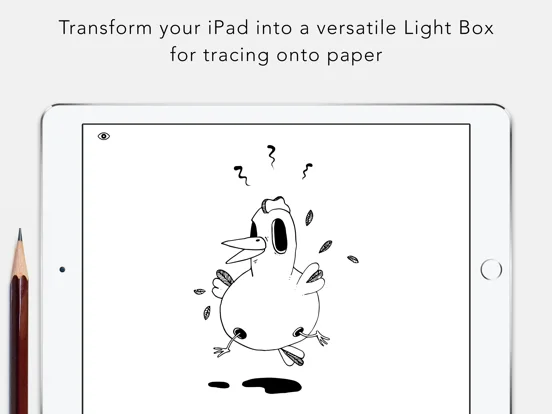
What you can do
- Capture or import a reference
- Adjust image size and brightness
- Tune saturation and contrast
- Lock app controls
- Save boards for later
Good for
- Artists tracing their own drafts or authorized studies
Consider alternatives for
- Users expecting automatic vector tracing or a durable physical drawing surface
Limitations & considerations
- Captured minimum: iOS 9.0.
- A screen is not a pressure-resistant physical light table; old system-gesture instructions may differ on current iPadOS.
Privacy & permissions
Imported photos and designs may be private or copyrighted; use appropriate source permission and protect exported boards.
Sources & review notes Updated Nov 11, 2026
Reviewed by iApp4Me Editorial Team. Recommendations use the linked documentation and attributed accounts; device observations are identified separately.
- US App Store developer description
Complete description, download price and compatibility metadata captured 2026-11-02.
No comments yet. Be the first to share your experience.