
Productivity
Translator Keyboard : Lingo
Lingo Keyboard translates typed text inside supported apps with language and appearance choices.
Consider for low-stakes multilingual messages
Inline translation can reduce copy-paste steps.
Keep in mind: Translation can change meaning; third-party keyboard access varies by app and sensitive fields. Not suitable as a sole legal or medical translator.
Inside the app
Official product images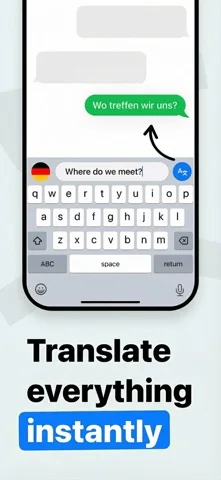
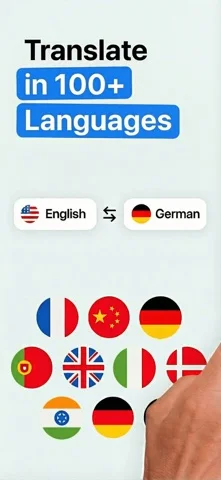

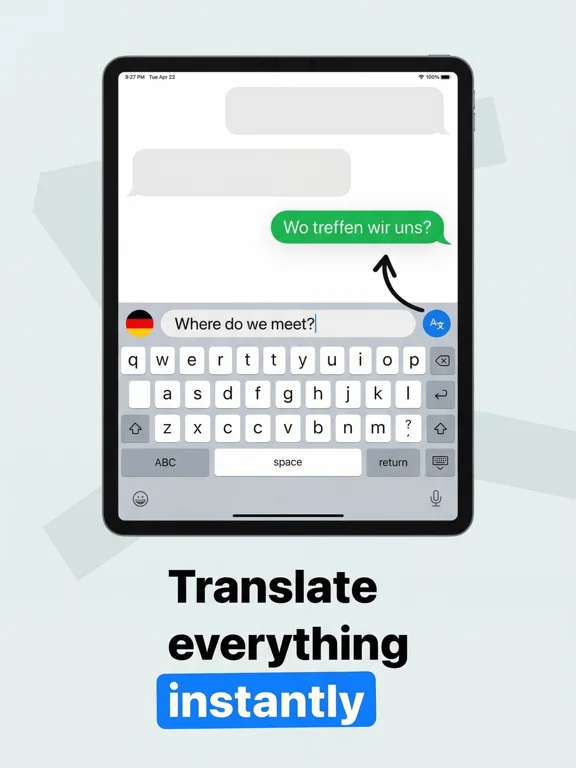
What you can do
- Type supported language translations
- Choose eligible languages
- Customize supported keyboard appearance
Good for
- Users checking casual translations before sending
Consider alternatives for
- Users entering passwords or confidential material into unverified keyboards
Limitations & considerations
- Captured minimum: iOS 17.0.
- Translation can change meaning; third-party keyboard access varies by app and sensitive fields. Not suitable as a sole legal or medical translator.
Privacy & permissions
Keyboard text is highly sensitive; inspect Full Access and processing disclosure before enabling.
Sources & review notes Updated Nov 10, 2026
Reviewed by iApp4Me Editorial Team. Recommendations use the linked documentation and attributed accounts; device observations are identified separately.
- US App Store developer description
Complete description, download price and compatibility metadata captured 2026-11-02.
No comments yet. Be the first to share your experience.