
TrashMe 3
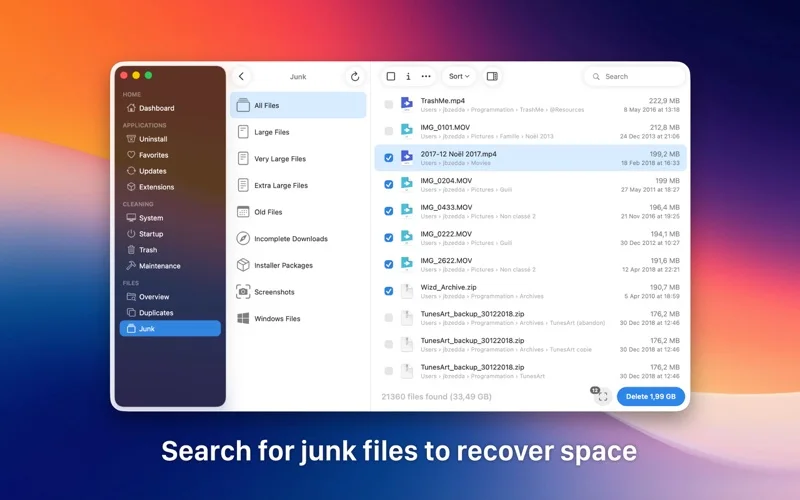
TrashMe 3 combines Mac application removal with storage inspection, duplicate searches and cleanup tools.
Use it when you want to inspect what occupies disk space before removing it.
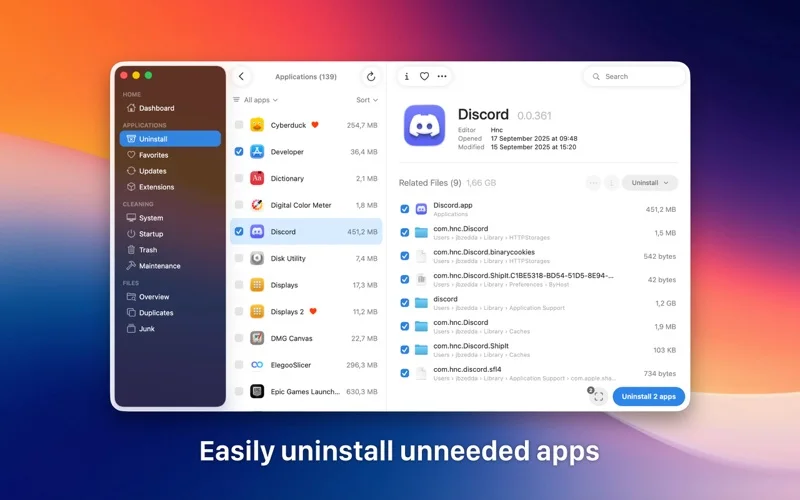
Associated-file removal and disk visualization offer more context than dragging an application to the Trash alone.
Keep in mind: Cleanup requires suitable file permissions; review each deletion and keep backups because removal can discard useful settings or files.
Inside the app
Official product images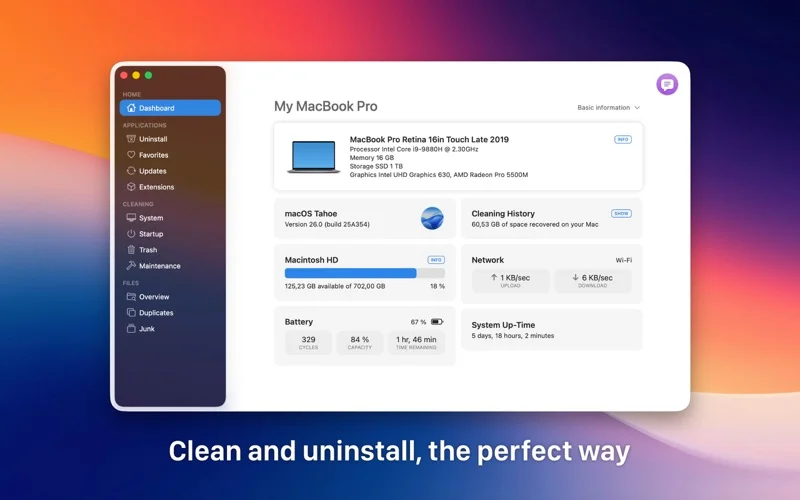
What you can do
- Uninstall apps and inspect associated files
- Find duplicates and large, old or incomplete files
- Inspect disk usage, startup items and app updates
Good for
- Mac owners who want guided storage cleanup and app removal.
Consider alternatives for
- Anyone expecting automatic cleanup to guarantee a faster or trouble-free Mac.
Limitations & considerations
- Captured minimum: macOS 10.13.
- Cleanup requires suitable file permissions; review each deletion and keep backups because removal can discard useful settings or files.
Privacy & permissions
File scans can expose folder names and saved app registration details; grant only needed access and take care when sharing scan screenshots.
Sources & review notes Updated Nov 15, 2026
Reviewed by iApp4Me Editorial Team. Recommendations use the linked documentation and attributed accounts; device observations are identified separately.
- US App Store developer description
Complete description, release notes, download price and compatibility metadata captured 2026-11-02.
- Official developer disclosure
Official product or purchase information read from the complete cached page captured 2026-11-12; dated evidence, not a live price check.
No comments yet. Be the first to share your experience.