Trello
Trello organizes work into boards, lists and cards, with a Mac desktop interface for shared tasks, notifications and quick card creation.
Pick for visual workflows and lightweight collaboration.
Cards, checklists, attachments and shared boards make status visible to a team.
Keep in mind: The service is cloud-only and paid tiers control board, view and automation limits. The description's old Gold wording is superseded by the saved current plan page.
Inside the app
Official product images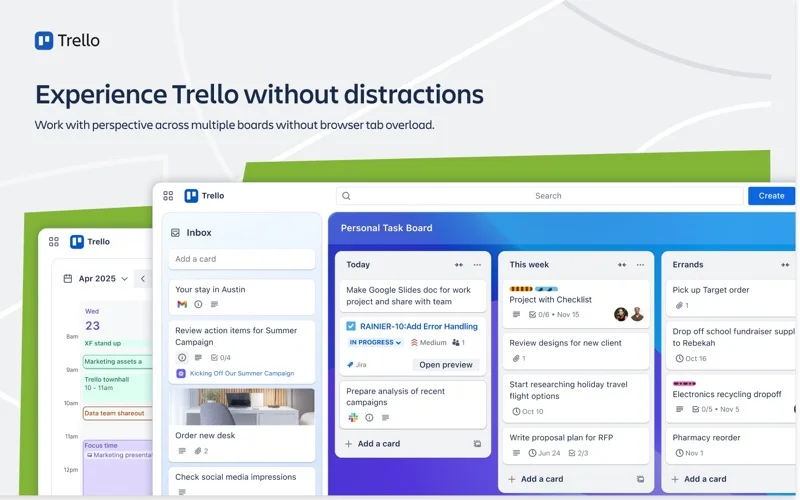
What you can do
- Arrange cards on collaborative boards
- Assign tasks, checklists and due dates
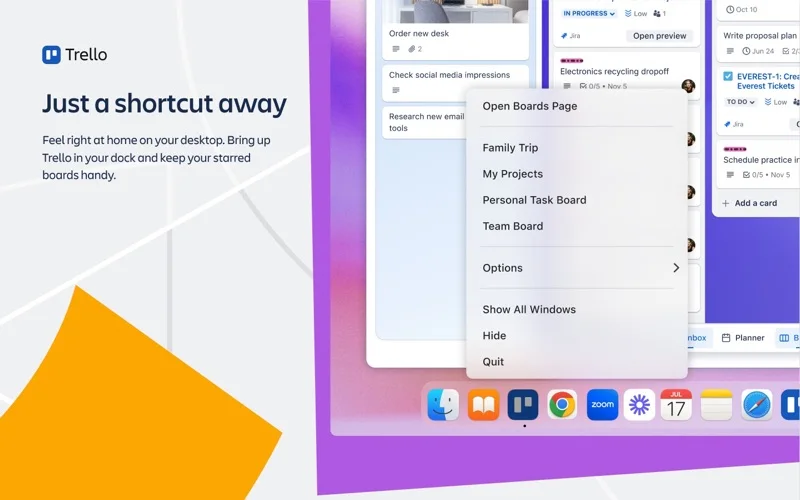
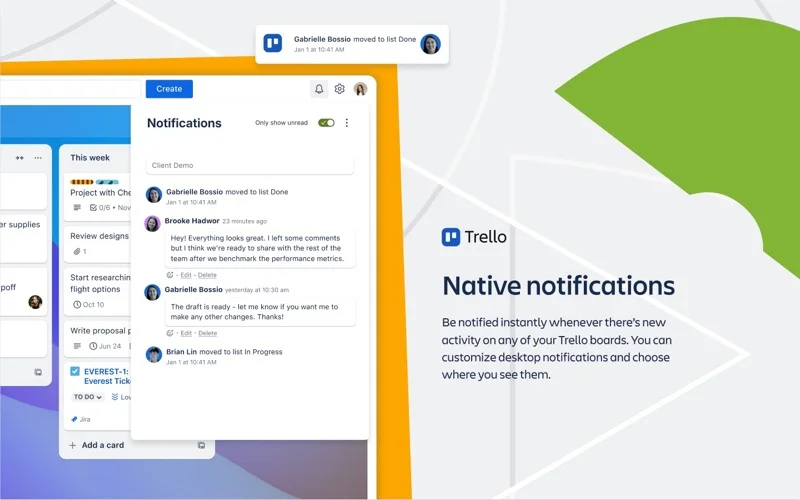
- Use Mac quick-add, shortcuts and notifications
Good for
- Individuals or teams tracking work in a visual board.
Consider alternatives for
- Users needing an on-premises service or unlimited advanced features in the free tier.
Limitations & considerations
- Captured minimum: macOS 12.0.
- The service is cloud-only and paid tiers control board, view and automation limits. The description's old Gold wording is superseded by the saved current plan page.
Privacy & permissions
Board visibility, members and Power-Ups determine who can access cards and attachments. Keep private work off public boards and review integration access.
Sources & review notes Updated Nov 15, 2026
Reviewed by iApp4Me Editorial Team. Recommendations use the linked documentation and attributed accounts; device observations are identified separately.
- US App Store developer description
Complete description, release notes, download price and compatibility metadata captured 2026-11-02.
- Official developer disclosure
Full cached official text reviewed; captured 2026-11-12. Current service offers are distinguished from the captured app edition.
No comments yet. Be the first to share your experience.