
Tutor for Apple Watch
Tutor for Apple Watch is a Mac-hosted video tutorial specifically covering the watchOS 4 interface and related iPhone Watch settings.
Pick only for learning or referencing the older watchOS 4 workflow.
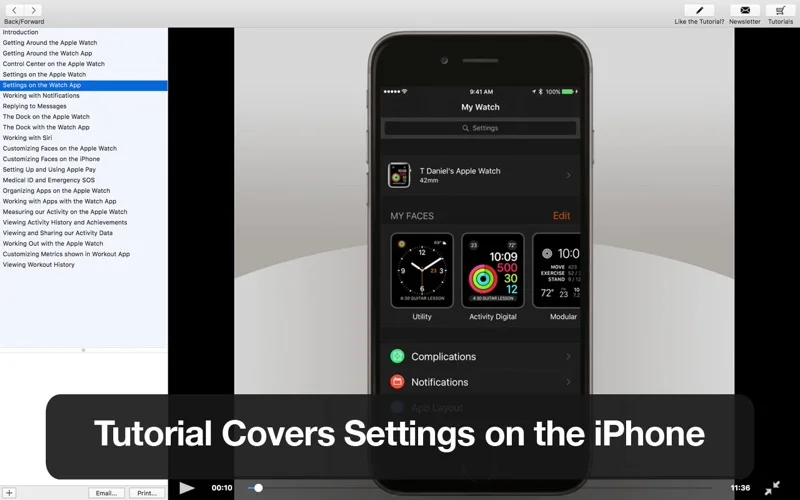
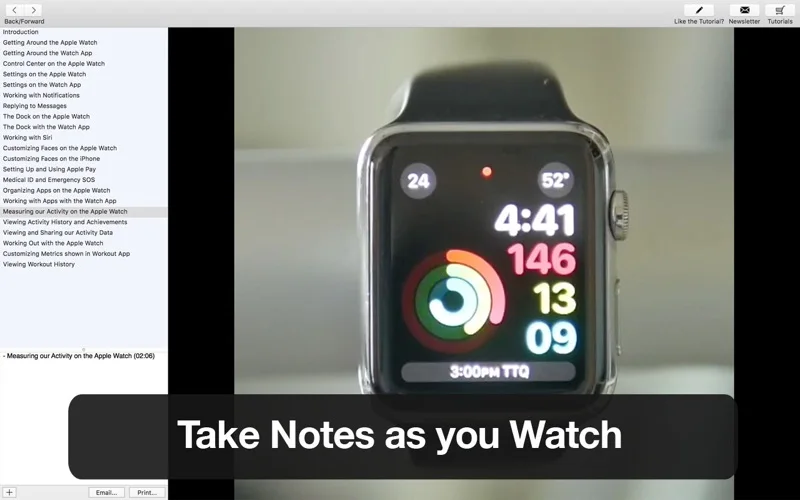
The lesson list covers gestures, notifications, faces, apps and activity in a structured beginner sequence.
Keep in mind: This is legacy instructional content. Settings, gestures, Apple Pay and emergency workflows can differ on current devices, so it should not be presented as a current Apple Watch guide.
Inside the app
Official product images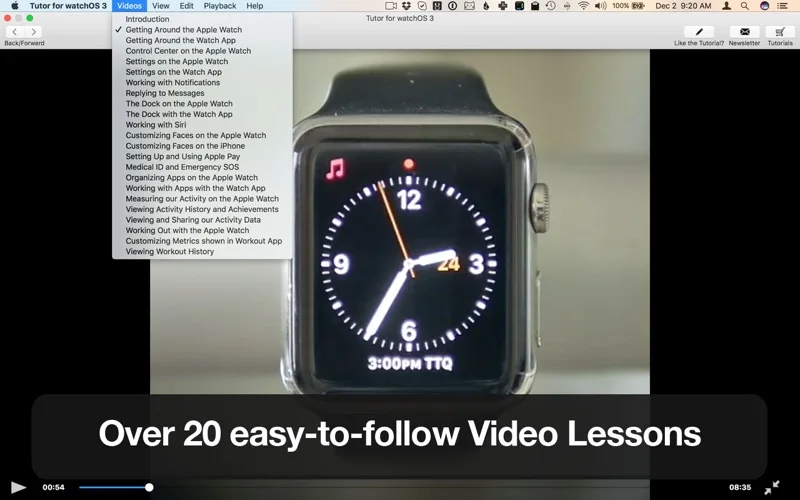
What you can do
- Watch lessons on navigation and Watch settings
- Review faces, notifications and app organization
- Learn the described watchOS 4 activity workflows
Good for
- Owners or researchers specifically working with the watchOS 4 era.
Consider alternatives for
- New Watch owners looking for instructions matched to the latest watchOS.
Limitations & considerations
- Captured minimum: macOS 10.8.
- This is legacy instructional content. Settings, gestures, Apple Pay and emergency workflows can differ on current devices, so it should not be presented as a current Apple Watch guide.
Privacy & permissions
Watching instructional videos differs from granting access to Watch health data. A separate tutorial-site membership may collect account and viewing information.
Sources & review notes Updated Nov 15, 2026
Reviewed by iApp4Me Editorial Team. Recommendations use the linked documentation and attributed accounts; device observations are identified separately.
- US App Store developer description
Complete description, release notes, download price and compatibility metadata captured 2026-11-02.
- Official developer disclosure
Full app-specific or successor-service cached text reviewed; captured 2026-11-12. Store/platform and historical-edition distinctions retained above.
- Official developer disclosure
Full app-specific or successor-service cached text reviewed; captured 2026-11-12. Store/platform and historical-edition distinctions retained above.
No comments yet. Be the first to share your experience.