Productivity
TypeDraw
TypeDraw mixes typed notes, free drawing and handwriting-style fonts on a customizable notebook canvas.
Combine text and sketches in an informal notebook
Responsive marks and a searchable contents view connect visual annotation with editable text.
Keep in mind: Smart-mark and font-generation behavior should be tested with sample notes; this is not a guaranteed handwriting-recognition archive.
Inside the app
Official product images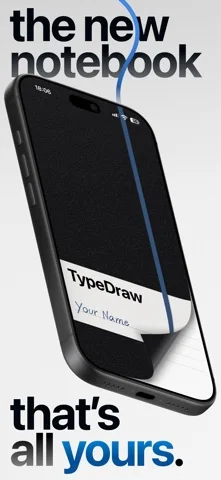
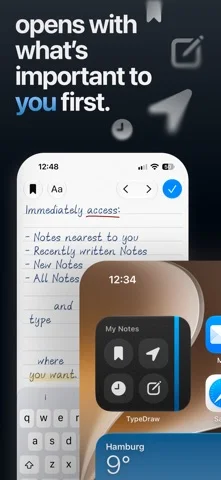
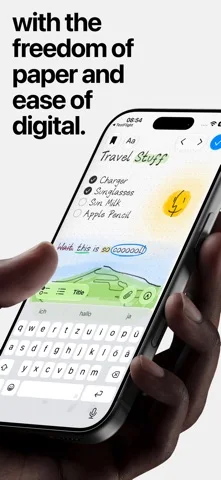
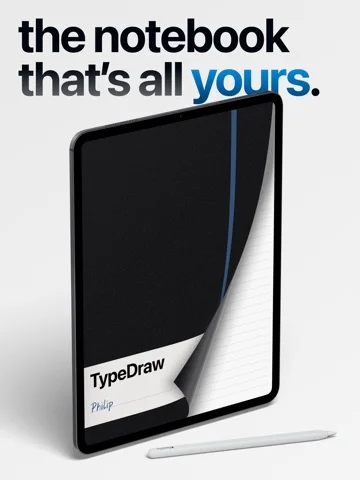
What you can do
- Type and draw on configurable pages
- Create a handwriting-style font and responsive marks
- Search notes or organize them by page time or location
Good for
- People who enjoy visually personal notes and sketches.
Consider alternatives for
- Users requiring a verified enterprise record-management system.
Limitations & considerations
- Captured minimum: iOS 26.0.
- Smart-mark and font-generation behavior should be tested with sample notes; this is not a guaranteed handwriting-recognition archive.
Privacy & permissions
The developer describes no required account and optional personal iCloud sync; location-sorted notes deserve careful permission and sharing choices.
Sources & review notes Updated Nov 11, 2026
Reviewed by iApp4Me Editorial Team. Recommendations use the linked documentation and attributed accounts; device observations are identified separately.
- US App Store developer description
Complete description, download price and compatibility metadata captured 2026-11-02.
No comments yet. Be the first to share your experience.