
Unzip – ZIP 7Z RAR Extractor
Extract supported archives, handle multipart files and create encrypted ZIP or 7Z packages.
Someone working with common archive formats on Mac.
Extract supported archives, handle multipart files and create encrypted ZIP or 7Z packages.
Keep in mind: Creation and extraction support differ by format. Test important output and keep originals; encryption algorithms, multipart recovery and broad format support were not independently validated.
Inside the app
Official product images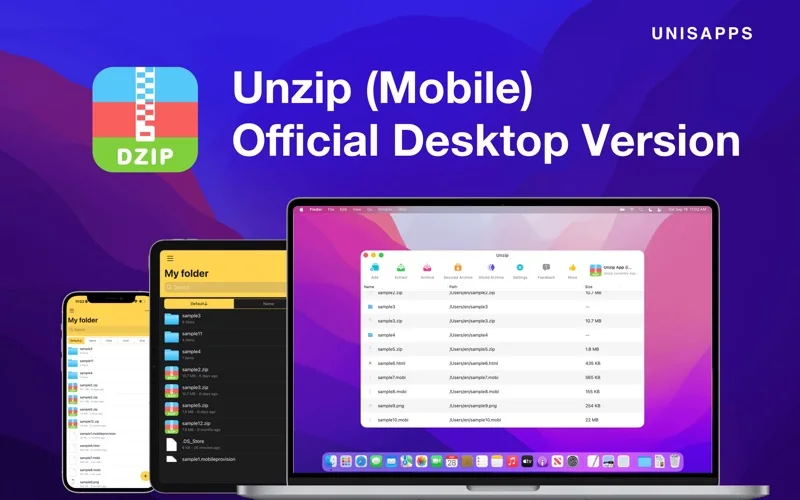
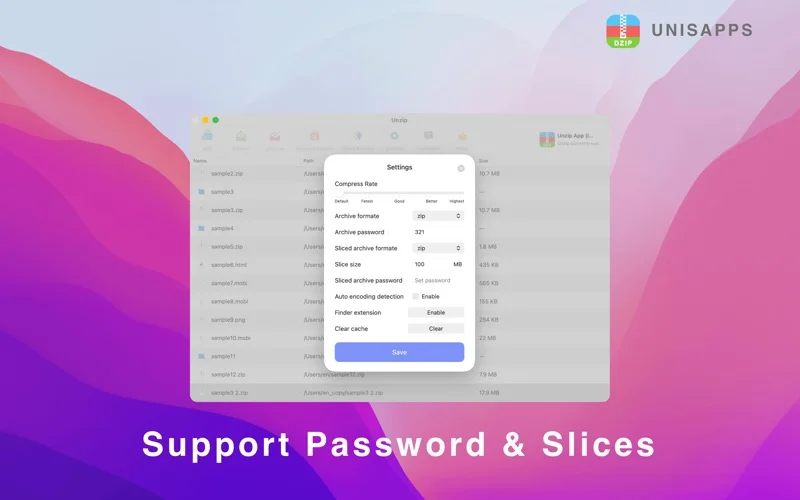
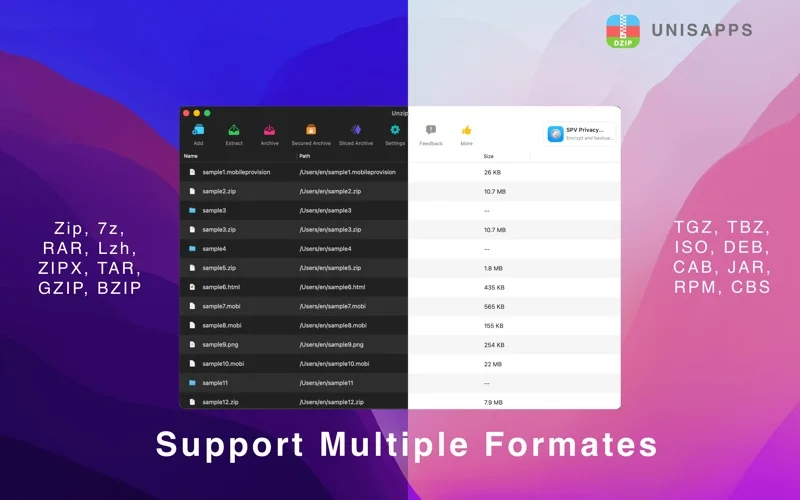
What you can do
- Open listed formats such as ZIP, RAR, 7Z and TAR.
- Create or extract supported multipart archives.
- Open password-protected archives or encrypt supported output.
Good for
- Someone working with common archive formats on Mac.
Consider alternatives for
- A verified malware scanner or a guarantee of strong encryption for every format.
Limitations & considerations
- Creation and extraction support differ by format. Test important output and keep originals; encryption algorithms, multipart recovery and broad format support were not independently validated.
Privacy & permissions
The publisher says archive operations stay local. Its linked freemium policy also describes diagnostics, third-party analytics/ads and optional authorized Drive access; that is not a no-data-collection audit.
Sources & review notes Updated Nov 18, 2026
Reviewed by iApp4Me Editorial Team. Recommendations use the linked documentation and attributed accounts; device observations are identified separately.
- US App Store listing
Publisher description, version and US download price captured 2026-11-02; source-based coverage, not a device test.
- Developer privacy overview
Text captured 2026-11-13; relevant overview, not a full legal/security audit.
No comments yet. Be the first to share your experience.