UPS
UPS shipment tracking and shipping tools with pickup scheduling and location search.
Consider it for following UPS parcels and preparing shipments
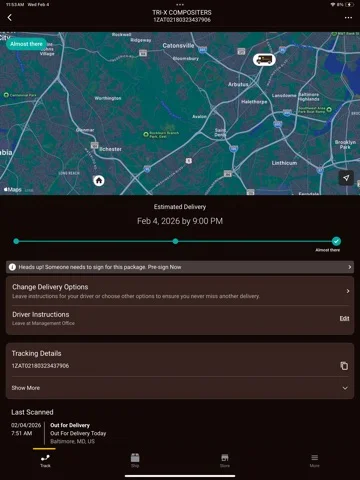
Tracking and label-related tasks can be handled from a phone while away from a desk.
Keep in mind: Tracking status is an estimate of recorded events, not a guarantee of delivery time or eligibility for every change.
Inside the app
Official product images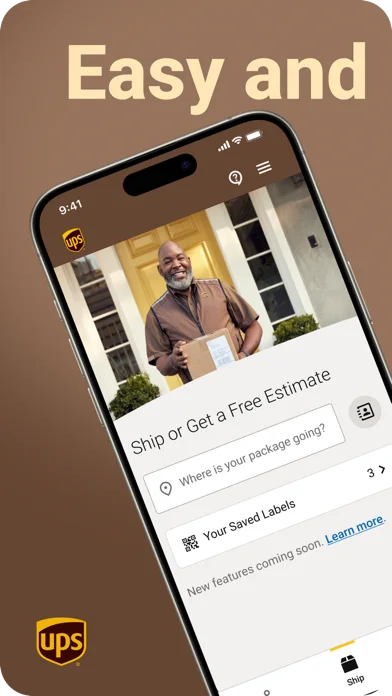
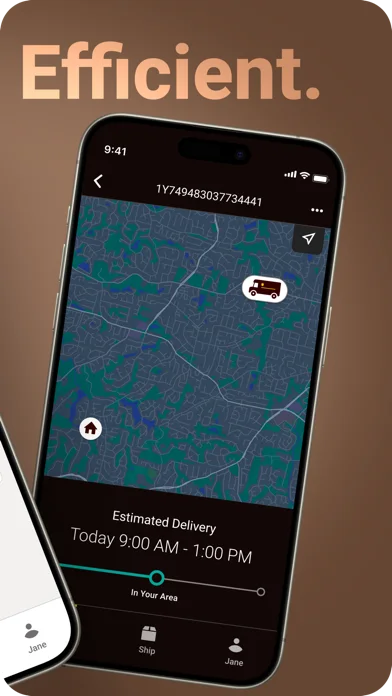
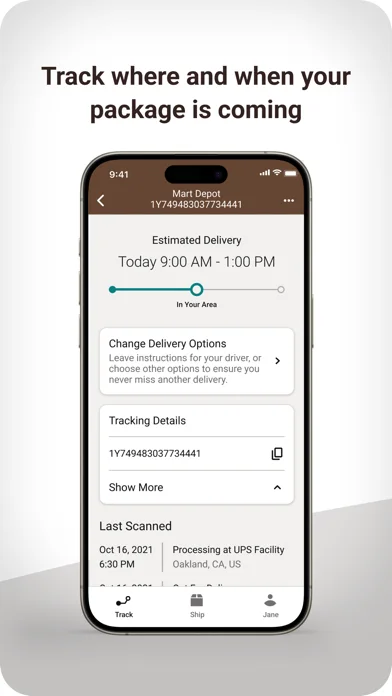
What you can do
- Track parcels and scan eligible numbers.
- Create shipping labels.
- Schedule supported pickups.
- Find UPS locations and use eligible mobile barcodes.
Good for
- People sending or receiving UPS parcels.
Consider alternatives for
- Anyone expecting free shipping from installing the app.
Limitations & considerations
- Captured minimum: iOS 17.0.
- Some account and delivery-management functions require sign-in and eligible shipments.
- Verify address, package dimensions and service before purchasing a label.
Privacy & permissions
Tracking numbers, recipient addresses and shipping history can expose delivery details. Avoid sharing public screenshots containing a full label or barcode.
Sources & review notes Updated Nov 8, 2026
Reviewed by iApp4Me Editorial Team. Recommendations use the linked documentation and attributed accounts; device observations are identified separately.
- US App Store developer description
Complete description, download price and compatibility metadata captured 2026-11-02.
- UPS official app overview
Official shipping/tracking feature guidance consulted 2026-11-08, supplementing the short saved description.
No comments yet. Be the first to share your experience.