
Graphics & Design
VectorPaint: Drawing & SVG
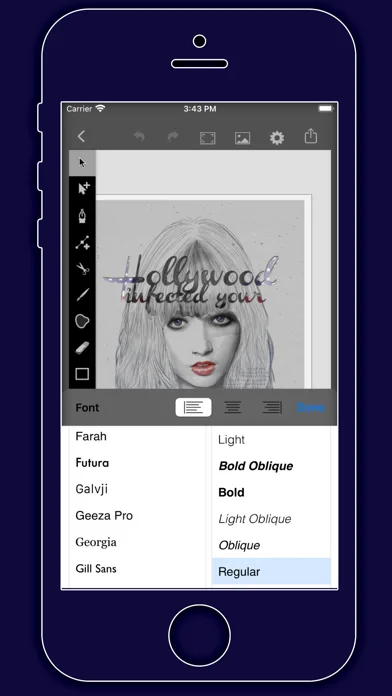
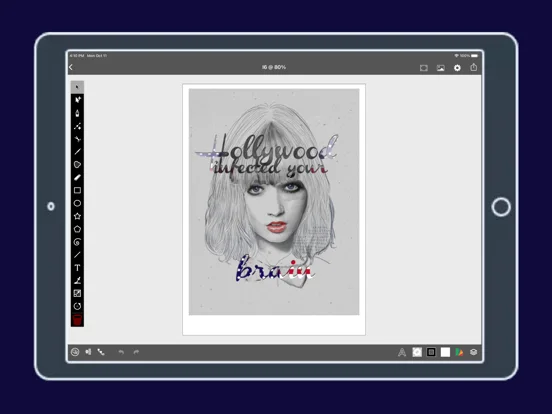
Draw/edit vector paths, layers and text, then export projects to SVG, PDF or PNG.
Useful for mobile illustration with deliberate interchange checks
Node editing, tracing previews and local versions connect drawing with revision.
Keep in mind: Photo tracing quantizes colors; SVG/PDF can retain bitmap elements, so export does not vectorize everything. MCP clients can alter artwork within granted permissions.
Inside the app
Official product images

What you can do
- Pen/freehand/Bézier and layout guides
- Layers/masks/gradients and text-on-path
- Image tracing, local versions/backups and SVG/PDF/transparent-PNG export
Good for
- Creators checking a representative file in the destination tool
Consider alternatives for
- Guaranteed fully vector output or unrestricted safe remote editing
Limitations & considerations
- Captured minimum: iOS 17.0.
- Photo tracing quantizes colors; SVG/PDF can retain bitmap elements, so export does not vectorize everything. MCP clients can alter artwork within granted permissions.
Privacy & permissions
Local/offline artwork is stated; optional MCP exposes granted documents/actions to desktop clients. Restrict access and back up before remote editing.
Sources & review notes Updated Nov 12, 2026
Reviewed by iApp4Me Editorial Team. Recommendations use the linked documentation and attributed accounts; device observations are identified separately.
- US App Store developer description
Complete description, download price and compatibility metadata captured 2026-11-02.
No comments yet. Be the first to share your experience.