
ViewGrid - Multi Stream Viewer
Watch live streams from YouTube, Twitch, Kick and Rumble side by side, with independent audio controls.
Viewers following an event across multiple official live feeds
Start with the main feed and one companion stream. Keep one source audible while you follow the other visually. For a repeat viewing setup, use a share link or save the grid to an account.
Keep in mind: Streams use the providers’ own players and remain subject to their access, advertising and playback rules. The developer describes up to six streams on phones and more on desktop browsers.
Inside the app
Official product images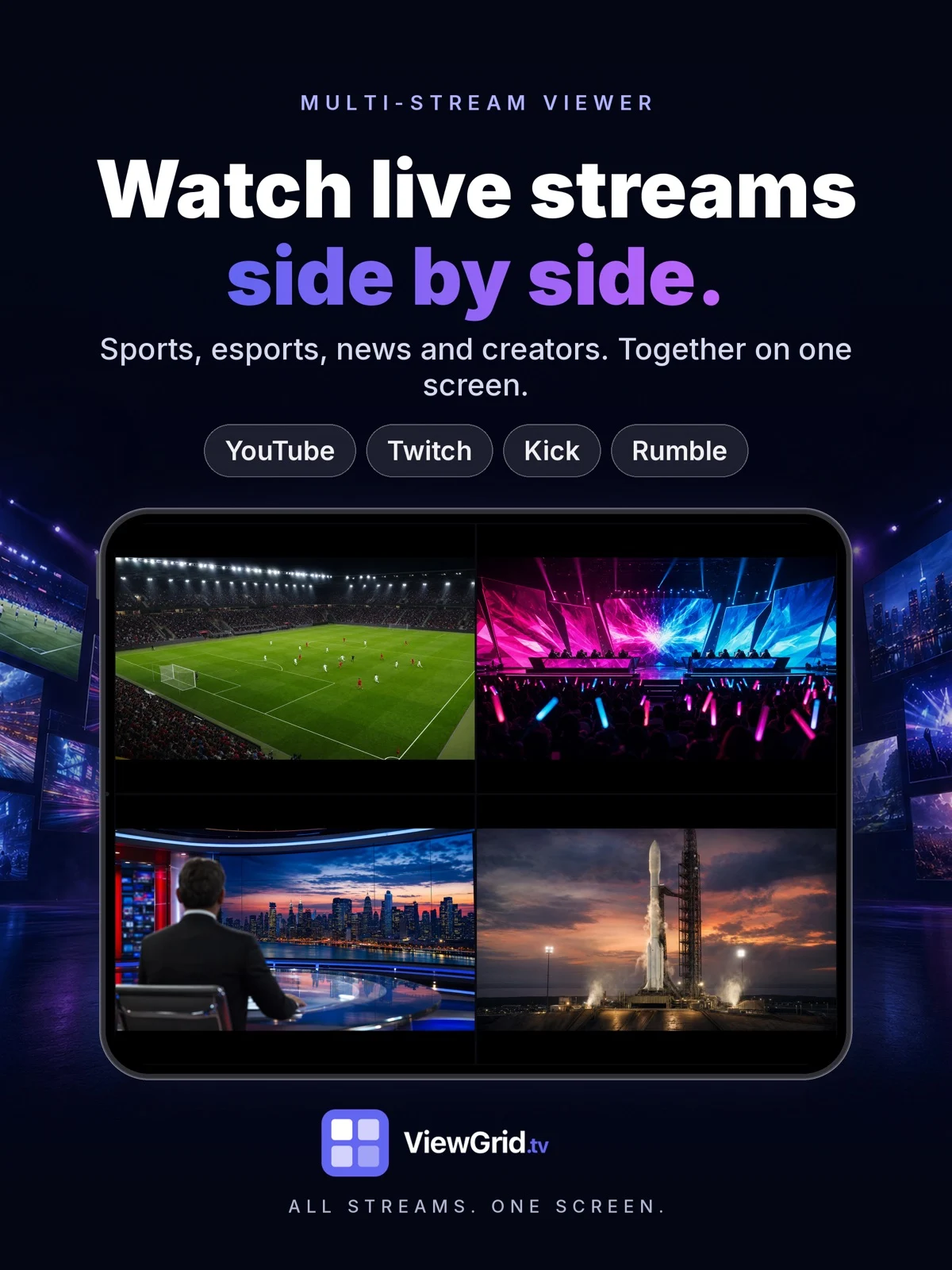

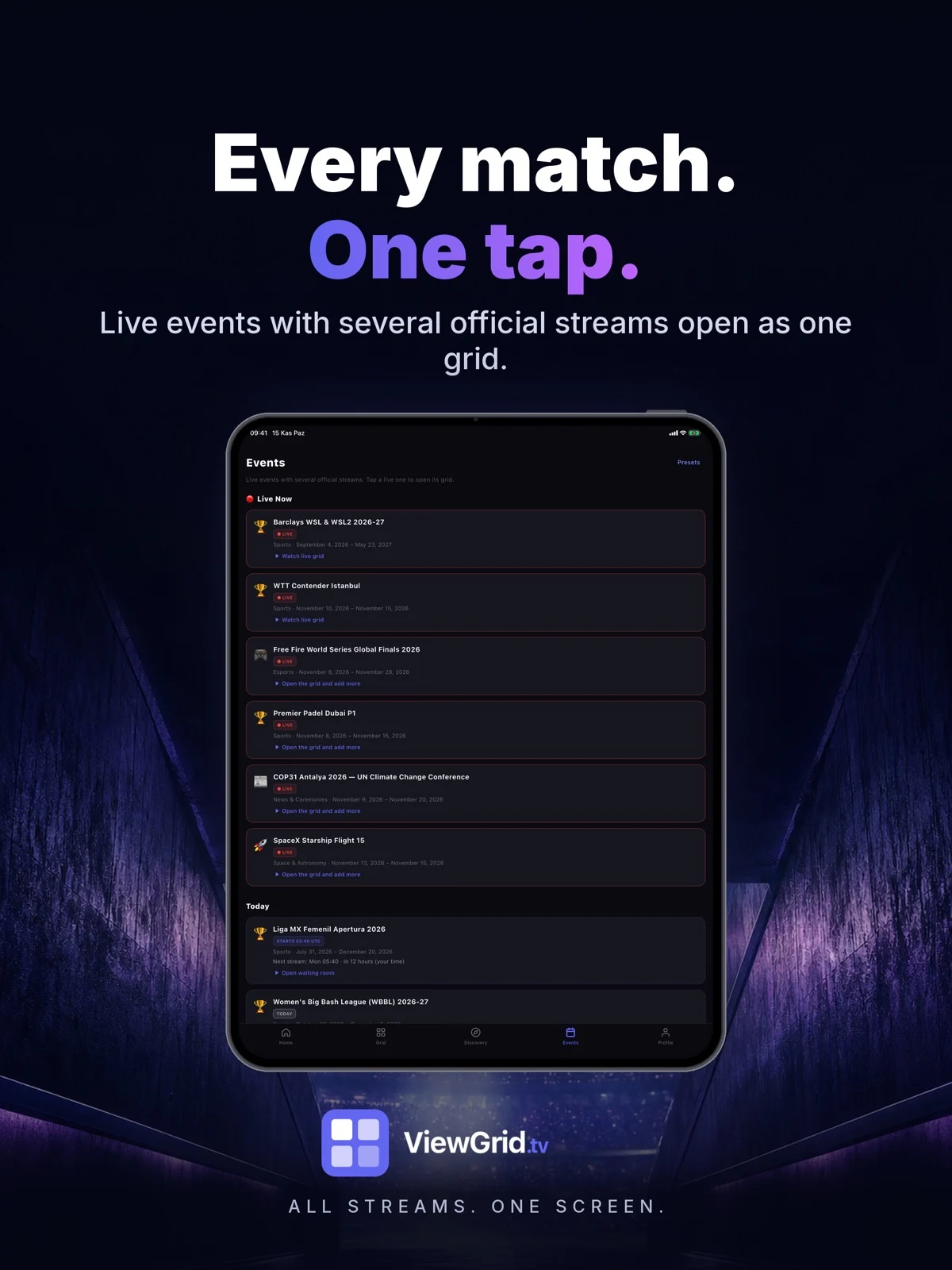

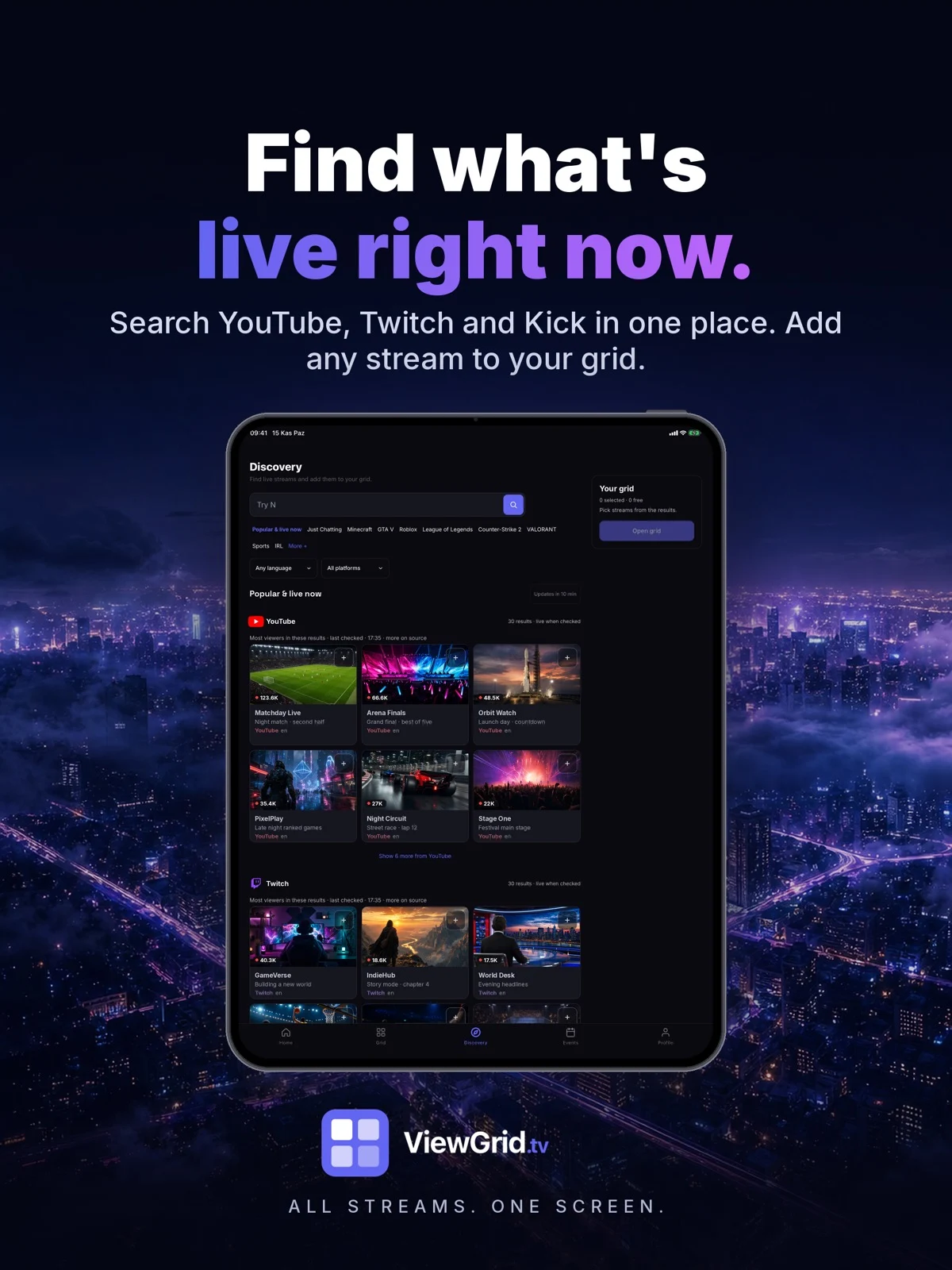

What you can do
- Arrange multiple live feeds in a grid
- Search across streaming providers or open an event preset
- Choose the audio source and share or save a layout
Good for
- Viewers following an event across multiple official live feeds
Consider alternatives for
- Streams use the providers’ own players and remain subject to their access, advertising and playback rules. The developer describes up to six streams on phones and more on desktop browsers.
Where it fits
Start with the main feed and one companion stream. Keep one source audible while you follow the other visually. For a repeat viewing setup, use a share link or save the grid to an account.
Limitations & considerations
- Streams use the providers’ own players and remain subject to their access, advertising and playback rules. The developer describes up to six streams on phones and more on desktop browsers.
Privacy & permissions
An account adds saved grids and followed channels. Each streaming provider handles its embedded player, including views, ads and chat.
Sources & review notes Updated Nov 28, 2026
Reviewed by iApp4Me Editorial Team. Recommendations use the linked documentation and attributed accounts; device observations are identified separately.
- US App Store
Regional availability, version 1.2.5, compatibility and published in-app purchase details.
- Official product website
Developer documentation and workflow.
- Google Play listing
Public product information from the publisher.
- Official ViewGrid press kit
Public product information from the publisher.
No comments yet. Be the first to share your experience.