virtualOS VM
Run configurable macOS virtual machines on an Apple-silicon Mac using Apple restore images.
An Apple-silicon Mac user experimenting with permitted macOS guest environments.
Run configurable macOS virtual machines on an Apple-silicon Mac using Apple restore images.
Keep in mind: The saved version explicitly labels snapshots, sparse disks, provisioning and USB passthrough as requiring macOS 27. These capabilities, guest compatibility and recovery behavior were not independently tested.
Inside the app
Official product images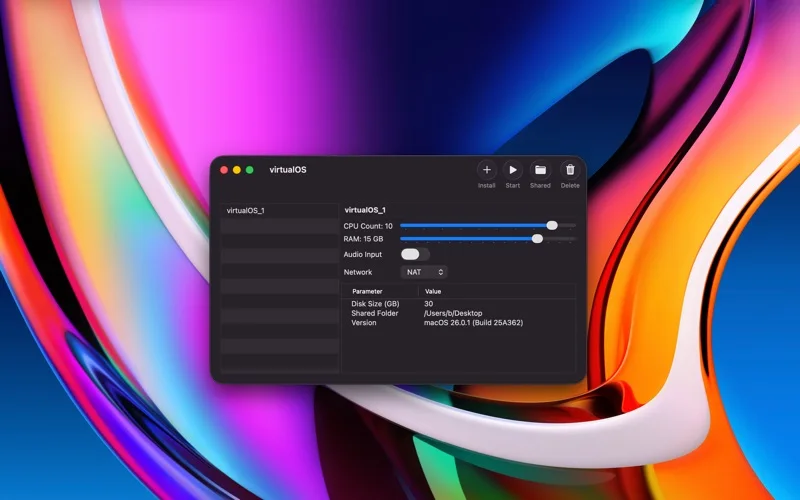
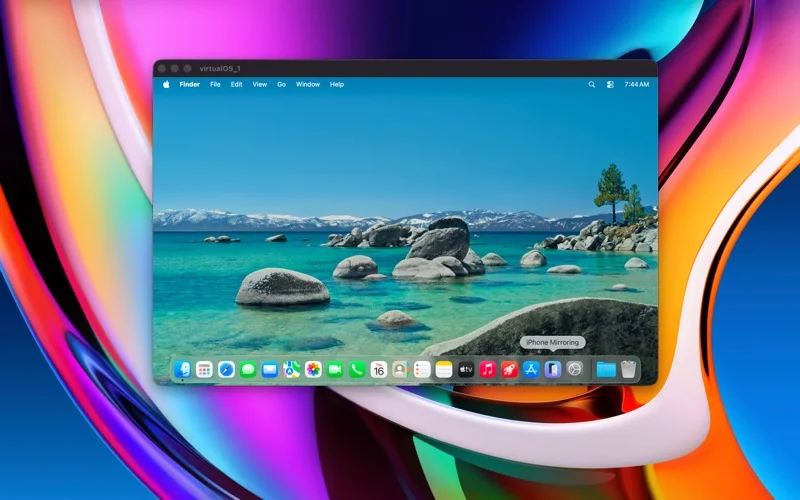
What you can do
- Set virtual CPU, RAM, shared folders, audio input and network mode.
- Run multiple VMs or choose an autostart VM.
- Use the advertised snapshots, provisioning and USB passthrough only on their specified host OS.
Good for
- An Apple-silicon Mac user experimenting with permitted macOS guest environments.
Consider alternatives for
- Intel-Mac hosting or snapshots/USB passthrough on every host OS.
Limitations & considerations
- The saved version explicitly labels snapshots, sparse disks, provisioning and USB passthrough as requiring macOS 27. These capabilities, guest compatibility and recovery behavior were not independently tested.
Privacy & permissions
Guest disks, shared folders and microphones can expose host/guest data. Restore-image downloads contact Apple; review networking and shared paths rather than assuming complete isolation.
Sources & review notes Updated Nov 18, 2026
Reviewed by iApp4Me Editorial Team. Recommendations use the linked documentation and attributed accounts; device observations are identified separately.
- US App Store listing
Publisher description, version and US download price captured 2026-11-02; source-based coverage, not a device test.
No comments yet. Be the first to share your experience.