
Developer Tools
Web Inspector
Web Inspector adds mobile Safari tools for examining page structure, scripts, requests and browser storage.
Pick it for debugging a webpage directly on an iPhone or iPad
DOM editing and a JavaScript console make it possible to investigate a mobile-only issue on the affected browser.
Keep in mind: Edits change the inspected page session, not the original server files; a reload may be needed after enabling the tool.
Inside the app
Official product images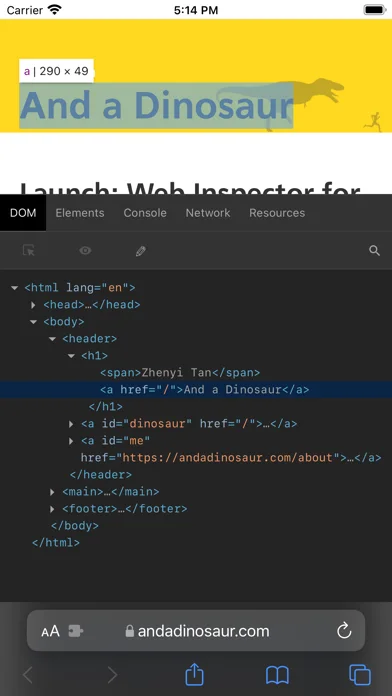
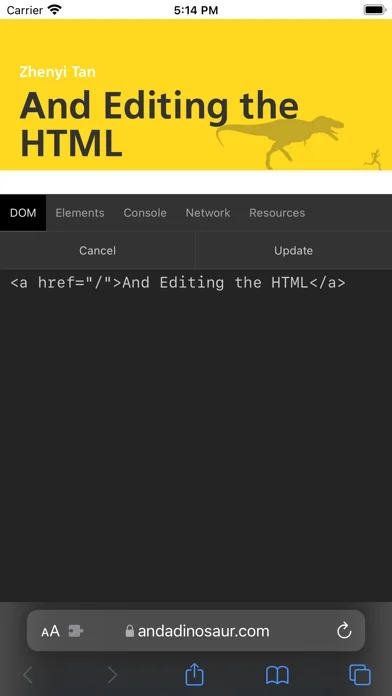
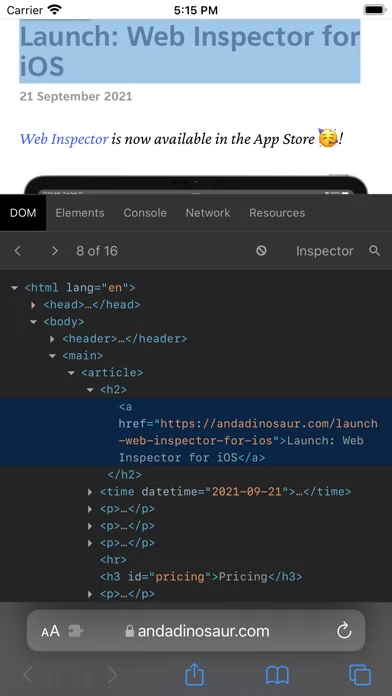
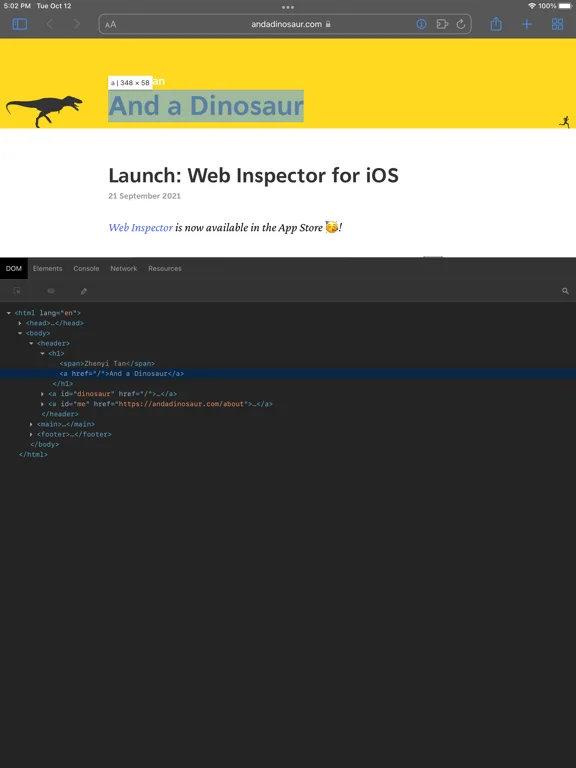
What you can do
- DOM styles and HTML inspection
- JavaScript console and highlighted source
- Request details cookies and local storage inspection
Good for
- Web developers investigating pages they are authorized to inspect
Consider alternatives for
- Users expecting it to publish server changes or replace a complete desktop toolchain
Limitations & considerations
- Captured minimum: iOS 15.0.
- Edits change the inspected page session, not the original server files; a reload may be needed after enabling the tool.
Privacy & permissions
Inspection can expose cookies, response content and tokens; keep copied requests private and check extension access permissions.
Sources & review notes Updated Nov 11, 2026
Reviewed by iApp4Me Editorial Team. Recommendations use the linked documentation and attributed accounts; device observations are identified separately.
- US App Store developer description
Complete description, download price and compatibility metadata captured 2026-11-02.
No comments yet. Be the first to share your experience.