Photo & Video
Web Video Cast | Browser to TV
Web Video Cast sends a supported web video’s URL to a compatible TV or streaming receiver for playback from its source.
Consider after checking receiver codec and website support
Direct receiver playback can avoid keeping every frame mirrored from the phone.
Keep in mind: It is not screen or tab mirroring and performs no transcoding; Flash and FLV are unsupported, while authenticated or DRM content and HLS support depend on the receiver or provider.
Inside the app
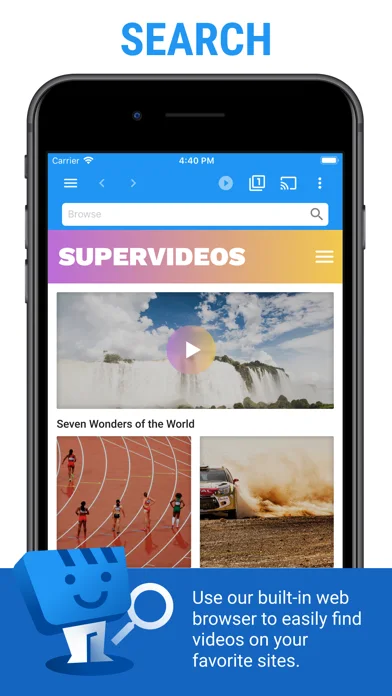
Official product images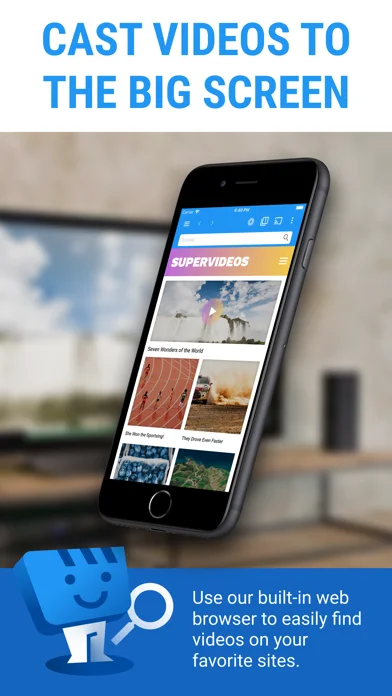
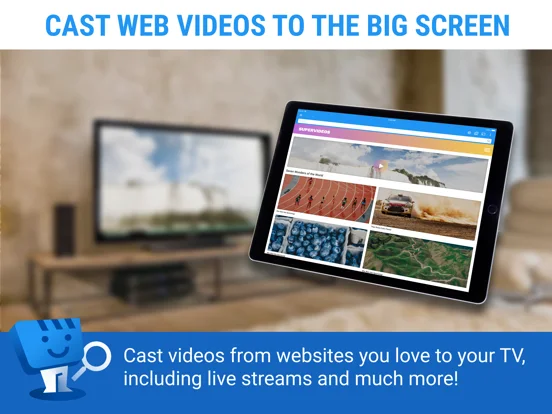
What you can do
- Find supported videos in the browser
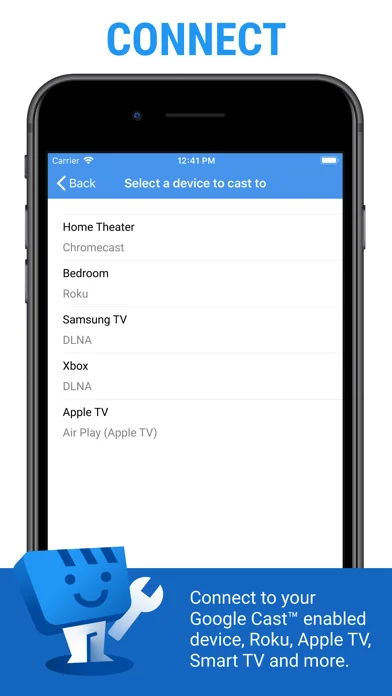
- Send playback to a compatible receiver
- Use eligible subtitles or Premium bookmarks
Good for
- Users casting authorized web video to supported equipment
Consider alternatives for
- Users expecting universal mirroring or decoding of any file
Limitations & considerations
- Captured minimum: iOS 17.6.
- It is not screen or tab mirroring and performs no transcoding; Flash and FLV are unsupported, while authenticated or DRM content and HLS support depend on the receiver or provider.
Privacy & permissions
Browsing history, authentication sessions and receiver pairing can be sensitive; use trusted devices and content sources.
Sources & review notes Updated Nov 10, 2026
Reviewed by iApp4Me Editorial Team. Recommendations use the linked documentation and attributed accounts; device observations are identified separately.
- US App Store developer description
Complete description, download price and compatibility metadata captured 2026-11-02.
No comments yet. Be the first to share your experience.