Windows App
Windows App for Mac connects to configured Windows PCs and administrator-provided virtual desktops or apps, including supported cloud services.
Pick for accessing an existing authorized Windows environment.
One client organizes remote connections, displays and optional local-resource redirection.
Keep in mind: It does not supply Windows, a cloud PC or server access. Remote PCs need supported Windows editions and configuration; cloud and managed-resource subscriptions are separate.
Inside the app
Official product images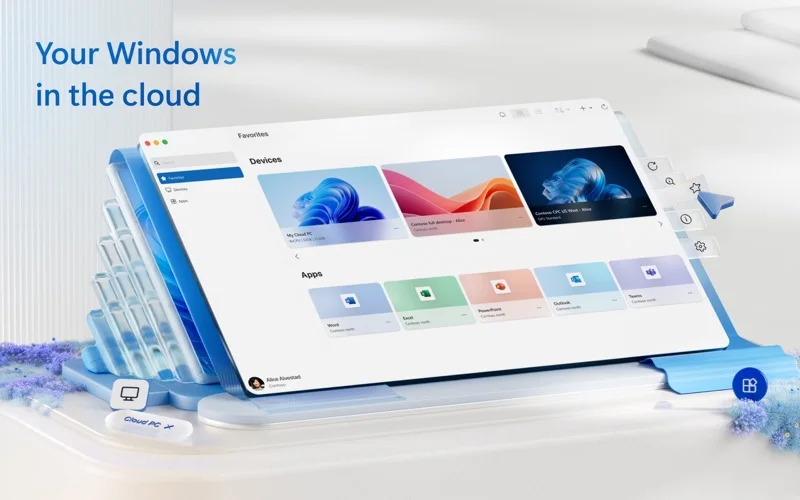
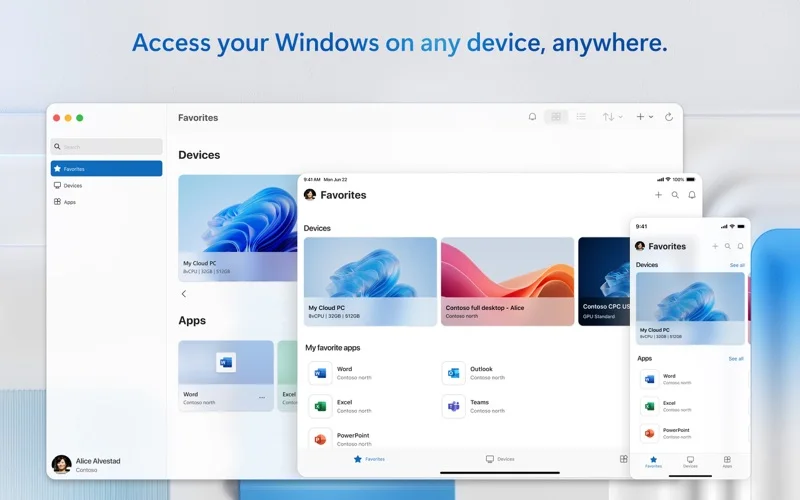
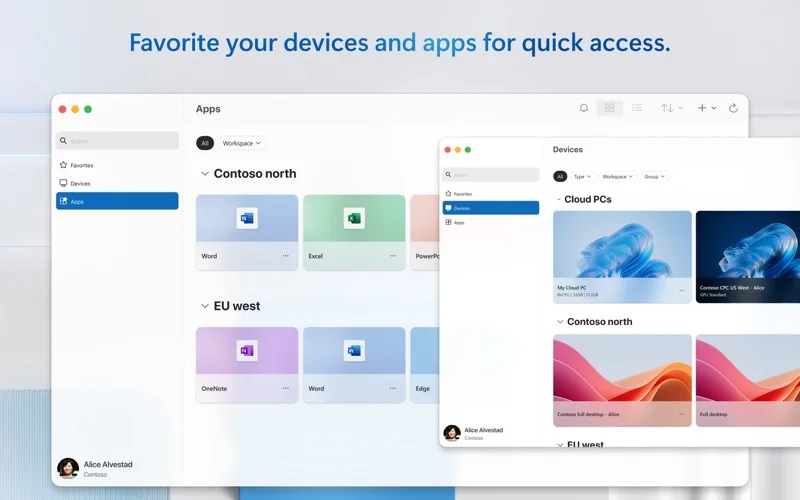
What you can do
- Connect to supported remote PCs or workspaces
- Use multiple monitors and audio/video streaming
- Choose clipboard, folder, camera or microphone redirection
Good for
- People with an authorized remote Windows PC or managed workspace.
Consider alternatives for
- Users expecting a free local Windows licence or a virtual machine bundled with the client.
Limitations & considerations
- Captured minimum: macOS 14.0.
- It does not supply Windows, a cloud PC or server access. Remote PCs need supported Windows editions and configuration; cloud and managed-resource subscriptions are separate.
Privacy & permissions
Redirected folders, clipboard and devices become available to the remote environment. Review the connection confirmation and only enable resources the session needs.
Sources & review notes Updated Nov 15, 2026
Reviewed by iApp4Me Editorial Team. Recommendations use the linked documentation and attributed accounts; device observations are identified separately.
- US App Store developer description
Complete description, release notes, download price and compatibility metadata captured 2026-11-02.
No comments yet. Be the first to share your experience.