Xfinity
Xfinity account and home-network management with service activation, testing and eligible gateway features.
Check which tools your plan and equipment include
Billing and activation sit alongside speed tests and supported household network controls.
Keep in mind: Several Wi-Fi controls and security tools require rented equipment or eligible services; downloading does not supply internet service.
Inside the app
Official product images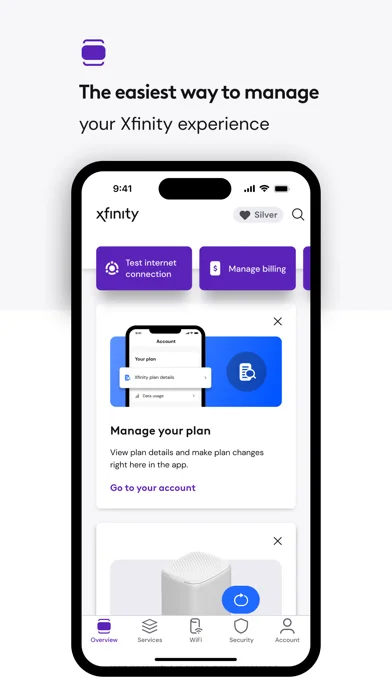
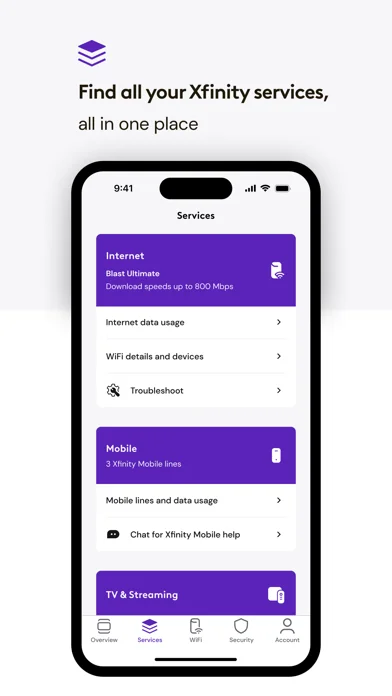
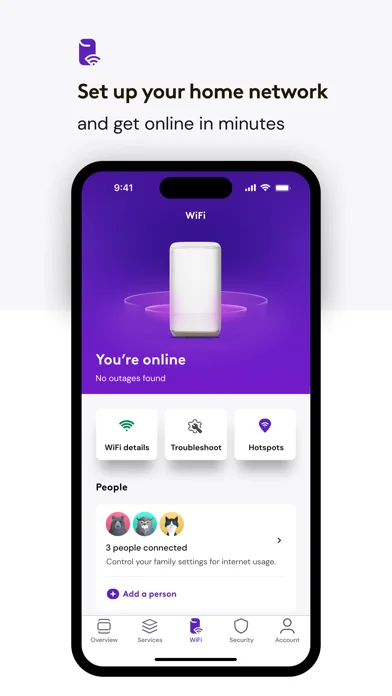
What you can do
- Manage account and supported service details.
- Activate equipment and run speed tests.
- Use eligible Wi-Fi profiles and family controls.
- Access support and rewards.
Good for
- Xfinity customers managing compatible services and equipment.
Consider alternatives for
- Anyone expecting every router or third-party gateway to support the same controls.
Limitations & considerations
- Captured minimum: iOS 17.2.
- A valid Xfinity ID is required.
- Gateway speed and individual-device performance are different measurements.
Privacy & permissions
Network profiles and security features can reveal connected-device activity. CyberSecure on-the-go requests additional permissions and can run a VPN service when enabled.
Privacy policySources & review notes Updated Nov 8, 2026
Reviewed by iApp4Me Editorial Team. Recommendations use the linked documentation and attributed accounts; device observations are identified separately.
- US App Store developer description
Complete description, download price and compatibility metadata captured 2026-11-02.
- Xfinity privacy choices
Developer-linked preference reference.
No comments yet. Be the first to share your experience.