
xTerminal - SSH Terminal Shell
xTerminal manages authorized SSH sessions, SFTP files and reusable commands from iPhone/iPad.
Consider after testing a nonproduction host and key workflow
Labeled hosts, snippets and multi-session views support repeated admin tasks.
Keep in mind: Startup/batch commands can affect many real systems; keep-alive and encryption do not guarantee safe commands or uninterrupted connections. Local credential-storage claims need checking alongside optional iCloud sync.
Inside the app
Official product images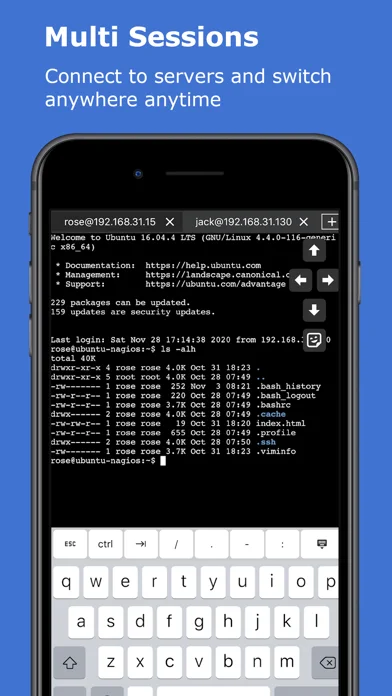
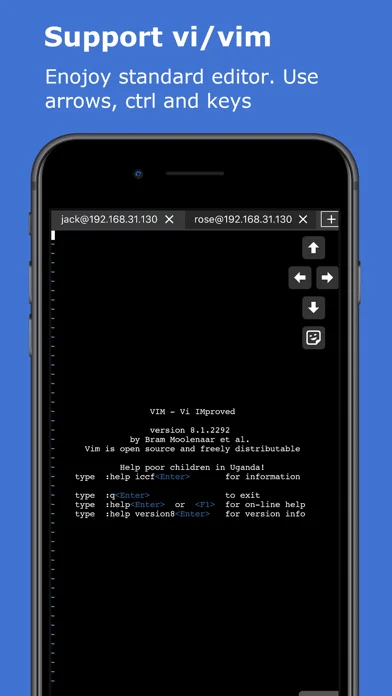
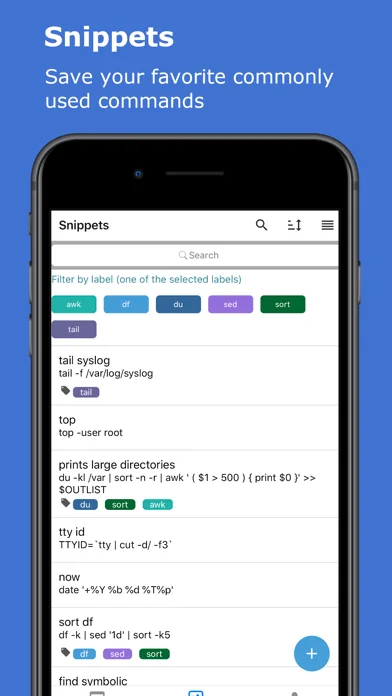
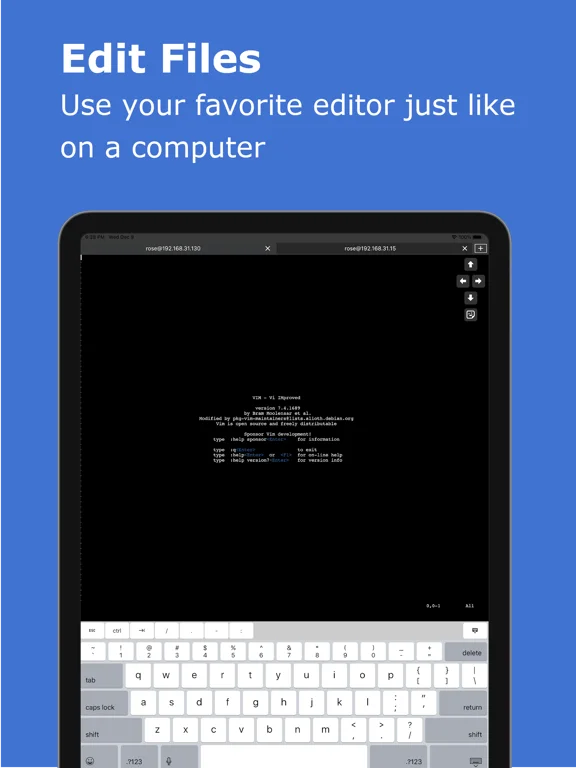
What you can do
- Connect to a permitted SSH host
- Organize sessions/snippets and transfer eligible files
- Use entitled jump-host or batch tools
Good for
- Administrators with explicit host permission and backups
Consider alternatives for
- Users expecting harmless bulk execution or a server account included
Limitations & considerations
- Captured minimum: iOS 15.1.
- Startup/batch commands can affect many real systems; keep-alive and encryption do not guarantee safe commands or uninterrupted connections. Local credential-storage claims need checking alongside optional iCloud sync.
Privacy & permissions
Keys, passwords, terminal output and synced device/snippet lists are sensitive; verify host identity and cloud scope, and avoid pasting unreviewed commands.
Sources & review notes Updated Nov 11, 2026
Reviewed by iApp4Me Editorial Team. Recommendations use the linked documentation and attributed accounts; device observations are identified separately.
- US App Store developer description
Complete description, download price and compatibility metadata captured 2026-11-02.
No comments yet. Be the first to share your experience.